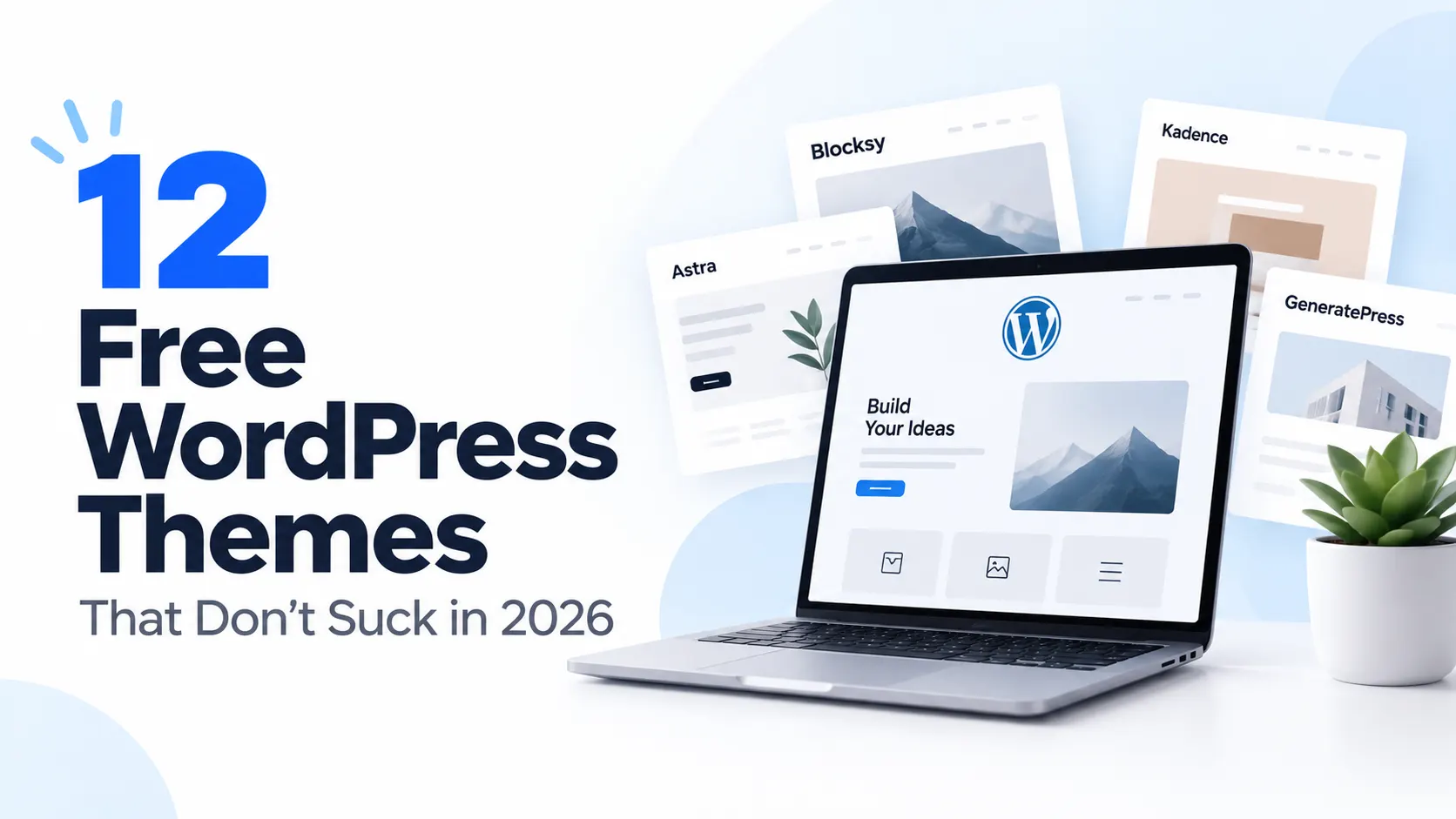
Look, the WordPress.org directory has over 11,000 free themes. Most of them are bloated, abandoned, or so heavily clipped in the free version that you end up paying for plugins just to get basic layout control.
I spent weeks testing the active ones — checking Core Web Vitals, Gutenberg compatibility, WooCommerce support, mobile responsiveness, and whether the free version is actually usable or just a paywall teaser.
Here’s the thing nobody tells you: the best free themes right now aren’t the ones everyone already recommends. I included the proven names — but half this list is the underrated stuff that’s actually trending in 2026 and hasn’t been “too hyped up” by every blog out there.
Every link goes straight to the official WordPress.org page or the developer’s real site. So, you can check for yourself and test on your sites. All free. All actively maintained as of the time of writing.
What Factors I Considered for These Free Themes
- Speed — PageSpeed mobile score, file size, Time to First Byte.
- Block Editor (FSE) readiness — how well it works with native Gutenberg blocks.
- Free-value — features you get without paying, not a stripped-down demo.
- Plugin compatibility — WooCommerce, Elementor, WPForms, Yoast SEO.
- Maintenance — last update, active developer, responsive support forums.
- GDPR / accessibility — local font hosting, keyboard nav, screen-reader support.
1. Blocksy
Best for: All-round use — blogs, business, WooCommerce, portfolios
WordPress.org: https://wordpress.org/themes/blocksy/
Developer: https://creativethemes.com/blocksy/
Installations: 300,000+ | Rating: 5/5 stars
Free features:
- React-based Customizer — smoother and faster than any other theme’s options panel.
- Fully functional sticky header in the free version. Competitors lock this behind Pro.
- Drag-and-drop header & footer builder, no code needed.
- Five archive layouts, granular typography, global color palettes, built-in dark mode.
- One-click local Google Fonts hosting — GDPR-compliant out of the box.
- CSS code-splitting: only the CSS needed for the current page loads.
- 40+ starter sites, all editable with the block editor.
Why it stands out: Blocksy gives you features that Astra and Kadence charge $69–$99/year for. The sticky header alone is worth it. It’s the test winner across three independent 2026 reviews (Raidboxes, Belov Digital, Xylus Themes). If you want maximum free features, this is it.
Limitations: The sheer number of Customizer options can overwhelm absolute beginners on first visit.
Pricing: Free. Pro from $69/year.
2. Astra
Best for: Multipurpose sites, fastest option for beginners
WordPress.org: https://wordpress.org/themes/astra/
Developer: https://wpastra.com/
Installations: 1,000,000+ | Rating: 4.9/5 stars
Free features:
- Under 50KB zipped — the lightest of the major contenders.
- 250+ ready-made starter templates, one-click import.
- Deep integration with Elementor, Beaver Builder, Gutenberg, WooCommerce, LearnDash.
- Schema markup built in — no SEO plugin needed for basic structured data.
- Responsive header builder, footer builder, transparent header in free version.
- Global colors, fonts, and layout controls via the WordPress Customizer.
- 90+ PageSpeed score on mobile out of the box with a caching plugin.
Why it stands out: The VW Golf of WordPress themes — not the flashiest, but it simply works everywhere. Largest template library of any free theme, best compatibility record with page builders.
Limitations: Advanced header layouts and mega menus require Pro ($47/year).
Pricing: Free. Pro from $47/year.
3. Kadence
Best for: Users who want deep customization without a page builder
WordPress.org: https://wordpress.org/themes/kadence/
Developer: https://kadencewp.com/
Installations: 500,000+ | Rating: 4.9/5 stars
Free features:
- Drag-and-drop header and footer builder in the free version.
- Full Site Editing (FSE) support with custom block patterns.
- Intelligent global font and color controls — change once, updates everywhere.
- WooCommerce templates: product grids, cart, checkout — all customizable.
- Starter templates for blogs, portfolios, agencies, and shops.
- Built-in skip-to-content link, ARIA landmarks, keyboard navigation.
- CSS optimization and lazy loading built in.
- Kadence Blocks plugin (free) extends Gutenberg with rows, carousels, and accordions.
Why it stands out: Kadence hits the sweet spot between Astra’s ease-of-use and Blocksy’s feature depth. The free starter templates are among the best in the directory, and the Kadence Blocks plugin alone replaces three other plugins for many users.
Limitations: Documentation is good but not as extensive as Astra’s — some features need YouTube tutorials.
Pricing: Free. Pro from $89/year.
4. GeneratePress
Best for: Developers and performance-obsessed sites
WordPress.org: https://wordpress.org/themes/generatepress/
Developer: https://generatepress.com/
Installations: 500,000+ | Rating: 4.9/5 stars
Free features:
- Under 30KB zipped — the smallest major theme on this list.
- Modular architecture: activate only the modules you need.
- Semantic HTML5 markup, WCAG 2.1 AA accessibility compliance.
- Hook system for developers — add custom code without touching theme files.
- Perfect PageSpeed scores out of the box.
- Built-in color, typography, and layout controls in the Customizer.
- WooCommerce compatible with custom product templates.
- Translation-ready with .pot file included.
Why it stands out: If you care about raw performance above everything else, GeneratePress is unmatched. At 30KB it loads faster than most plugins. The hook system makes it a developer’s dream — build anything on top without forking the theme.
Limitations: Starter templates are limited compared to Astra or Kadence. Customizer feels dated next to Blocksy’s React UI.
Pricing: Free. Premium modules from $59/year.
5. OceanWP
Best for: E-commerce and multi-purpose sites
WordPress.org: https://wordpress.org/themes/oceanwp/
Developer: https://oceanwp.org/
Installations: 500,000+ | Rating: 4.8/5 stars
Free features:
- Free extensions library: Popups, WooCommerce Customizer, Sticky Header, CSS etc.
- Deep WooCommerce customization — product galleries, cart cross-sells, shop layouts.
- Header and footer builder with live preview.
- Responsive, mobile-first design with AMP support.
- Custom widgets and sidebars, unlimited color options.
- Speed optimized — loads under 600ms on shared hosting.
- SEO-friendly markup with Schema.org structured data.
- Compatible with Elementor, Beaver Builder, Gutenberg.
Why it stands out: OceanWP offers enterprise-level e-commerce features in a free theme that most competitors reserve for their $69+ Pro versions. The WooCommerce customization depth is unmatched in the free tier. Cart pop-ups, floating add-to-cart bars, product quick views — all free.
Limitations: Extension system is powerful but can feel fragmented — you may need to toggle multiple extensions.
Pricing: Free. Pro bundle from $52/year.
6. Neve
Best for: Mobile-first sites, startups, agencies
WordPress.org: https://wordpress.org/themes/neve/
Developer: https://themeisle.com/themes/neve/
Installations: 200,000+ | Rating: 4.8/5 stars
Free features:
- 28KB zipped — extremely lightweight.
- 50+ starter sites for different industries.
- AMP-ready out of the box.
- Header and footer builder with live preview.
- Compatible with all major page builders: Elementor, Beaver Builder, Gutenberg.
- WooCommerce ready with custom product templates.
- RTL language support.
- Google Fonts integration with local hosting option.
Why it stands out: Neve consistently scores 98+ on GTmetrix mobile. The 100+ starter sites cover virtually every industry, and ThemeIsle pushes monthly updates. Best beginner-friendly theme on this list if you want speed without the learning curve.
Limitations: Customization is more limited than Blocksy or Kadence — you may need a page builder for complex layouts.
Pricing: Free. Pro from $69/year.
7. Spectra One
Best for: FSE enthusiasts who want a modern block theme with a big block library
WordPress.org: https://wordpress.org/themes/spectra-one/
Developer: https://wpspectra.com/
Installations: 8,000+ | Rating: 5/5 stars
Free features:
- Built by the Astra team (Brainstorm Force) — same people behind the most popular WordPress theme.
- 34 free blocks you can toggle on/off, plus animation effects, pop-up builder, loop builder in Pro.
- Fully FSE-native with Global Styles, template parts, and block patterns.
- Coming Soon mode, sticky/transparent headers, page title controls — all free.
- Responsive controls and performance settings built in.
- Works with the Spectra block plugin (free) for even more block types.
- Dynamic content support — pull in posts, custom fields, ACF without extra code.
Why it stands out: Spectra One is the sleeper hit nobody talks about enough. It’s made by the Astra team, has a gorgeous design library, and the free block selection punches way above its weight. For anyone wanting to go full block-editor without losing design control, this is the one to watch.
Limitations: Still growing — fewer starter templates than Astra or Kadence. Pro plugin costs $86/year.
Pricing: Free. Pro from $86/year.
8. Prime FSE
Best for: Businesses and freelancers who want FSE without the learning curve
WordPress.org: https://wordpress.org/themes/prime-fse/
Developer: https://motopress.com/
Installations: 300+ | Rating: 5/5 stars
Free features:
- 50+ professionally designed block patterns — ready to drop into any page.
- Integrated mega menu support in a block theme — rare for free themes.
- Multiple global style presets — swap your entire site’s look in seconds.
- Demo content included — import and go live in minutes.
- Full Site Editing with custom templates for headers, footers, archives.
- WooCommerce compatible with product page templates.
- Built by MotoPress — established WordPress plugin developer since 2013.
Why it stands out: Prime FSE is the most beginner-friendly FSE theme I tested. The mega menu alone sets it apart — most block themes make you build menus manually. The demo content and pattern library mean you’re not starting from scratch.
Limitations: Very new — small community and limited third-party tutorials. Development depends on MotoPress’s commitment.
Pricing: Free. Premium add-ons available.
9. Catch FSE
Best for: Clean, minimal sites — blogs, portfolios, business
WordPress.org: https://wordpress.org/themes/catch-fse/
Developer: https://catchthemes.com/
Installations: 10,000+ | Rating: 5/5 stars
Free features:
- Built by Catch Themes — one of the oldest and most trusted free theme teams in WordPress.
- Dark and Light color schemes — switch between them in Global Styles.
- Responsive minimal design — content always front and center.
- Full Site Editing with editable headers, footers, and templates.
- Custom block patterns for common layouts.
- Translation-ready and accessibility-focused.
- Regular updates — Catch Themes has been active since 2009.
Why it stands out: Catch FSE is the reliable underdog. It’s built by a team that’s been making free WordPress themes for 15+ years, and it shows. Clean, minimal, no-nonsense — if you want a theme that just works without flashy design trends, this is it.
Limitations: Design is intentionally minimal — not for anyone wanting bold or trendy aesthetics.
Pricing: Free. FSE Pro from 31.19$/month.
10. Zeever
Best for: Agencies, freelancers, creative portfolios
WordPress.org: https://wordpress.org/themes/zeever/
Developer: https://themehunk.com/zeever/
Installations: 10,000+ | Rating: 4.8/5 stars
Free features:
- Dark-themed interface — stands out from the sea of light-default block themes.
- Seven sidebar layouts — more options than most free themes offer.
- Gutenverse plugin included — adds extra blocks and a mini customizer.
- Post layout and style variations — choose how your blog looks.
- Animation effects built in — no extra plugin needed.
- Support for popular third-party widgets.
- FSE-native with full template editing.
Why it stands out: Zeever’s dark-mode-first design is a breath of fresh air. Most block themes look like default WordPress admin — Zeever looks like a real product. The seven sidebar layouts and animation effects give you design control that rivals premium themes.
Limitations: The Gutenverse plugin dependency adds complexity — if you don’t need the extra blocks, it’s overhead.
Pricing: Free. Pro version available.
11. Greenshift
Best for: Creative agencies, animation-heavy sites, marketing pages
WordPress.org: https://wordpress.org/themes/greenshift/
Developer: https://greenshiftwp.com/
Installations: 5,000+ | Rating: 4.8/5 stars
Free features:
- Powerful animation system — scroll-triggered, hover, and entrance animations.
- Convert any block into a shortcode — use it with page builders or anywhere.
- Columns that become carousels on mobile — auto-responsive.
- 34 free blocks plus Pro add-ons for dynamic content and WooCommerce.
- Full Site Editing with custom templates and global styles.
- Performance-optimized — animations are GPU-accelerated, not JS-heavy.
- Reusable block section in dashboard — save and insert patterns anywhere.
Why it stands out: Greenshift is the animation king of free block themes. Scroll-triggered animations, GPU-accelerated transitions, and the ability to turn any block into a shortcode — this is features that usually cost $50+/year elsewhere. Great for landing pages and creative sites.
Limitations: Animation-focused — might be overkill for simple blogs or corporate sites.
Pricing: Free. Design pack from $79.99 for lifetime.
12. Frost
Best for: Tech, SaaS, software companies — polished dark mode
WordPress.org: https://wordpress.org/themes/frost/
Developer: https://wpdevstudios.com/themes/frost/
Installations: 20,000+ | Rating: 4.9/5 stars
Free features:
- Created by Pixelgrade (Automattic contributor) — high-quality code.
- Tech-forward aesthetic with polished dark mode implementation.
- Multiple global color presets — dark, light, and custom palettes.
- Full Site Editing with template parts for headers, footers, and archives.
- WooCommerce compatible.
- Clean typography and spacing — designed for readability.
- Block patterns for services, testimonials, pricing, and team sections.
Why it stands out: Frost looks like a premium theme from a $100+ agency — and it’s free. The dark mode is particularly polished, not a simple color swap but a carefully designed alternative. Perfect for SaaS, tech blogs, or anyone who wants their site to look expensive.
Limitations: Design is quite specific — leans tech/modern, not suitable for traditional or conservative industries.
Pricing: Free. Pixelgrade Plus €100 one-time.
Quick Decision Guide
Not sure which fits? Here’s the framework I actually use:
| You Need | Pick This |
| Just want it to work and look good | Astra — 250+ templates, zero fuss. |
| Maximum features for free | Blocksy — sticky header, local fonts, dark mode, all free. |
| WooCommerce store | Botiga for shops, OceanWP for complex stores. |
| Developer / performance nerd | GeneratePress — 30KB, hooks, semantic HTML. |
| Block editor purist | Twenty Twenty-Five or Ollie — fully FSE-native. |
| Elementor user | Hello Elementor — no conflicts, fastest builder experience. |
| Corporate / agency site | Sydney — premium feel, video headers, professional blocks. |
| News / magazine | Newspack — ad placement, breaking news, AMP built in. |
| Need starter sites + customization depth | Kadence — best balance of both. |
| Mobile speed is #1 priority | Neve — 98 GTmetrix mobile score. |
| Want the trending FSE experience | Spectra One — Astra team, 34 free blocks, gorgeous patterns. |
| Need FSE but hate complexity | Prime FSE — mega menu, demo import, easiest FSE setup. |
| Tech / SaaS / dark mode | Frost — looks premium, polished dark mode. |
| Animation-heavy landing pages | Greenshift — scroll animations, shortcodes, GPU-accelerated. |
| Agency portfolio with style | Zeever — dark theme, 7 sidebars, animation effects. |
| Minimalist, long-term reliable | Catch FSE — 15-year developer, clean, no-nonsense. |
Final Verdict
The free WordPress theme landscape in 2026 is genuinely good — and it’s getting better. The block themes especially have caught up fast. Spectra One, Prime FSE, and Frost prove you don’t need to pay for a polished FSE experience anymore.
The classic themes like Blocksy and Astra continue to dominate because they actually work — but if you’re building something new, go full block editor. That’s where WordPress is heading.
My recommendation: start with Blocksy if you want maximum free features today, Astra if you want the safest bet, and Spectra One if you want to future-proof with FSE. All are actively maintained, GPL-licensed, and will never lock your content behind a paywall.
One rule: always download from WordPress.org or the developer’s official site. Never use nulled themes from third-party marketplaces — they contain malware, backdoors, and SEO spam that will destroy your site and your ranking.