Quick exercise: open your credit card statement and look for the small charges. You know the ones – a $9 form tool here, a $19 scheduling app you’ve opened exactly twice there. They’re easy to ignore one at a time, but add them up and I’d bet you’re looking at a second rent payment.
Self-hosting is the classic way out. You run the software on a cheap server (or an old mini PC under your desk), and the monthly fee mostly disappears. It’s also where a lot of people say “that sounds like a part-time job” and close the tab. Now, I know what you’re thinking, and honestly, for some tools it is.
That’s why this isn’t a list for homelab fans. I’ll take you through ten self-hosted tools that are mature, actively maintained, and realistic for a solo founder, a plugin developer or a small store owner. Star counts and licenses are as of October 27, 2026, not copied from a 2023 roundup.
I’ll also be upfront about the catches. There are real ones, and you should know them before you spin up a single container.
Is Self-Hosting Actually Cheaper?
I’ll get the uncomfortable part out of the way first.
Self-hosting trades money for time and responsibility. You become the person who applies updates, restores backups and notices when something breaks at 2 a.m.
So how do you decide if a specific tool is worth it? Here are the three questions I’d ask.
First, is the SaaS bill noticeable? If you pay $5 a month, your time is worth more than the savings. If you pay $30 or more, or the price grows with usage, then in my opinion the math starts to work.
Second, is the data yours to lose? Photos, passwords and client documents are great candidates, because you gain control. They are also the things you cannot afford to lose, so you should treat backups as non-negotiable.
Third, does the tool punish you for growing? Zapier is the textbook example. Its pricing page shows a free plan capped at 100 tasks a month, and the Professional plan starts at $19.99 a month on annual billing ($29.99 month to month) for 750 tasks. If your automations run all day, you may find that usage pricing bites fast.
One more thing. “Free to self-host” is not always “free forever.” A recent post on Noted argued that more self-hosted software is creeping behind subscriptions. It also reminded readers that putting code on GitHub does not automatically make a project open source in the Open Source Initiative sense.
That is why I check the license for every tool below.
The 10 Best Self-Hosted Alternatives to Paid SaaS
1. n8n: Replaces Zapier and Make
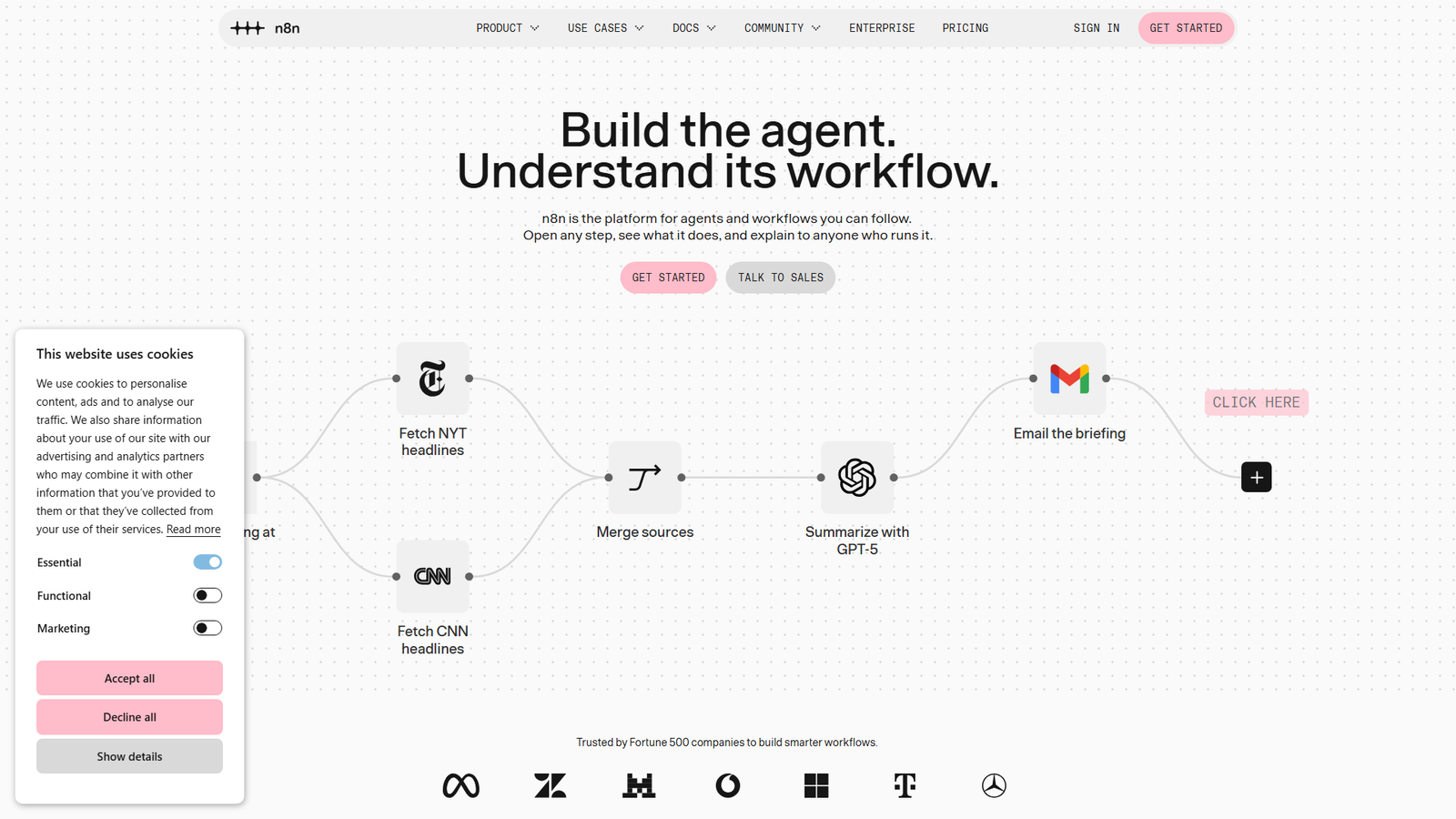
If you only self-host one thing, I’d make it this one.
n8n is a visual workflow builder with hundreds of integrations, and it is hugely popular. Its repository sits at more than 208,000 GitHub stars as of this week, which is a staggering number for an automation tool.
Why do people switch? Because self-hosted n8n does not charge per task. A workflow that runs every five minutes costs you the same as one that runs once a day – no per-task meter at all.
Here is the catch. It is not classic open source. n8n uses its own Sustainable Use License, which lets you use and modify it for internal business purposes or personal use, but not resell it or offer it commercially to others. Some features also live in enterprise-only files that need a paid license.
For running your own automations, you can relax. If you plan to build a product on top of it, you should read the license first.
Best for: anyone whose Zapier bill grows with every new workflow. Difficulty is medium: Docker, a domain name and HTTPS.
2. Uptime Kuma: Replaces Pingdom and UptimeRobot-Style Monitors
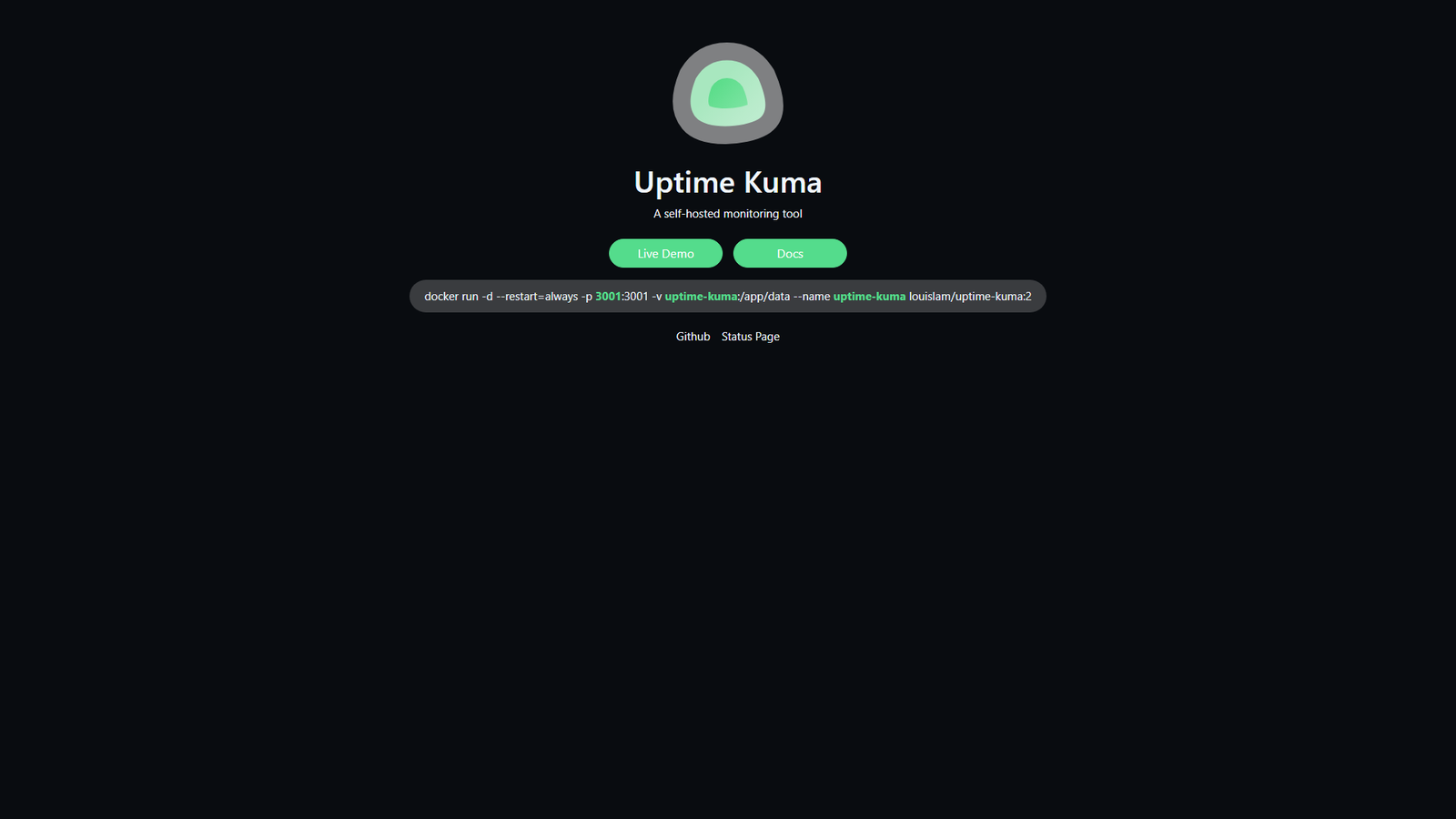
In my view, Uptime Kuma is the friendliest project on this list.
You get a clean dashboard that watches your websites, APIs and servers and tells you when something dies. The project page lists HTTP, TCP, keyword, DNS, ping and Docker container monitors, 20-second check intervals, public status pages, and more than 90 notification services, including Telegram, Discord, Slack and email.
It has about 93,000 stars and an MIT license – so there is no legal fine print to worry about.
The one catch is simple but easy to miss. If you run the monitor on the same server as the site it watches, you learn nothing when that server goes down. In this case, you should put it on a different machine or provider.
Best for: store owners and developers who want free, fast monitoring. Difficulty is easy, since it is one Docker command.
3. Plausible or Umami: Replaces Google Analytics
Both tools give you privacy-friendly analytics without cookie banners, and without handing your visitor data to an ad company.
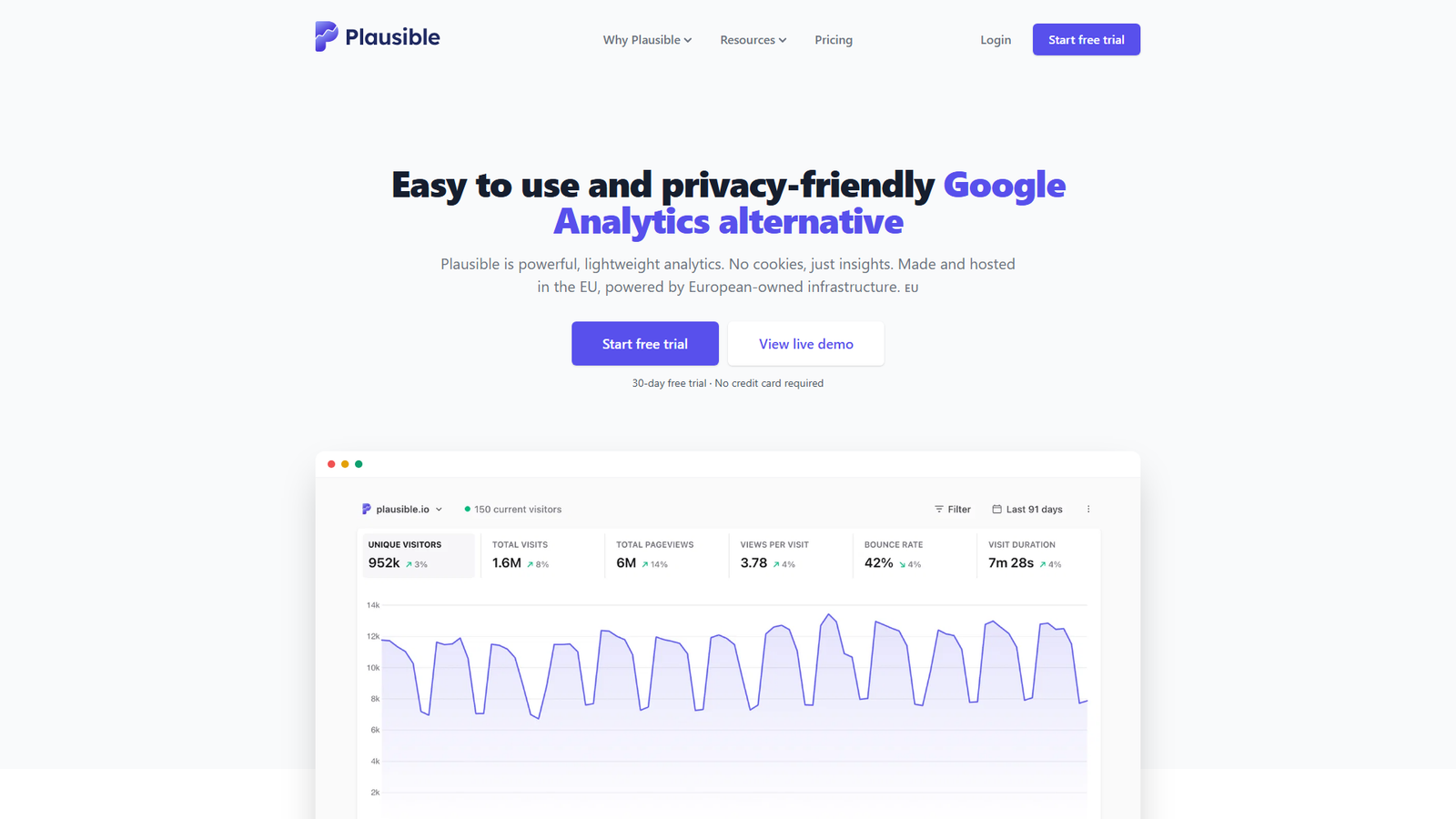
Plausible is polished and simple. Its cloud plan starts at $9 a month for 10,000 monthly pageviews, and the code is open source under AGPL-3.0 with roughly 29,700 stars. The company claims its script is 54 times smaller than Google Analytics – a number you can test yourself, though a lighter script is a safe bet.
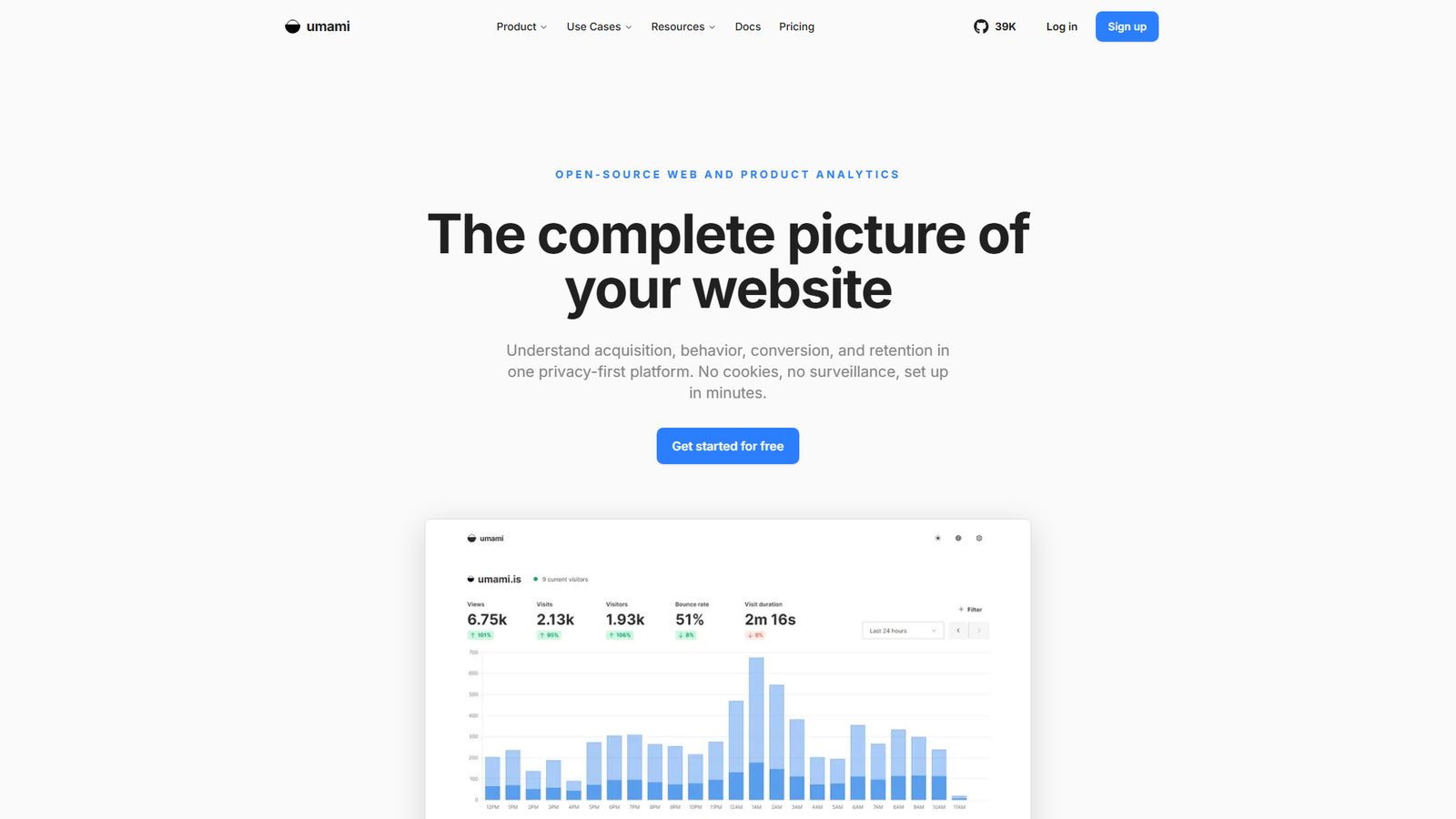
Umami is MIT licensed, has around 39,700 stars, and needs Node.js 18.18 or later plus PostgreSQL. One practical tip from its README: the first install creates a default admin login, so you should change that password immediately.
What do you give up? Some of the deep ad-platform integrations and audiences that Google Analytics offers. If you are not running paid ads, you’ll probably barely notice.
Best for: anyone who wants clean traffic numbers without the cookie banner. Difficulty is easy to medium.
4. Vaultwarden: Replaces a Hosted Password Manager
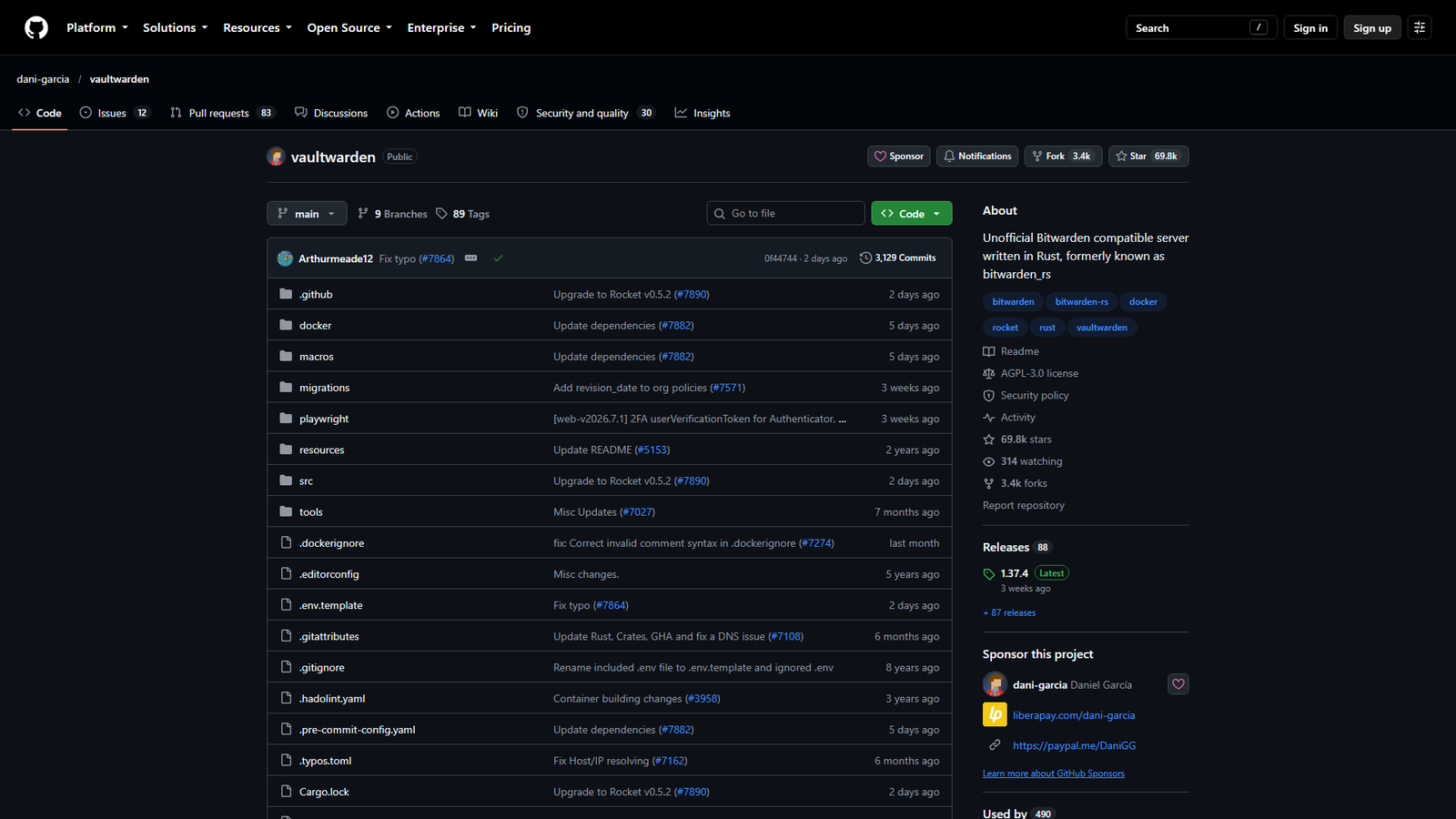
Vaultwarden is a lightweight server that speaks the Bitwarden client protocol. You use the normal Bitwarden apps and browser extensions, but the data lives on your server.
The README is refreshingly direct about risks. It is an unofficial project not affiliated with Bitwarden, the web vault needs HTTPS to work, and the maintainers disclaim liability for data loss and recommend regular backups. It has around 69,700 stars and an AGPL-3.0 license.
Here is the honest part. A password manager is the one thing you really cannot afford to lose – or leave unpatched. If your honest answer to “will I test my backup?” is no, I’d say you should stay with a hosted plan.
Best for: people who already run a few services and take backups seriously. Difficulty is medium.
5. Immich: Replaces Google Photos and iCloud Photos
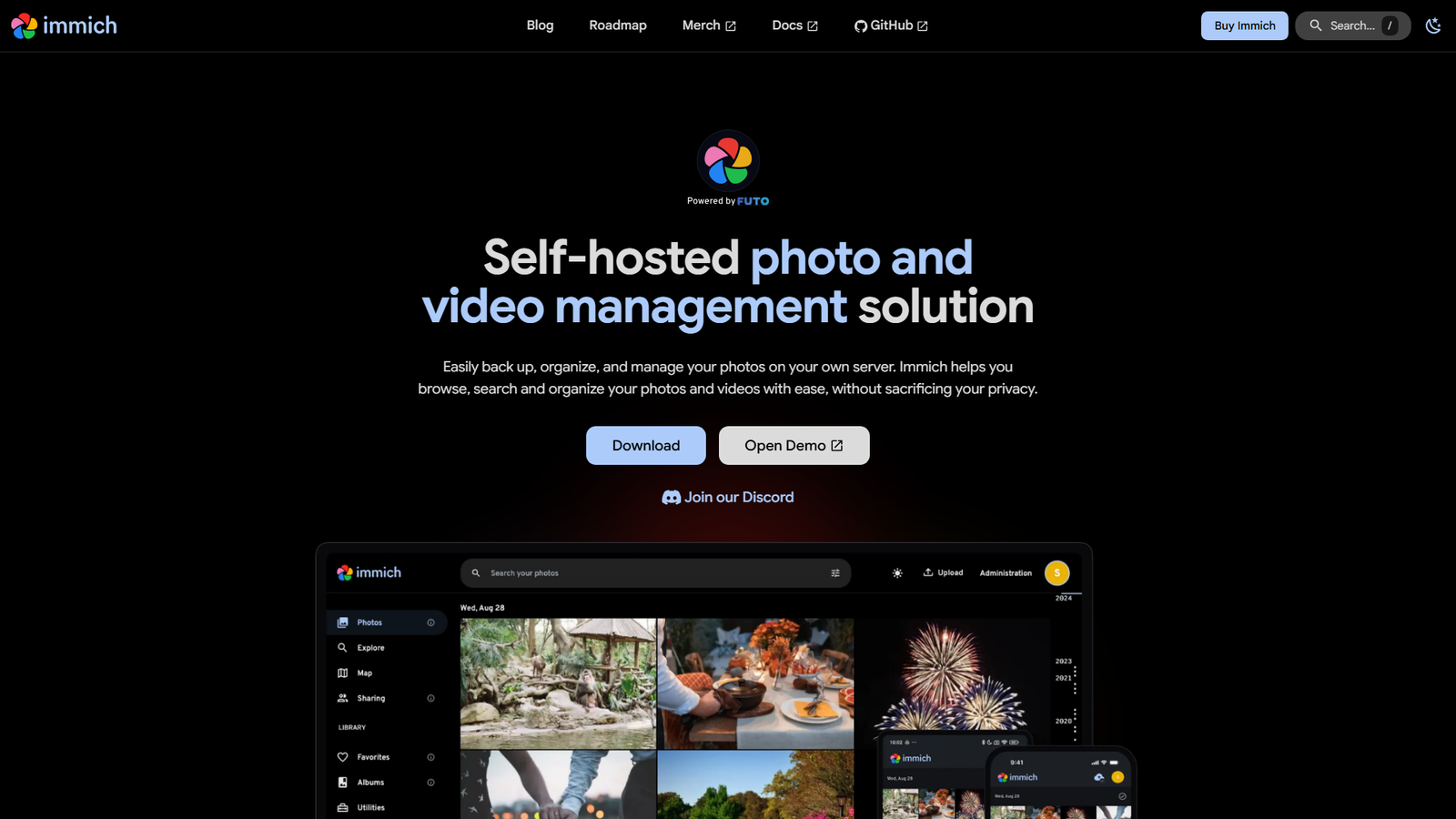
I think Immich is the project that makes people fall in love with self-hosting.
It has mobile apps with automatic background backup, shared albums, face recognition, a map view, and search that understands what is in your photos. It has crossed 117,000 stars, which tells you how many people were waiting for a real Google Photos replacement.
The README opens with a warning you should take seriously: follow the 3-2-1 backup plan for photos and videos. That means three copies, on two different types of storage, with one off-site. Self-hosting your photos without a backup is just a slower way to lose them – and a more expensive one.
Storage also costs money, and the project moves fast, so you may want to read the release notes before every update.
Best for: families and anyone with years of photos in a paid cloud plan. Difficulty is medium.
6. Paperless-ngx: Replaces Scanning Apps and Document Clutter
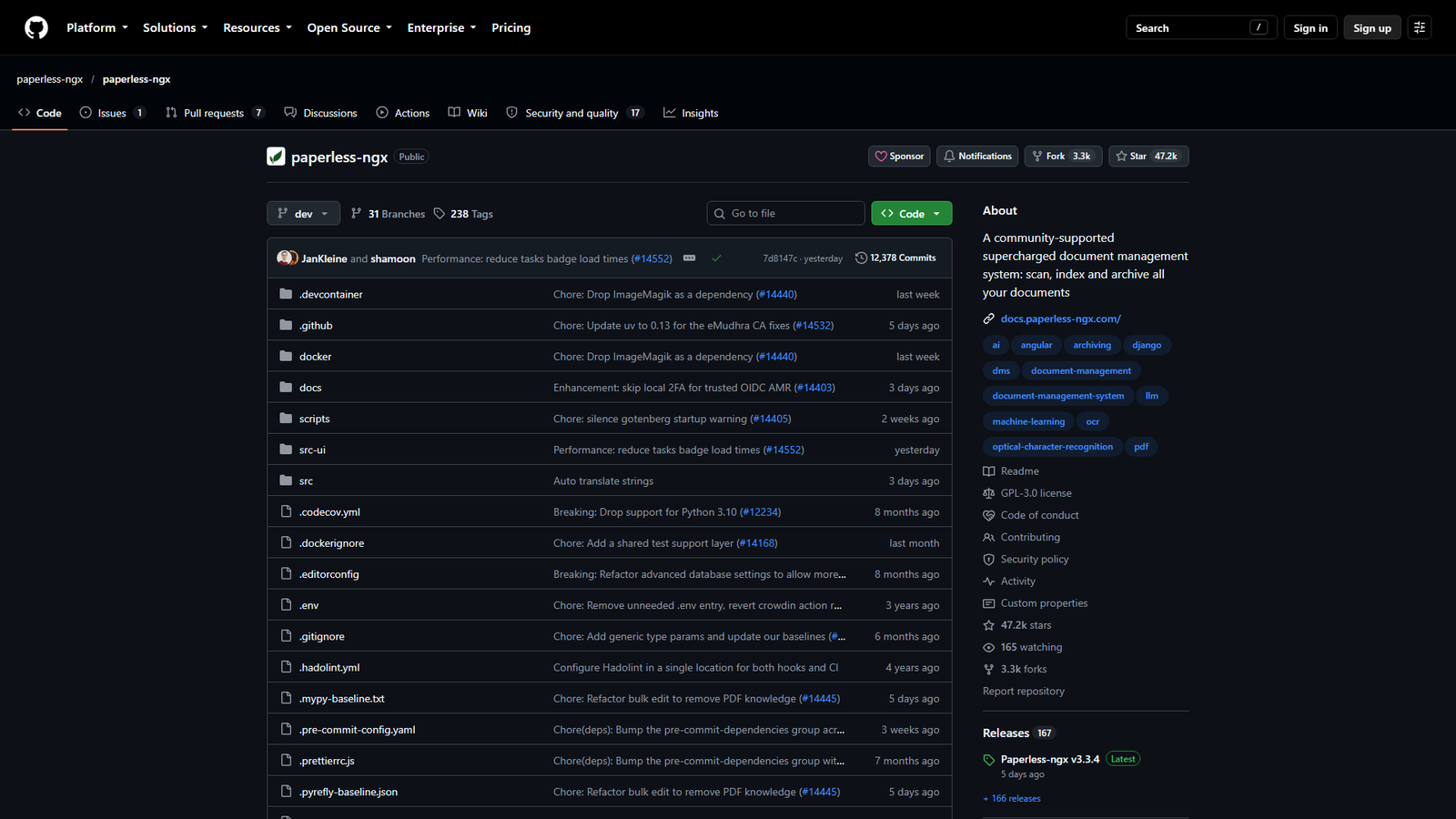
Paperless-ngx turns piles of PDFs and scans into a searchable archive. Upload an invoice, a contract or a utility bill, and you can find it with a search box instead of digging through folders.
It has about 47,000 stars and a GPL-3.0 license. The repository carries a warning that matters: documents are stored without encryption, so you shouldn’t run it on a host you don’t trust.
The real challenge is discipline, and I’d set up your tags on day one. While I can’t pick a naming system for you, you can keep it simple: if you do not name and tag documents early, the archive turns into a second junk drawer.
Best for: freelancers and small businesses drowning in invoices. Difficulty is medium.
7. Listmonk: Replaces Mailchimp-Style Newsletter Software
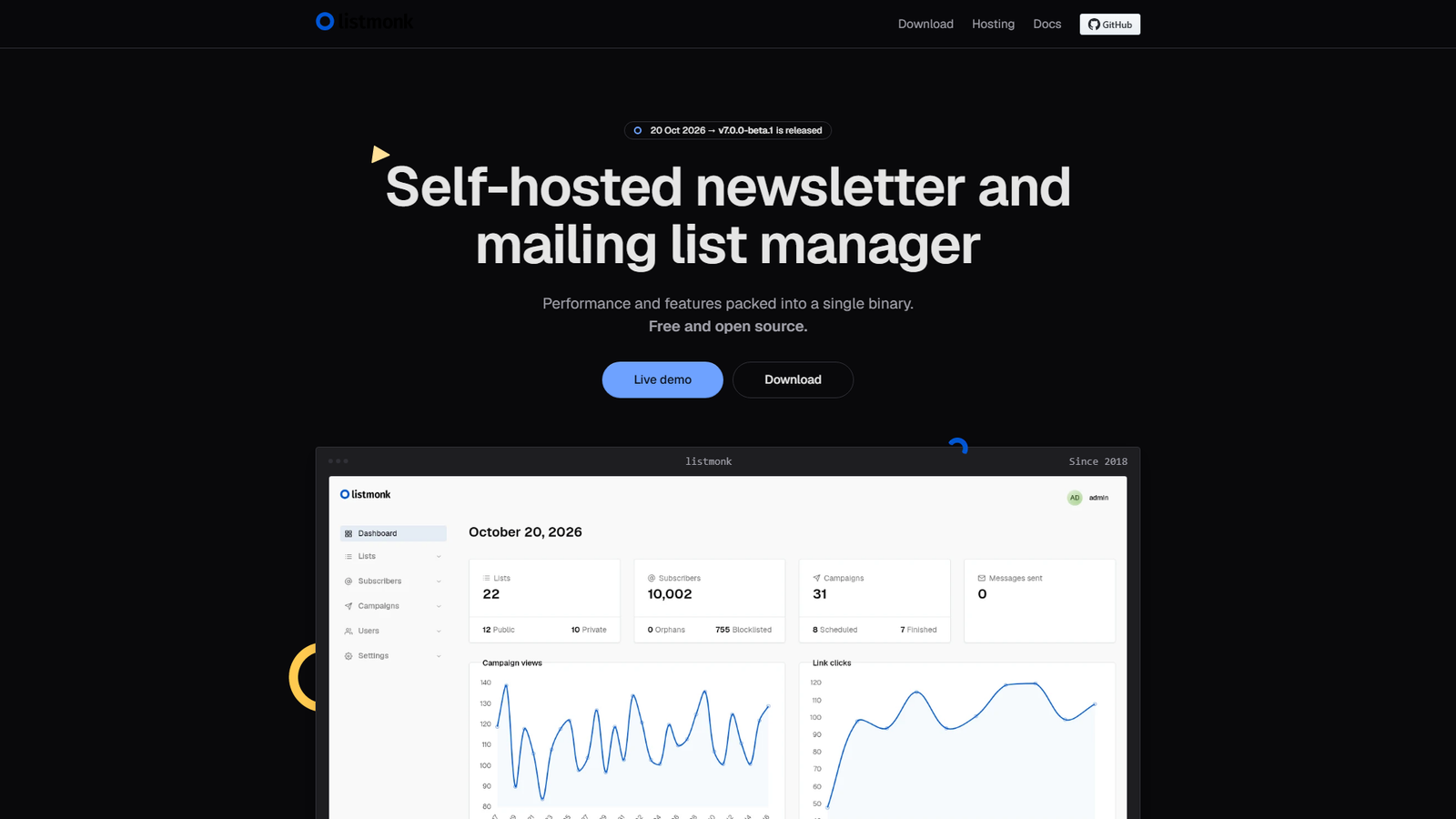
Listmonk is a newsletter and mailing list manager packed into a single Go binary. It needs PostgreSQL, and its web dashboard is served on port 9000 by default. It has around 24,000 stars and an AGPL-3.0 license.
Developers love it because you stop paying per subscriber – the bill no longer grows with your list.
But there is a catch that no free software can fix, and I want to be clear about it. You still need an email delivery service to actually send the messages (Amazon SES and similar), and you have to take deliverability seriously. That means setting up SPF, DKIM and DMARC records properly. A badly configured sender lands in spam, no matter how nice the dashboard looks.
Best for: creators with a growing list and the patience to configure email properly. Difficulty is medium to hard.
8. NocoDB: Replaces Airtable
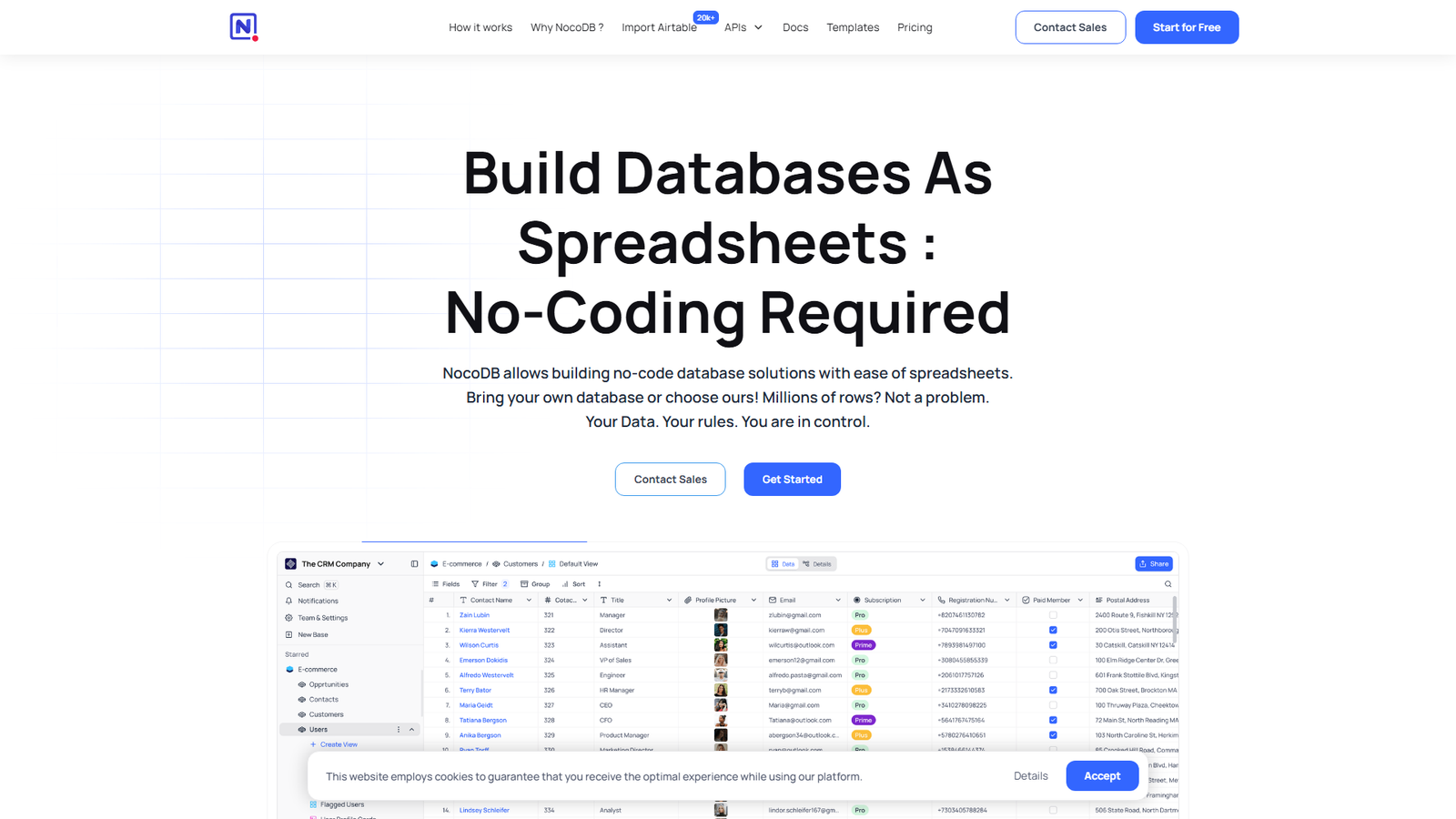
NocoDB puts a spreadsheet-style interface on top of a real database. You get grid, gallery, form, kanban and calendar views, role-based access, and a REST API. It has around 65,000 stars.
I’d be careful with the license. The repository lists the Sustainable Use License, the same family of terms n8n uses. That is fine for your own internal use but not for reselling.
Also note that the standalone binaries are labeled for quick local testing only. For anything real, you should use the Docker route with PostgreSQL.
Best for: teams that outgrew spreadsheets but do not want Airtable pricing. Difficulty is easy to medium.
9. Plane: Replaces Jira, Linear and ClickUp
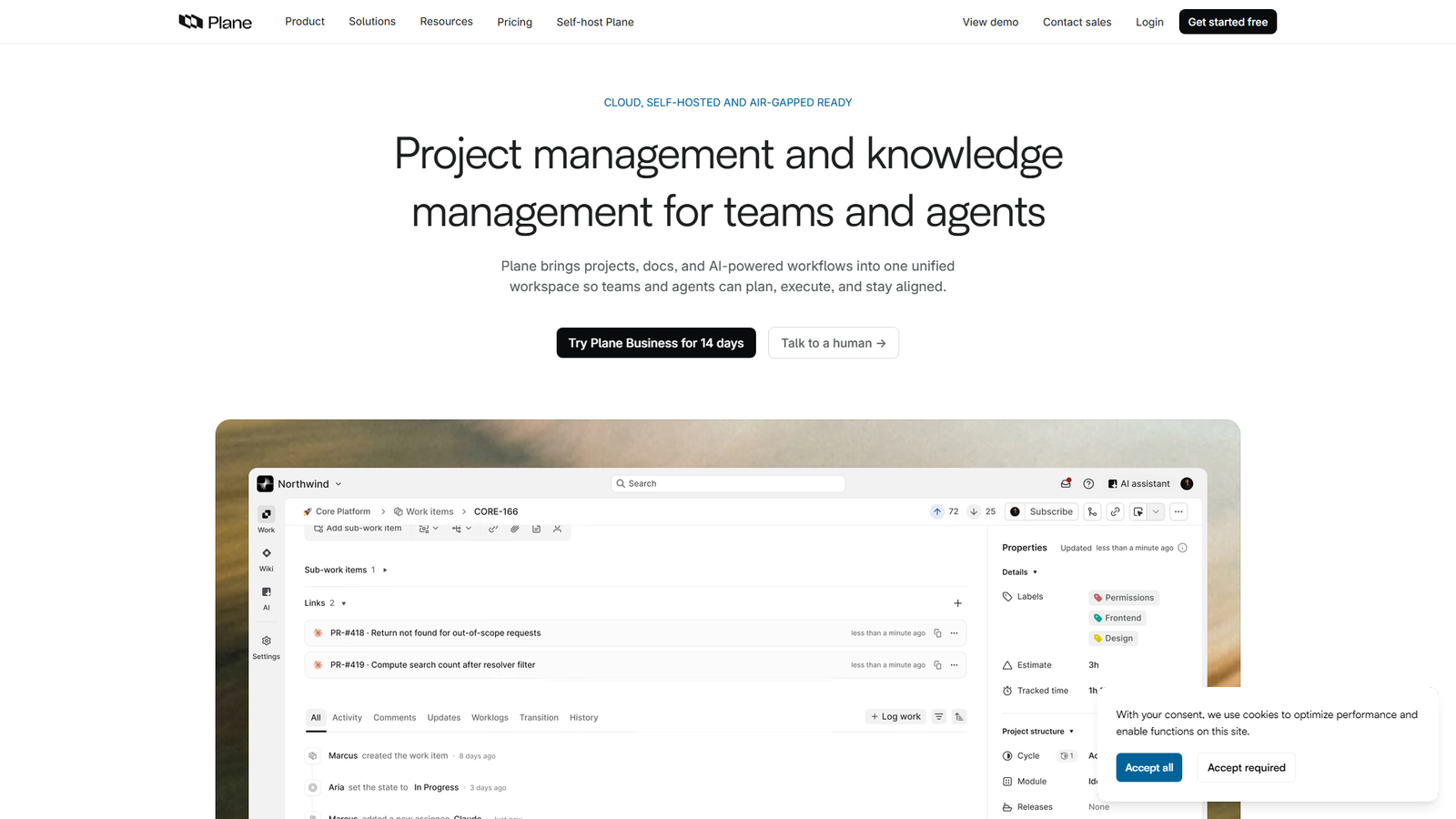
Plane positions itself as an open-source alternative to Jira, Linear, Monday and ClickUp. It offers work items, cycles for sprint tracking, modules, pages and analytics. It sits at about 61,000 stars with an AGPL-3.0 license, and you can self-host with Docker or Kubernetes.
For a small team that just wants a clean board without per-seat pricing, this is a nice fit, and it’s the one I’d try first. The README also offers a hosted Plane Cloud, which is a handy escape hatch if you decide self-hosting is not for you.
One honest reminder: project management tools are only as good as your team’s habits. A new tool will not fix a team that never updates tickets.
Best for: small teams tired of per-seat pricing. Difficulty is medium.
10. Coolify: Replaces Heroku, Vercel and Netlify
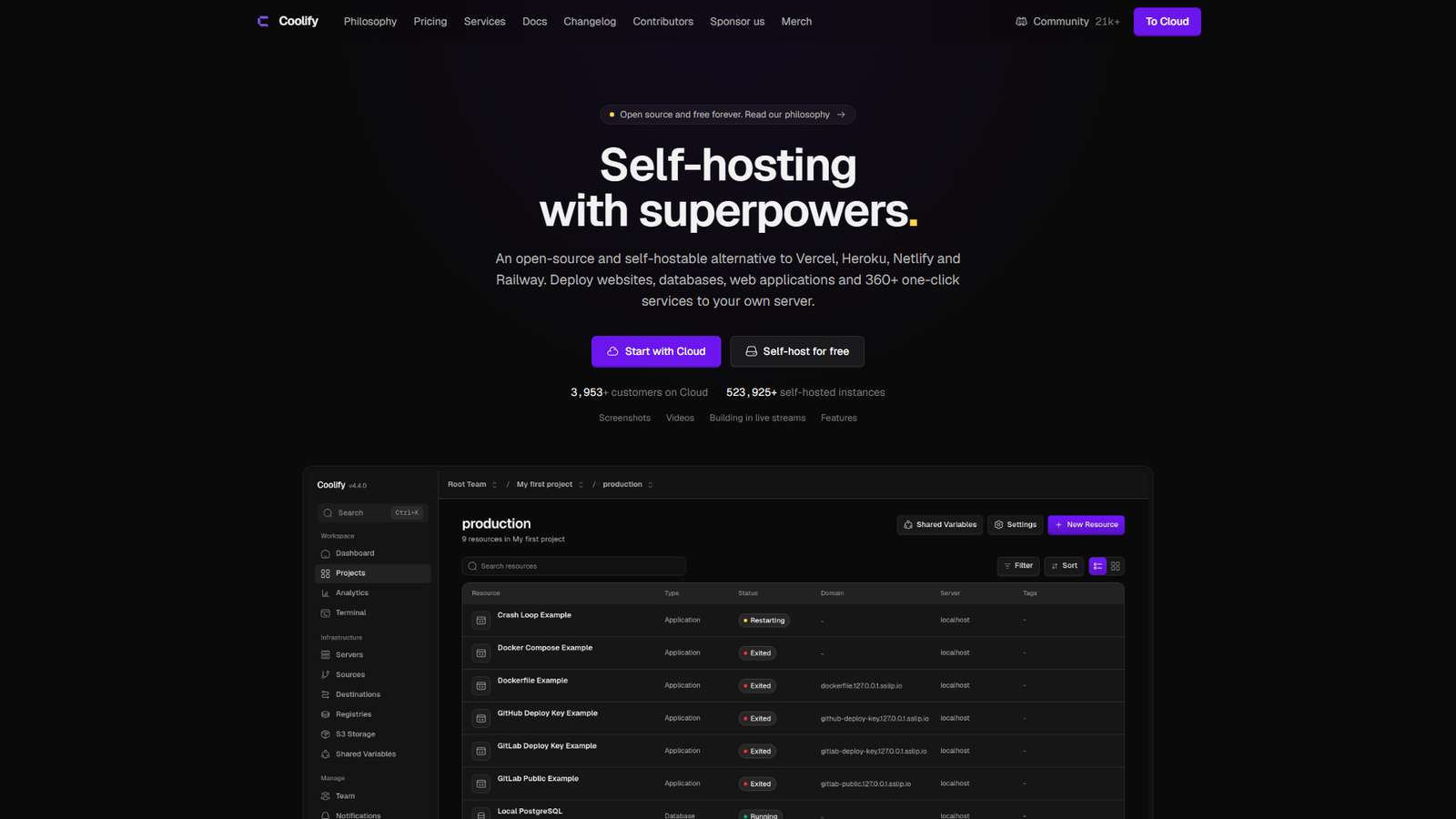
This one is for developers and plugin or app makers – the people who feel hosting bills most.
Coolify is a self-hosted platform for deploying apps, databases and services onto your own servers. Connect a GitHub repository, and it builds and deploys on every push, creates pull request previews and supports rollbacks. The project lists more than 360 one-click services.
It has around 64,900 stars and an Apache-2.0 license. Installation is a single command on any server you can reach over SSH, including a plain VPS or even a Raspberry Pi.
The catch is the obvious one. Once you host your own deployments, uptime and security are on you. Use it for side projects and staging first.
Best for: developers paying for hosting platforms that scale with traffic. Difficulty is medium to hard.
Quick Comparison
Here is everything above in one place, so you can scan it before deciding.
| Tool | Replaces | License | Difficulty |
|---|---|---|---|
| n8n | Zapier, Make | Sustainable Use | Medium |
| Uptime Kuma | Pingdom-style monitors | MIT | Easy |
| Plausible | Google Analytics | AGPL-3.0 | Easy to medium |
| Umami | Google Analytics | MIT | Easy to medium |
| Vaultwarden | Hosted password manager | AGPL-3.0 | Medium |
| Immich | Google Photos | AGPL-3.0 | Medium |
| Paperless-ngx | Document scanning apps | GPL-3.0 | Medium |
| Listmonk | Mailchimp-style tools | AGPL-3.0 | Medium to hard |
| NocoDB | Airtable | Sustainable Use | Easy to medium |
| Plane | Jira, Linear | AGPL-3.0 | Medium |
| Coolify | Heroku, Vercel | Apache-2.0 | Medium to hard |
How Much Upkeep Will Each One Cost You?
All of these tools work. What differs is how much attention they demand after day one.
That depends on how often they change and how busy their maintainers are. GitHub’s public data gives a rough picture. The numbers below are from October 27, 2026, for eleven of the projects.
One caution first. GitHub’s open issue count also includes open pull requests, and some projects triage elsewhere. So read these as clues, not scores.
| Project | Open issues | Latest release | Typical gap between releases |
|---|---|---|---|
| n8n | 1,223 | today | same day (several in a row) |
| Uptime Kuma | 851 | today | about 13 days |
| Immich | 726 | 5 days ago | about 4.5 days |
| Paperless-ngx | 5 | 4 days ago | about 3 days |
| NocoDB | 665 | 3 days ago | about 14 days |
| Umami | 143 | 3 days ago | about 15 days |
| Vaultwarden | 94 | 21 days ago | about 13 days |
| Coolify | 343 | 3 days ago | same day (several in a row) |
| Plane | 1,142 | 64 days ago | about 27 days |
| Listmonk | 70 | 6 days ago | about 85 days |
| Plausible | 56 | 164 days ago | about 91 days |
To me, the release gap is the number that matters for your weekends.
A project that ships every few days, like Immich or Paperless-ngx, gives you steady improvements. It also gives you a steady stream of updates to apply. The more frequent the release, the more often you will want to read the changelog before upgrading.
At the other end, Listmonk and Plausible release roughly every three months. That means calmer maintenance but slower fixes.
Plausible stands out here. Its latest GitHub release was 164 days ago – even though the repository is active. That fits a company that focuses on its hosted product and ships the self-hosted edition on a slower schedule. If you choose Plausible, you should plan for that.
Paperless-ngx is the oddity, with only five open issues despite more than 47,000 stars. That probably says more about how the project handles triage than about the absence of problems.
And n8n, Plane and Immich have the longest queues, which is what you would expect from fast-moving, widely used products. None of this is a reason to avoid them. It is a reason to subscribe to release notifications. In this case, you can simply read the changelog before you hit update.
The n8n Versus Zapier Break-Even, in Numbers
The usual advice says self-hosting n8n saves money. It rarely shows how fast usage-based pricing grows, so I’ll do the math for you.
Take a modest automation that checks something every 15 minutes. That is 96 runs a day, or 2,880 runs in a 30-day month. If each run performs three actions, and your plan counts each successful action as a task (check how your plan counts them), that is 8,640 tasks a month.
Zapier’s Professional plan, per its pricing page, includes 750 tasks a month. The free plan includes 100. So that one small workflow would use more than eleven times the Pro allowance.
Even a once-an-hour version, at 720 runs and 2,160 tasks, is nearly three times Pro’s limit.
This is the shape of the problem. Polling-style automations burn through task allowances, which is exactly where a self-hosted tool with no per-task meter shines.
I want to flag the opposite case too. If your automations run a few times a day, you may never leave a free or entry plan. In that case, self-hosting would cost you more in attention than you save in fees.
A Safe Way to Start
Please don’t migrate everything in one weekend. Here’s the order I’d use.
- Start with a low-stakes tool. Uptime Kuma or Umami is perfect, because if it breaks, nobody loses anything important.
- Rent a small server before buying hardware. A basic VPS from any reputable provider is enough for several lightweight tools, and you can delete it if you hate the experience.
- Use Docker Compose for everything. One folder per app and one compose file per folder makes upgrades and backups predictable.
- Put a reverse proxy with HTTPS in front. Caddy and Nginx Proxy Manager are the beginner-friendly picks. Never expose admin panels over plain HTTP.
- Automate backups on day one, and test a restore. A backup you have never restored is a hope, not a backup.
- Keep the old SaaS account for 30 days. Run both in parallel before you cancel anything.
Which One Should You Pick First?
It depends on who you are, so here’s what I’d pick for each type of reader.
If you run a WordPress or WooCommerce site, in my view you should start with Uptime Kuma and Umami. They solve real problems (knowing when your store is down and understanding your traffic) with very little risk.
If you are a developer or plugin maker, you might want to start with n8n and Coolify. They replace the two subscriptions that grow fastest as your projects grow.
If you are a freelancer or small team, try Plane or NocoDB for work tracking. Then add Paperless-ngx once you are comfortable.
And if you are privacy minded, Immich and Vaultwarden deliver the biggest emotional payoff, as long as you take the backup warnings seriously.
Summing Up
I don’t think self-hosting is about being cheap. It is about deciding which subscriptions deserve to exist in your life.
So here’s my advice: pick one tool from this list and run it for a month. If you enjoy it, add another. If you do not, you only lost a weekend and a few dollars, and your SaaS stack is exactly as it was.
To me, the best self-hosted setup is the boring one – the one that quietly works while you get on with your real job.