Quick question: what does ChatGPT say about your brand right now? If you don’t know, you’re not alone – and it matters more than you might think.
Here’s why. According to an Ahrefs study published in October 2026, Google’s AI Overviews appeared in 82.91% of US desktop results for branded keywords on September 29. Back in July, the monthly average was 61.3%, and by September it had climbed to 73.3%. So when someone Googles your brand name, there’s a good chance an AI-written summary now sits above your own website – and you didn’t write it.
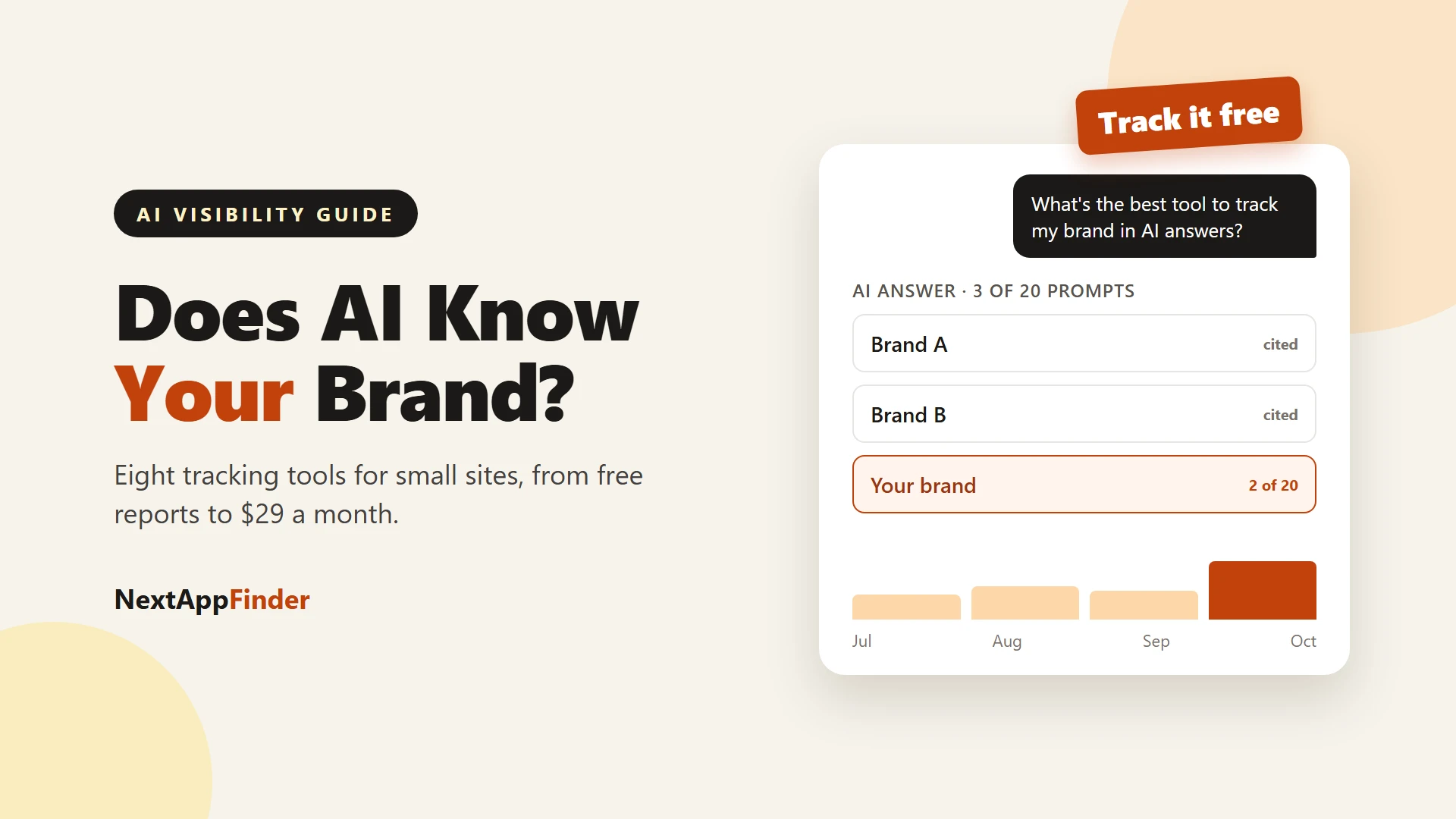
That’s the job of an AI visibility tracker. It asks ChatGPT, Perplexity, Gemini and friends the questions your customers ask, then tells you whether your brand shows up, how it’s described, and which sources get the credit.
The tricky part is choosing one, because this category is a jungle of pricing pages ranging from “free” to “book a demo.” So I’ve sorted eight options for small sites, solo founders and plugin makers from free to expensive, and I’ll show you what you actually get at each price. Prices are as listed on each vendor’s page in late October 2026.
Do You Even Need a Paid Tracker?
Probably not on day one.
Even the vendors agree that free tools are a legitimate place to start. A guide from agency Straight North suggests Google Search Console, Bing Webmaster Tools and GA4 as the starting point for most small and mid-size organizations.
There is also a measurement problem you should know about. Different trackers measure different things: a panel of real user prompts, a scraped chat interface and a server log are three different data sources. So two tools can report different results for the same brand in the same week – and neither is “wrong.”
My advice is to treat any tracker as a trend line, not a verdict. With that in mind, here are the eight options I’d look at.
Why Can Two Trackers Disagree About the Same Brand?
This is the part vendors rarely explain, and it will save you a lot of confusion.
Ask ChatGPT the same question twice, and you can get two different answers. Ask it in a different country, with a different account history, or on a different day, and the list of recommended products can shift again.
A tracker has to pick a way to deal with that. Some run each prompt many times and average the results. Some use a panel of real user prompts. Some scrape the public chat interface. Each approach paints a slightly different picture.
So if Otterly says you appeared in 4 of 15 prompts and Ahrefs says you appeared in 6 of 10, neither tool is lying. They asked different questions, at different times, in different ways.
The sensible response? I’d pick one tool, keep its settings the same, and watch your own trend over months. Comparing absolute numbers across tools is a trap.
It also means you should be suspicious of any dashboard showing a single “visibility score” with great precision. A score of 37.4% looks scientific, but the underlying answers are noisy. What matters is direction. Are you appearing more often than three months ago? Are the sources AI cites about you getting better?
The Free Tier: Tools You Already Have
1. Google Search Console
Search Console is boring, free – and the closest thing to ground truth you will get from Google.
According to Google’s documentation on AI features and your website, traffic from AI Overviews and AI Mode is included in the overall search traffic. You will find it in the Performance report under the Web search type.
The catch is that you cannot filter for AI-only traffic. You see the total, not the AI slice.
Google also states there are no additional requirements to appear in AI features beyond being indexed and eligible to show with a snippet. That is useful news, because it means there is no secret schema trick. Inclusion is not guaranteed either.
Best for: anyone with a website. Set it up before anything else.
2. Bing Webmaster Tools (AI Performance Report)
This is my sleeper pick – and it is free.
Bing added an AI Performance report in early 2026 that shows how often your pages get cited in Microsoft Copilot and Bing’s AI summaries. Adobe’s documentation for the report describes it as covering citations in Bing Copilot and AI summaries.
Coverage of the early beta noted that it did not show clicks, and there was no way to filter by a single surface. So I’d think of it as a citation counter, not a traffic report.
Still, it is the only place a first-party platform tells you which of your pages AI is citing. On that specific question, a free tool beats several paid ones.
Best for: checking whether AI answers cite your pages at all.
3. HubSpot AEO Grader
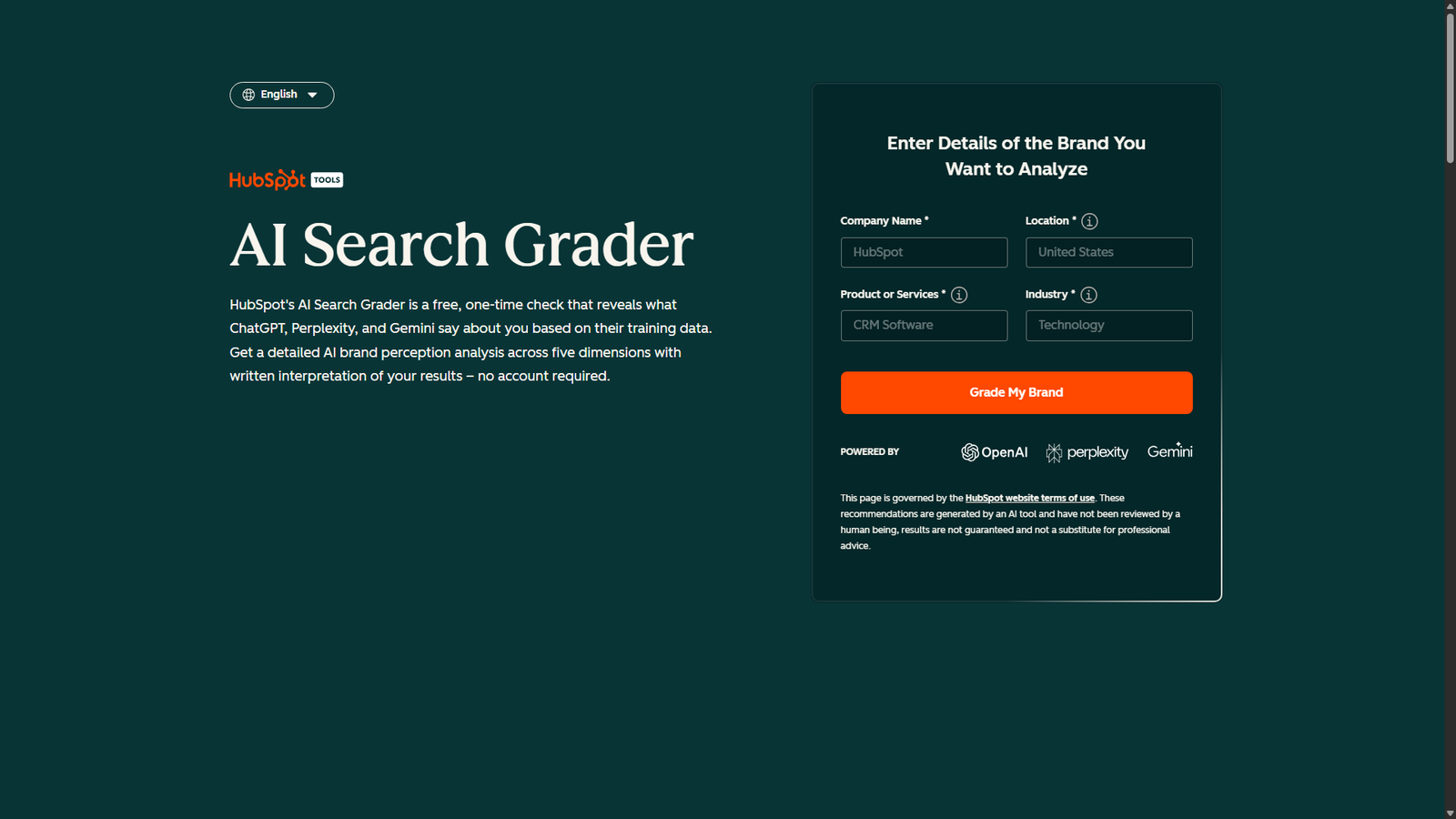
HubSpot’s AEO Grader is a free, one-time snapshot of how AI engines describe your brand.
You type in your company name, location, product and industry. It then scores you out of 100 across sentiment, presence quality, brand recognition, share of voice and market competition. It checks ChatGPT, Perplexity and Gemini and cross-validates the results.
It is a snapshot, not monitoring. But as a first look at what AI says about you – it costs nothing and takes a few minutes.
Best for: a quick baseline before you spend a cent.
The Budget Tier: Under $100 a Month
4. Otterly.ai
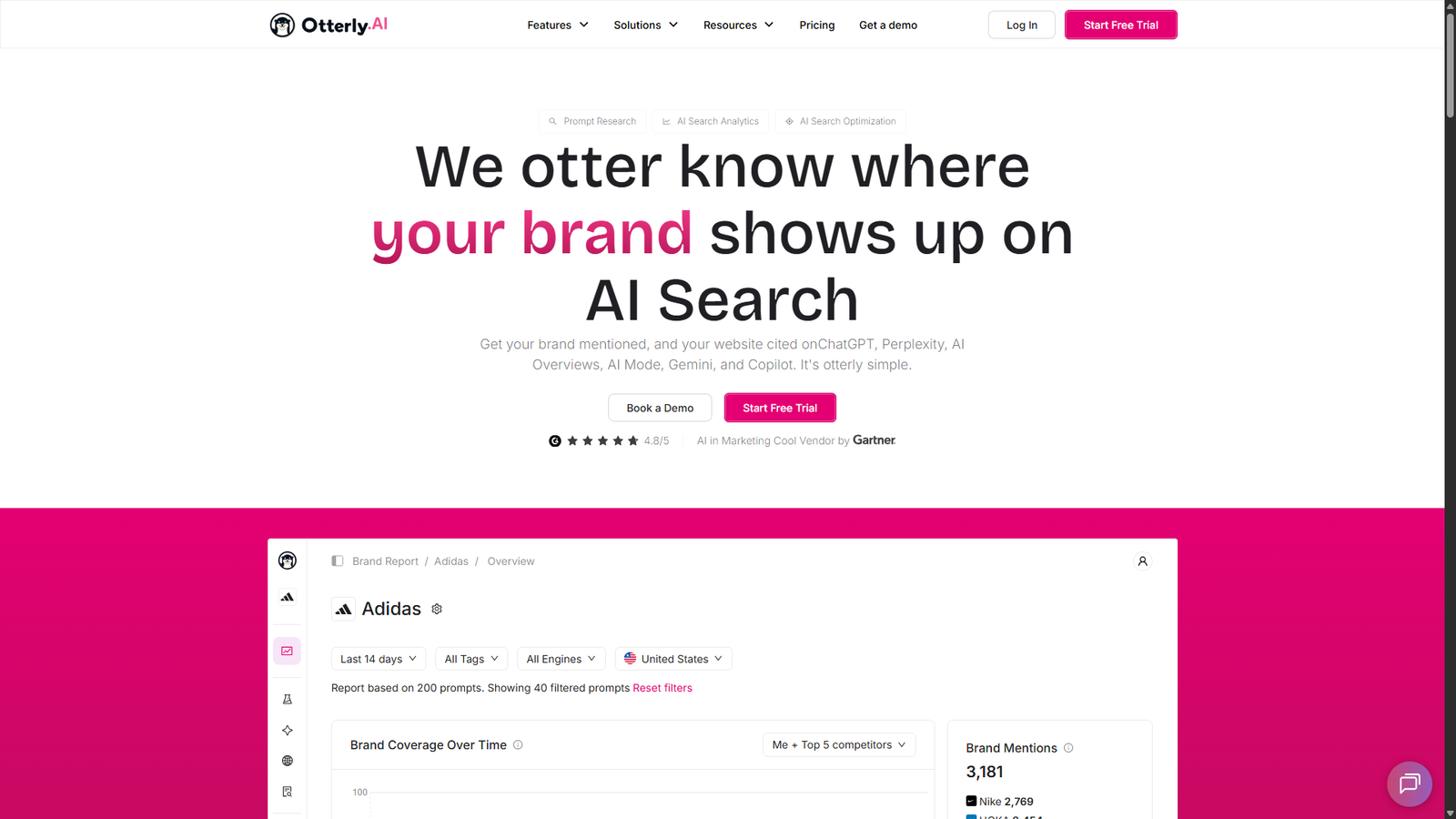
Otterly is the one most small teams land on, and the price explains why. According to its pricing page, the plans are:
| Plan | Price per month | Prompts |
|---|---|---|
| Lite | $29 | 15 |
| Standard | $189 | 100 |
| Premium | $489 | 400 |
All paid plans cover ChatGPT, Google AI Overviews, Perplexity and Microsoft Copilot. Gemini, Google AI Mode and Claude cost extra as add-ons (for example, Gemini or AI Mode is $9 a month on Lite).
The page also lists lower prices that look like annual billing, with a stated 15% discount, and a free trial for new users with no length given.
Fifteen prompts sounds tiny – and it is. But for a one-product site, I think tracking your 15 most important questions is a perfectly reasonable start.
Best for: solo founders and small sites that want a real dashboard for under $30.
5. Ahrefs Brand Radar
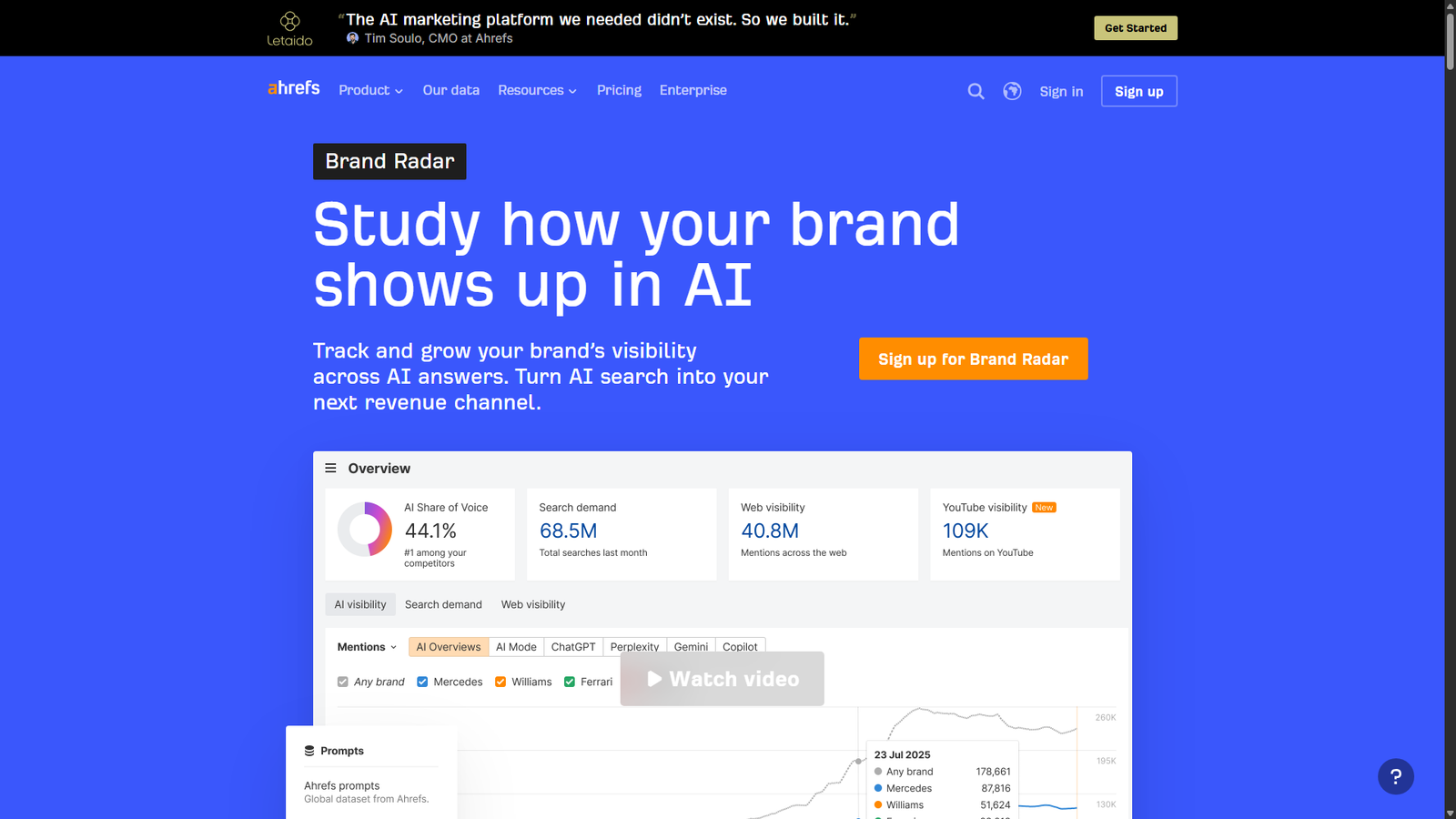
If you already pay for Ahrefs, you may be sitting on this one.
According to the Brand Radar page, custom prompt tracking starts at $50 a month and is included with paid Ahrefs Lite plans and above, with checks as often as daily. It covers AI Overviews, AI Mode, ChatGPT, Perplexity, Gemini and Copilot.
The standout feature is the AI Visibility Index. It lets you look up how any brand performs against a pre-collected prompt set, with no setup. That feature starts at $199 a month.
Ahrefs claims the index covers more than 509 million monthly prompts. That is a vendor number, so I’d take it as a sense of scale, not gospel. There is also a free AI Visibility Checker preview.
Best for: teams already living inside Ahrefs who want competitor comparisons.
The Mid Tier: For Teams and Agencies
6. Peec AI
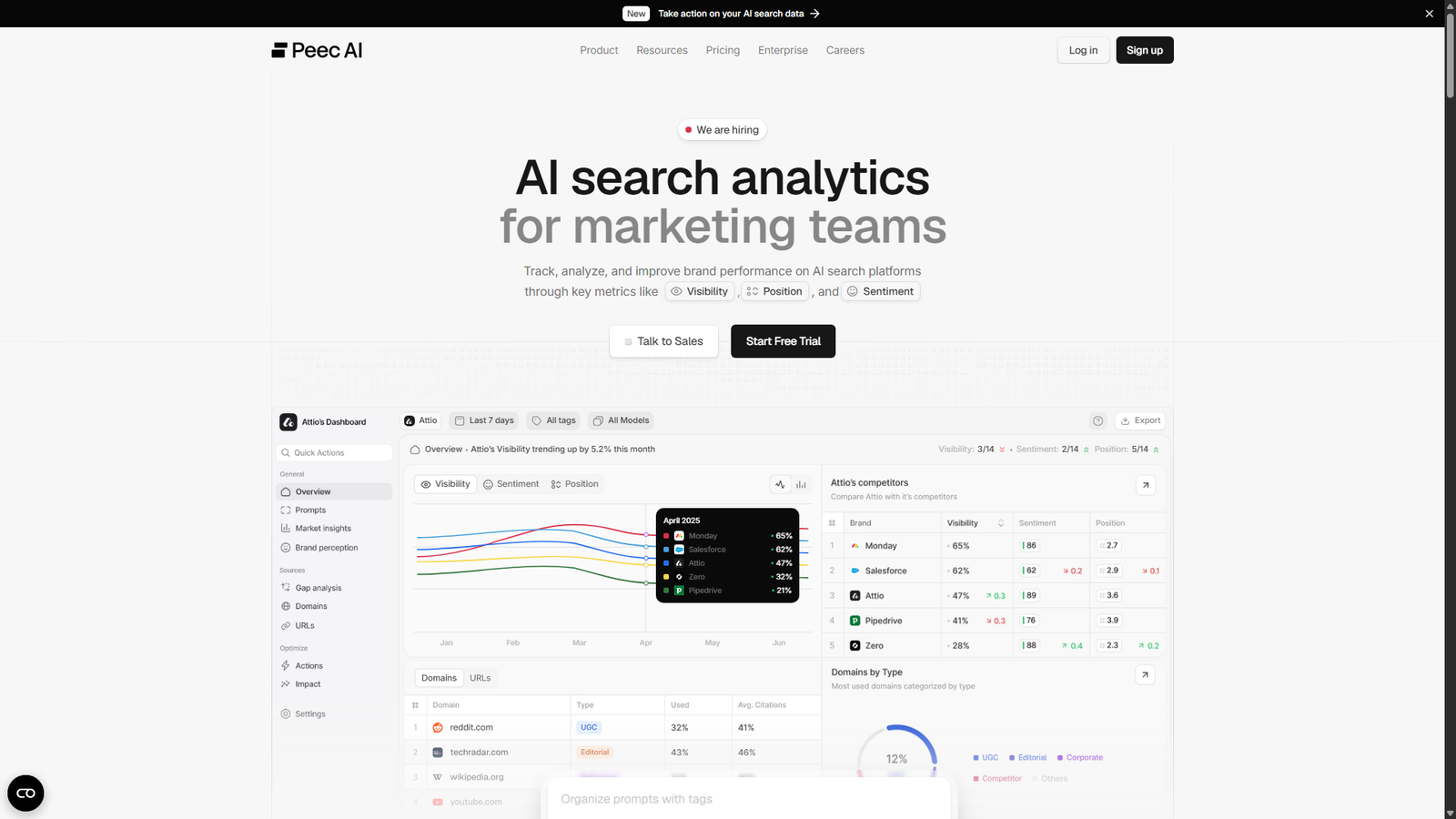
Peec is popular with agencies. It offers Starter, Pro and Advanced plans – plus a custom Enterprise tier. It lists ChatGPT, Perplexity and Gemini as tracked platforms, and third-party reviews note unlimited seats on every plan.
Here is the annoying part. Peec’s pricing page does not show dollar amounts publicly, and the figures published by review sites disagree with each other. The Starter plan is commonly quoted near $95 a month, but sources vary. I’d check Peec’s site directly before you budget.
Best for: agencies reporting to multiple clients.
7. Semrush AI Visibility Toolkit
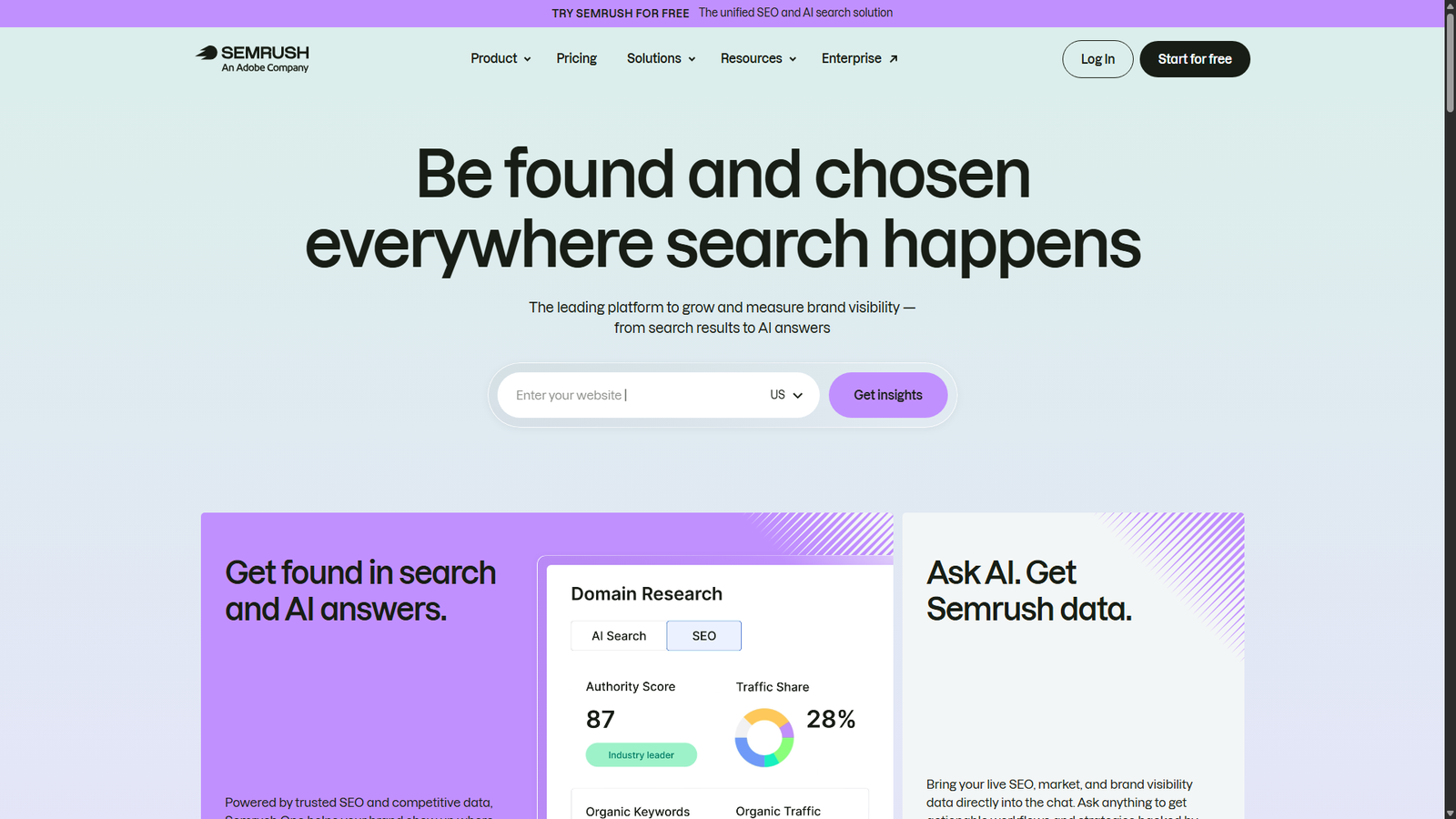
Semrush’s knowledge base lists the AI Visibility Toolkit at $99 a month, with 25 prompts for prompt tracking. You can add 50 more prompts for $60 a month. It tracks AI platforms such as Google AI Mode and ChatGPT, and there is no free trial. Semrush says a paid subscription is required to access it.
That price makes it hard for me to justify for a small site on its own. It makes more sense if your team is already inside the Semrush ecosystem.
Best for: Semrush users who want AI tracking beside their existing SEO data.
The Enterprise Tier
8. Profound
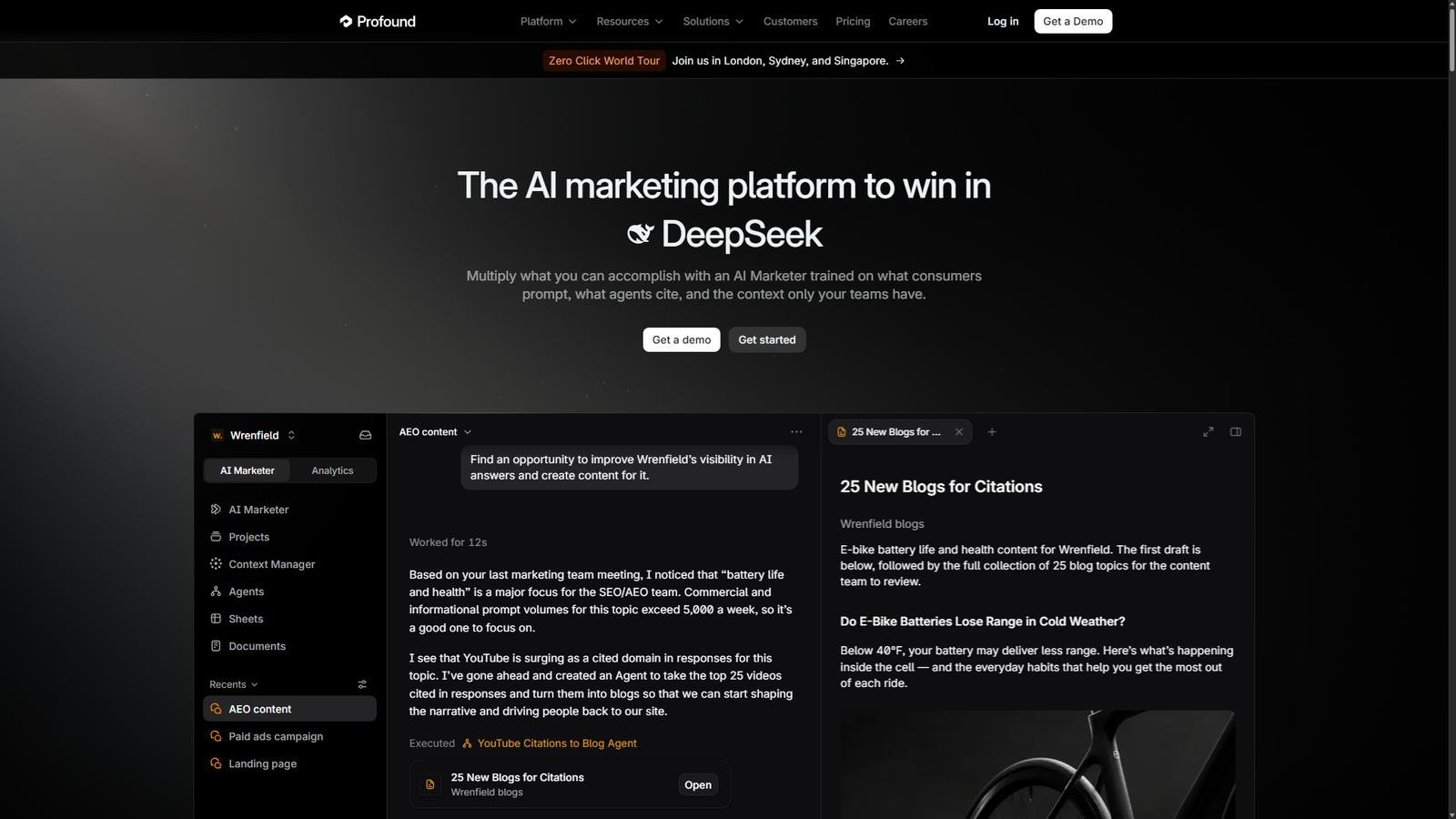
Profound is the category heavyweight. Its pricing page lists a free trial that runs 50 prompts daily for seven days across ChatGPT, Gemini and Google AI Overviews. After that, it moves to custom enterprise pricing with up to nine answer engines, SSO and CSV or JSON exports.
The trial is not customizable. Prompts come from a recommended set based on your industry.
Profound is not built for a one-person blog. But the trial is a handy way to see what a high-end tracker reports about your brand – at no cost.
Best for: larger companies, or curious small ones willing to use the trial.
What Are You Really Paying For?
Because these tools sell prompt slots, the fairest way to compare them is the price of each tracked prompt.
I divided each plan’s price by its prompt count, using the prices on the vendors’ pages. Here’s how it works out:
| Plan | Monthly price | Prompts | Cost per prompt |
|---|---|---|---|
| Otterly Lite | $29 | 15 | about $1.93 |
| Otterly Standard | $189 | 100 | about $1.89 |
| Otterly Premium | $489 | 400 | about $1.22 |
| Semrush AI Visibility Toolkit | $99 | 25 | about $3.96 |
| Semrush add-on pack | $60 | 50 | $1.20 |
So the cheapest way to track a handful of prompts is Otterly’s entry plan. The cheapest way to track a few hundred is Otterly Premium or an add-on pack. A tool’s headline price tells you little until you divide.
The DIY Method (Best for Tiny Sites)
If a $29 subscription feels excessive for a site with a hundred visitors a day, you can build your own tracker in an hour.
- Write 20 prompts. Mix comparison questions (“best X for Y”), problem questions (“how do I do Z”) and brand questions (“is [your brand] any good”).
- Run them monthly in ChatGPT, Perplexity and Gemini, ideally in fresh chats so earlier context does not skew the answer.
- Log the results in a spreadsheet: date, engine, prompt, whether you were mentioned, your position in the list, and which sources were cited.
- Note the sources. The pages AI cites are your real to-do list. In Ahrefs’ brand study, Wikipedia appeared in 41 of 57 AI Overviews that listed sources (71.9%), followed by YouTube and LinkedIn. Third-party profiles clearly matter.
- Repeat monthly. Look for movement, not perfection, because AI answers change from run to run.
This takes about 30 minutes a month and costs nothing. A few vendor guides go further and say that for small businesses, manual monthly testing is plenty. Those same sources sell services, so weigh that accordingly. But the advice holds up: do not pay for data you will not act on.
A Worked Example
Say you run a small site that reviews WordPress plugins. You write twenty prompts, such as “best free WooCommerce invoice plugin,” “is [competitor] worth paying for,” and “how to add gift wrapping to WooCommerce.” You run them on the first of the month in ChatGPT, Perplexity and Gemini.
In month one, you might find you are mentioned in 2 of 20 prompts. You might also see that the sources AI cites most are a couple of big review sites and a YouTube channel.
That is useful. It tells you the gap is not “AI hates my site” – it is “AI has not seen my site discussed in the places it trusts.”
Your action list writes itself. Improve the two pages that were cited for you. Pitch your content to the review sites that dominate the answers. Make a short video for the question you lose most often.
In month two, rerun the same twenty prompts. If you moved from 2 to 5 mentions, you are on the right track. If nothing moved, check whether the pages you improved are actually indexed before changing strategy.
Keep the same prompts every month, or the comparison means nothing.
How to Choose
Here’s the short version of what I’d do.
If you run a small site or blog, use Search Console, Bing Webmaster Tools, HubSpot’s grader and the DIY spreadsheet. Total cost: zero.
If you are a solo founder or plugin maker ready to pay, Otterly’s Lite plan at $29 lets you track your top 15 prompts.
If you already pay for Ahrefs or Semrush, use their built-in tools before adding another subscription.
If you manage clients, look at Peec or Otterly Standard, depending on how many prompts you need.
And if you are an enterprise, book the Profound demo.
What to Actually Do With the Data
A tracker is only useful if it changes what you do.
Ahrefs’ study found that only 2 of 58 answers explicitly discussed competitors, and just one competitor-owned site appeared in the source lists. In other words, AI answers about your brand lean heavily on third-party sources like Wikipedia, YouTube and LinkedIn, not on your competitors’ websites.
That makes the action items practical, and here’s what I’d do. Make sure your brand has a complete, accurate presence on the platforms AI likes to cite. Publish clear, quotable pages that answer the exact prompts you track. And fix factual errors at the source, since AI repeats what it finds.
Remember the click question too. Ahrefs’ earlier research found a 58% lower click-through rate for the top-ranking page when an AI Overview is present, though Ahrefs describes that as a correlation across keyword samples, not a controlled test. The authors argue the bigger issue for branded queries is control of the brand narrative, not just lost clicks.
Summing Up
I don’t think you need to spend $500 a month to understand how AI describes your brand.
Start with the free reports. Build a small prompt spreadsheet. Then pay only once you have a clear question a tool can answer better than you can by hand. When you do pay, the entry-level plans from Otterly and Ahrefs are far more realistic for a small site than anything labeled enterprise.
Pricing in this category changes quickly, so check each vendor’s page before you commit.