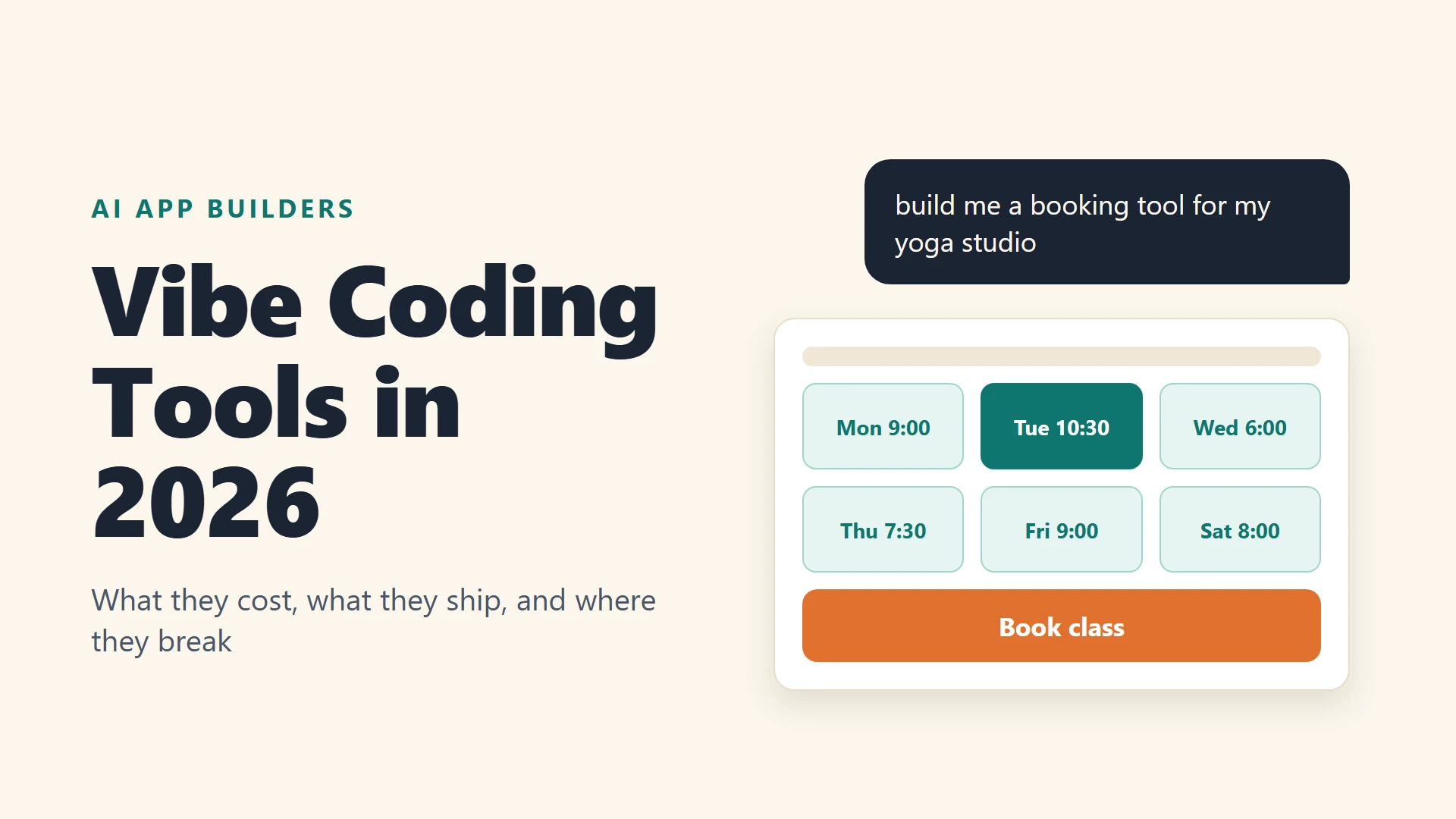
Remember when building an app meant learning a framework, fighting a database and quietly crying at 1 a.m.? These days you can type “build me a booking tool for my yoga studio” into a chat box – and a working prototype shows up in about the time it takes to make coffee.
That’s vibe coding. AI researcher Andrej Karpathy coined the term in February 2025, and it caught on so fast that Collins Dictionary named it Word of the Year for 2025.
We’ll be honest with you: the tools are genuinely impressive. But the pricing pages are confusing, every tool counts “credits” differently, and the gap between a demo and something you can safely put in front of customers is bigger than most reviews admit.
So in this guide, we’ll compare six tools using their own pricing and documentation pages from late October 2026. We’ll also cover the stuff most listicles skip: free tier limits, credit burn and security.
Quick Reality Check Before You Pick a Tool
Let’s start with the mood in the room. Developers are not exactly in love with this yet.
In the Stack Overflow 2025 Developer Survey, more than 49,000 developers in 177 countries responded. 84% said they use or plan to use AI tools. But 46% said they don’t trust the accuracy of the output, up from 31% the year before. And nearly 77% said vibe coding, which the survey defines as generating software from LLM prompts, is not part of their professional development work.
Security is the other elephant in the room. Veracode’s GenAI code security report analyzed more than 100 large language models. It found that AI-generated code introduced risky security flaws in 45% of tests.
Models got better at writing code that works. They did not get meaningfully better at writing code that is safe – and that gap matters.
None of this means you should skip these tools. It means you should use them for the right job: prototypes, internal tools, landing pages and validating ideas. Just be careful before you collect real customer data.
The 6 Best Vibe Coding Tools
1. Lovable: Best for Polished Web Apps From a Prompt
Lovable is the one most non-developers hear about first – and it’s easy to see why. You describe an app, and it generates a React front end with a backend connected.
Lovable’s subscription plans page shows paid plans priced by credit tier. The entry point is $25 a month for 100 credits on Pro and $50 a month for 100 credits on Business, scaling up to 10,000 credits. The free plan gives you 5 daily build credits, capped at 30 per month, according to the credits and usage docs.
Here’s the thing about credits. They disappear fastest when you’re debugging. Reviews of the tool describe a pattern where a normal feature costs a few credits, but a stubborn bug can burn 10 or more while the AI loops. That’s anecdotal, so treat the exact numbers loosely. Still, the pattern shows up everywhere.
One tip came up again and again: reverting to an earlier version is far cheaper than asking the AI to fix its own mess.
There’s also a security story worth knowing. In 2025, a researcher scanned 1,645 apps from Lovable’s public showcase and found that 170 of them had exposed databases, tracked as CVE-2025-48757. Lovable disputes the CVE, arguing that customers are responsible for protecting their own app data.
The lesson is the same either way. If your app stores user data, review the database access rules yourself.
Pick it if: you want the best-looking result with the least friction.
2. Bolt: Best for Fast Prototypes With Generous Free Limits
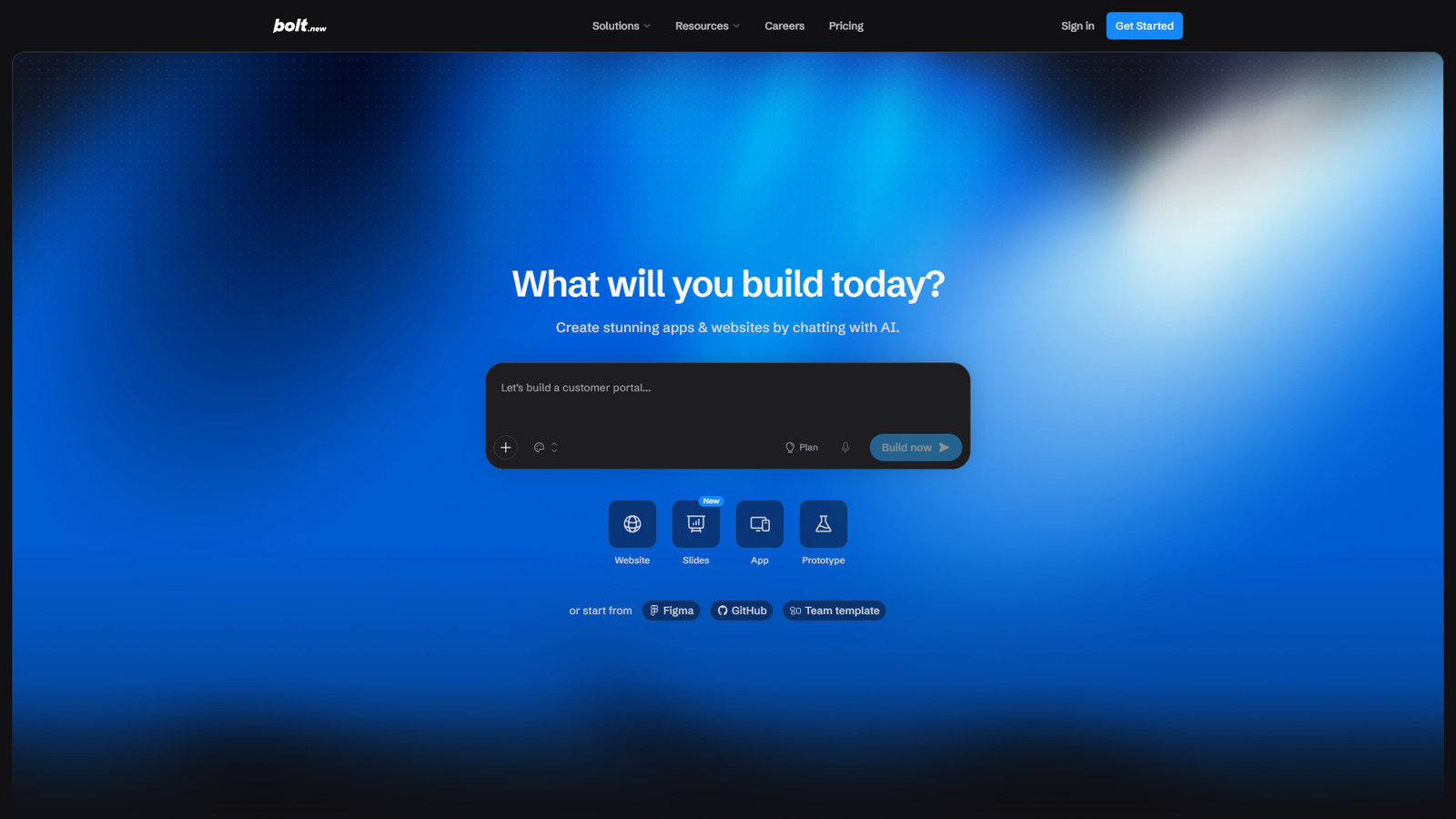
Bolt builds websites, apps and prototypes from chat prompts. You can even start from a Figma design or a GitHub repository. Its built-in Bolt Cloud handles hosting, databases, authentication and custom domains.
We think the Bolt pricing page is the clearest of the bunch:
| Plan | Price | Tokens per month |
|---|---|---|
| Free | $0 | 1M (300K daily limit) |
| Pro | $25 per month | 10M, with rollover |
| Teams | $30 per member | 10M per member |
Annual billing saves up to 28%, according to the page. The free tier is a good place to test whether the tool “gets” your idea before you pay.
The downside is that token-based billing is harder to predict than credits, since a long conversation consumes more context. Our advice: keep prompts focused and start fresh chats for new features.
Pick it if: you want to prototype quickly and prefer predictable monthly pricing.
3. v0 by Vercel: Best for Interface Design
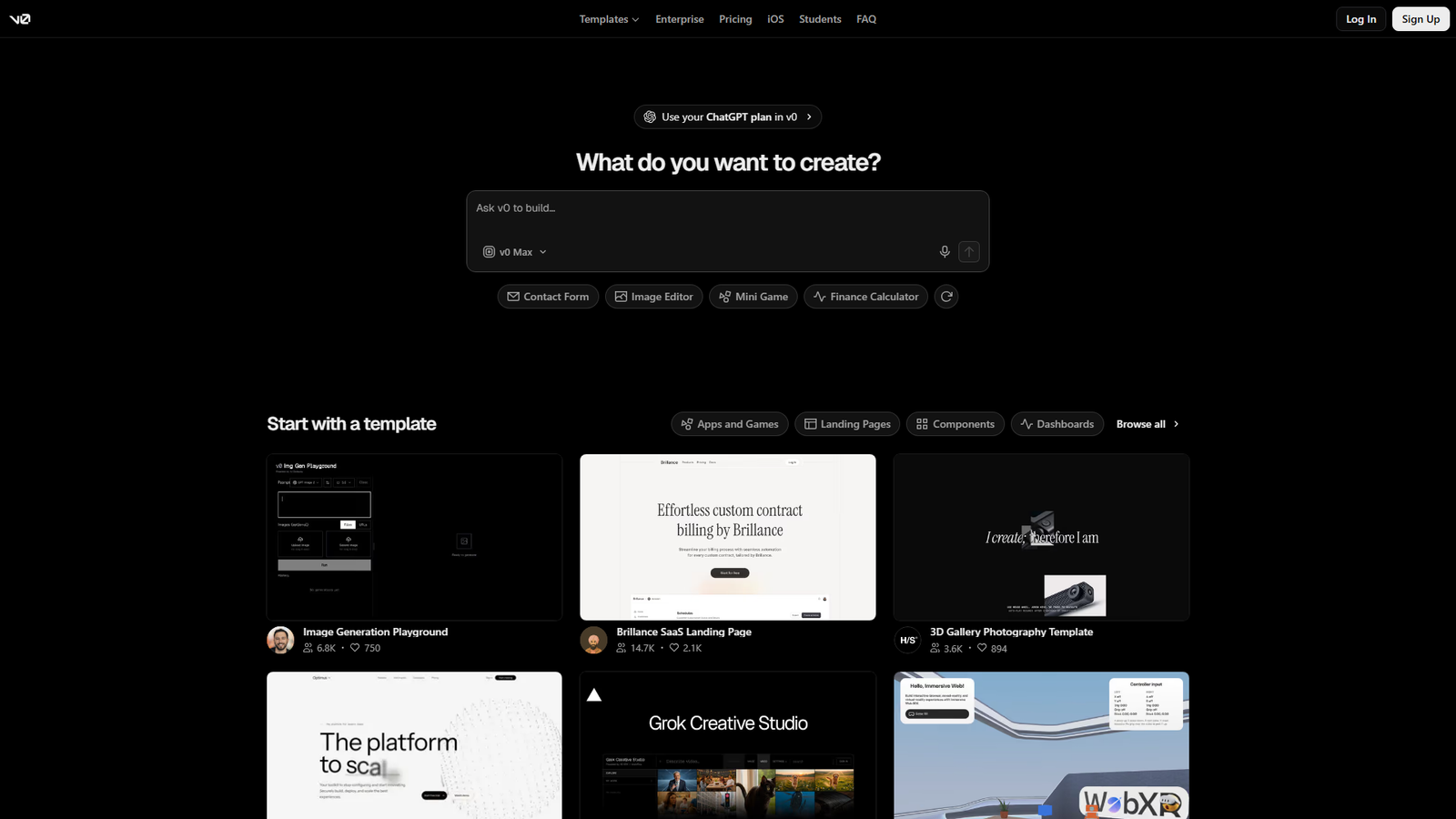
v0 started as a tool for generating user interfaces and grew into a broader builder. If you care how things look and you’re comfortable with the React and Next.js world, it’s hard to beat.
According to the v0 pricing page, the Free plan is limited to 7 messages per day. Paid plans are priced per user: Plus at $30 a month and Business at $100 a month. Each comes with $30 in monthly credits and $2 in free daily credits. New users also receive $5 in one-time credits.
It’s tied to the Vercel ecosystem – wonderful if you plan to deploy there, mildly annoying if you don’t.
Pick it if: front-end polish matters more than backend complexity.
4. Replit: Best All-in-One Environment
Replit puts the editor, the AI agent and hosting in one browser tab. That makes it a good fit for beginners who want to learn how things connect.
Check replit.com/pricing for current figures. The Starter plan documentation confirms the structure: a free Starter plan, plus paid Core and Pro plans. Starter users get daily Agent credits up to a monthly cap and one free published app. That app goes down after 30 days and carries a “Made with Replit” badge, which only Core removes.
The thing to watch is autonomy. Agents can make big changes in one go. Replit’s agent made headlines in July 2025 when, according to reports at the time, it deleted a user’s database despite instructions not to change anything.
So we’d always keep backups, and we’d never point an agent at production data.
Pick it if: you want to learn while you build and prefer one place for everything.
5. Base44: Best for Simple Business Apps With Clear Tiers
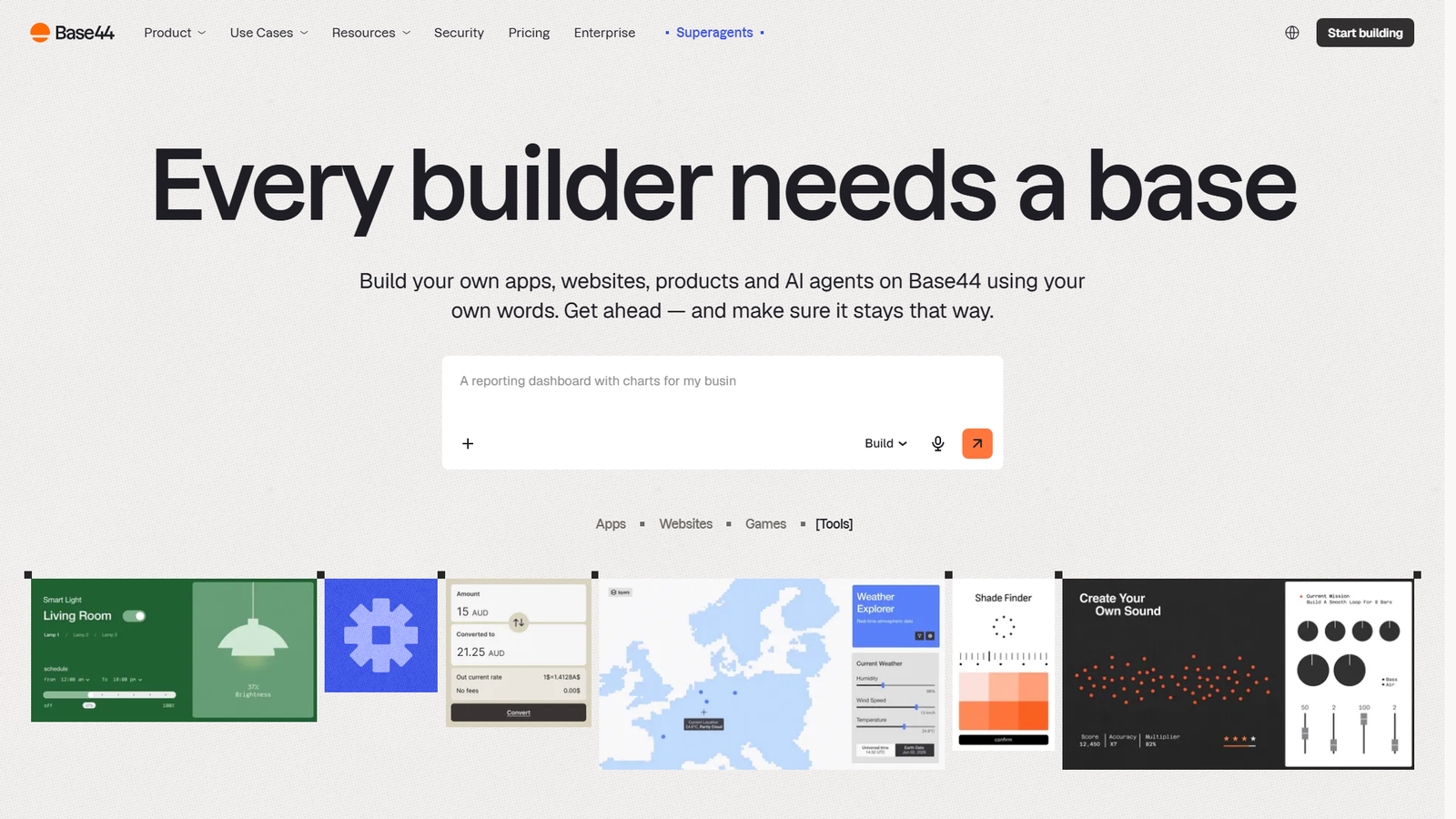
Base44 targets small business tools: dashboards, internal apps and simple customer portals. Its pricing page is easy to read:
| Plan | Price per month (billed annually) | Message credits |
|---|---|---|
| Free | $0 | 25 |
| Starter | $16 | 100 |
| Builder | $40 | 250 |
| Pro | $80 | 500 |
| Elite | $160 | 1,200 |
The free plan allows up to 5 apps with built-in authentication, database functionality and analytics. The page also notes that annual billing saves 20%, so the monthly prices are higher.
Keep an eye on two meters here – message credits and separate integration credits.
Pick it if: you’re building internal tools or lightweight client apps and want a clear price ladder.
6. Google AI Studio Build Mode: Best for Experimenting With Gemini Apps
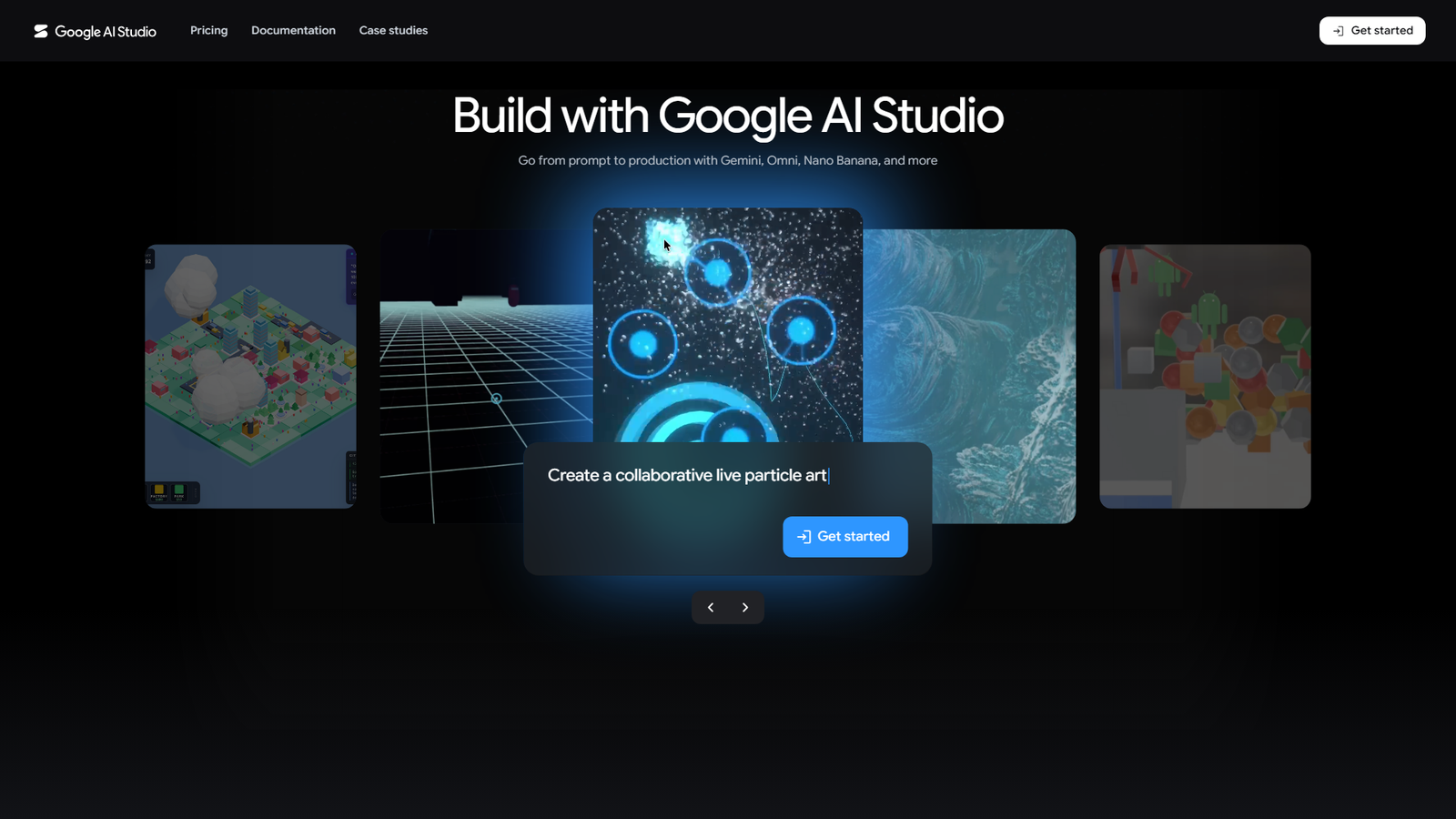
Google’s Build mode lets you create web or Android apps from natural language prompts. For web apps, it generates a React front end with a Node.js server runtime. You can edit code in the Code tab, sync with GitHub and deploy to Cloud Run. Your Gemini API key stays server-side.
So what does it cost? The Build mode documentation doesn’t say that Build mode itself is free. It notes that costs may apply when you use paid models, and that Cloud Run pricing applies based on usage. Calls from shared apps also count toward your usage limits.
Pick it if: you want to build something that uses Gemini inside the app and you’re comfortable with Google Cloud.
What Do the Free Tiers Actually Give You?
Free plans are where most people start, so let’s see them side by side. These are the limits stated on each tool’s own pages.
| Tool | Free plan limit |
|---|---|
| Lovable | 5 build credits per day, up to 30 per month |
| Bolt | 1M tokens per month, 300K per day |
| v0 | 7 messages per day |
| Base44 | 25 message credits per month, up to 5 apps |
| Replit | Daily Agent credits with a monthly cap, one free published app |
Here’s the pattern we’d point out. Lovable and v0 meter you daily, so you can sip all month but not binge in one weekend. Bolt gives you a bigger monthly pool, which suits a single focused sprint. Base44 lets you create several apps but rations how many changes you can ask for.
If you only have one free Saturday, we’d pick Bolt, since its pool is the most forgiving. If you want to nibble at a project for weeks, Lovable’s daily refill fits better.
Why Credits Make Price Tables Misleading
A sticker price of $25 a month sounds simple – until you ask what $25 actually buys.
One tool counts chat messages. Another counts tokens. Another counts dollars of usage. A “credit” in Lovable isn’t the same unit as a “message credit” in Base44, so comparing the headline numbers tells you almost nothing.
The better question is: how many times will the AI need to try before the thing works? A clear spec and small steps keep that number low. A fuzzy prompt and a long, wandering chat push it up. In other words, your prompting habits affect your bill more than the plan you pick.
It also helps to separate two kinds of spending. Building the first version is usually cheap. Debugging and polishing is where budgets disappear, because every fix is another paid attempt. If a tool lets you discuss a problem without changing code, use that mode first.
What Scales and What Does Not
When we put the plan tables side by side, a few patterns jump out that the marketing pages don’t mention.
Lovable’s credit ladder is almost perfectly linear. According to its subscription plans page, 100 credits cost $25 on Pro, 200 cost $50, 400 cost $100 and 800 cost $200. That’s $0.25 a credit at every step. Even at 5,000 credits ($1,125) and 10,000 ($2,250), the price per credit only falls to about $0.225.
The practical meaning is simple. A bigger plan barely makes each credit cheaper, so the way to save money is to use fewer credits, not to upgrade. Business also costs exactly double Pro at every tier, which is worth knowing before you pay for features you may not need.
Base44’s ladder behaves differently. Its annual-billing prices work out to $0.16 per message credit across Starter ($16 for 100), Builder ($40 for 250) and Pro ($80 for 500). Then it drops to $0.133 on Elite ($160 for 1,200). So scaling up buys a small discount, but only at the top.
Bolt prices by tokens, not credits. Pro at $25 a month for 10 million tokens works out to $2.50 per million, compared with a free allowance of 1 million tokens a month. And v0 hands you dollars of credit one for one with the plan price: $30 of monthly credits on a $30 Plus plan, plus $2 of free daily credits.
You can’t compare a Lovable credit with a Base44 message credit or a Bolt token, because each unit measures a different slice of work. That’s the whole trick of these pricing pages, and it’s why the only honest comparison is a test of your own.
Run Your Own Three-Task Test Before Paying Anyone
Here’s how we’d do it.
Pick three tasks that resemble what you want to build. A good set is one easy task (a landing page with a signup form), one medium task (a dashboard that reads and writes data) and one annoying task (a change that touches several parts, such as adding user accounts). Write each as a short prompt in advance, and use the same wording in every tool.
Run each task on each tool’s free plan and keep a small log. Write down how many credits, messages or tokens the task consumed, how many tries it took to get a version you’d accept, and whether you had to fix anything yourself.
Then divide the credits spent by the number of accepted features. Now you have a cost per feature that’s comparable across tools, at least for your kind of project. Stop when a tool runs out of free allowance. That’s data too, because it tells you how far a free tier really goes.
Two details make the test more honest. First, note the debugging cost separately. A tool that builds fast but fixes poorly can cost more than one that builds slowly and fixes cleanly. Second, check what happens to your work if you stop paying. Can you export the code or sync it to GitHub? A tool you can’t leave is a cost that never shows up on the pricing page.
Can You Use These for WordPress and WooCommerce Ideas?
Yes, with a sensible boundary.
Vibe coding tools are great for building a standalone prototype. Think of a shipping cost calculator, a product quiz, a pricing page layout or an internal dashboard for tracking orders. You can test the idea with real people in an afternoon. Then you either keep it as a separate small app or hand the working prototype to a developer to rebuild as a proper plugin.
Where we’d be cautious is putting AI-generated code straight onto a live store. Checkout flows, customer data and payment logic are exactly the areas where a hidden flaw hurts the most.
Prototype freely – but review before anything touches production.
Which One Should You Choose?
It comes down to what you’re trying to do, so let’s match each tool to a goal.
If it’s your first app and you want it to look great, we’d go with Lovable or v0. For the cheapest way to experiment, use Bolt’s free tier or Base44’s free plan. If you want to learn how everything fits together, Replit is the friendliest. For internal business tools, Base44 is a natural fit. And if you’re building around Gemini, Google AI Studio is the obvious pick.
A Simple Workflow That Avoids Most Disasters
Pricing aside, how you work matters more than which tool you pick. Here’s the routine we’d follow to keep costs and risks down.
- Write a one-page spec first. Cover who it’s for, the three core screens and what data it stores. Paste it as your first prompt, because vague prompts burn credits.
- Build one feature at a time. Large requests produce large, tangled changes that are hard to undo.
- Commit to GitHub early. Every tool above can sync with a repository or export code, and version history is your safety net.
- Use a plan or discuss mode when debugging. Ask the AI to explain a problem before it changes code.
- Revert early. If a change breaks something, roll back instead of asking for a fix on top of a fix.
- Review database access rules before launch. Make sure users can only read and write their own data. This is the exact weakness behind the 2025 exposure story.
- Test with fake data. Don’t let real customers in until you’ve tried to break it yourself.
Summing Up
So, is vibe coding worth it?
We think so, with a condition. For prototypes, landing pages, internal tools and validating an idea before hiring a developer, absolutely. A free tier plus a weekend can get you a working demo that would have cost thousands a few years ago.
For anything that handles payments, health data or customer accounts, treat the AI output as a first draft. Have someone who can read code review it. The tools have improved at making software that works. The evidence so far says they haven’t improved much at making it safe.
Our advice: pick one free tier, build something small this weekend, and watch how fast the credits move before you pay for anything.