You already know the stat. Somewhere between 60 and 80 percent of shopping carts get abandoned. That number gets thrown around in every marketing article, and it’s roughly right. For a WooCommerce store doing $10,000 a month in revenue, that means thousands of dollars are sitting in half-filled carts, just waiting for a nudge.
The big cart recovery tools know this. Klaviyo wants $45/month just for email. Omnisend starts at $16 and scales up fast. CartStack charges $49. Before you know it, you’re paying $100 or more every month just to send a few reminder emails to people who almost bought something.
But here’s the thing: you don’t have to pay that. There are free WooCommerce plugins that actually send abandoned cart recovery emails. Not “free trial” or “free for 14 days.” Actually free, sitting on WordPress.org, ready to install right now.
We tested six of them. Every single one can send recovery emails without paying a cent. They’re not all perfect, and some have real limitations. But if you’re running a small store and can’t justify a big monthly bill just to recover carts, one of these will probably do the job.
What we looked for
We skipped anything that doesn’t actually send recovery emails on the free plan. A lot of plugins let you see abandoned carts for free but want money before you can do anything about them. That’s not what this article is about.
We also skipped dead plugins. Jilt used to be popular, but GoDaddy acquired it and shut it down. YITH’s abandoned cart plugin was permanently closed on WordPress.org back in 2020. Both still show up in older blog posts, which is something to watch out for if you’re reading roundups from a couple years ago.
Every plugin below is actively maintained, available on WordPress.org, and can send automated abandoned cart emails for free. There’s a helpful blog we wrote recently about WordPress plugin discovery trends – which you might find relevant, in this case.
1. Cart Abandonment Recovery for WooCommerce (by Brainstorm Force)
This one surprised us. Three hundred thousand active installs, a perfect five-star rating from over 600 reviews, and the entire core recovery feature set is free. That’s not something you see every day in the WooCommerce plugin world.
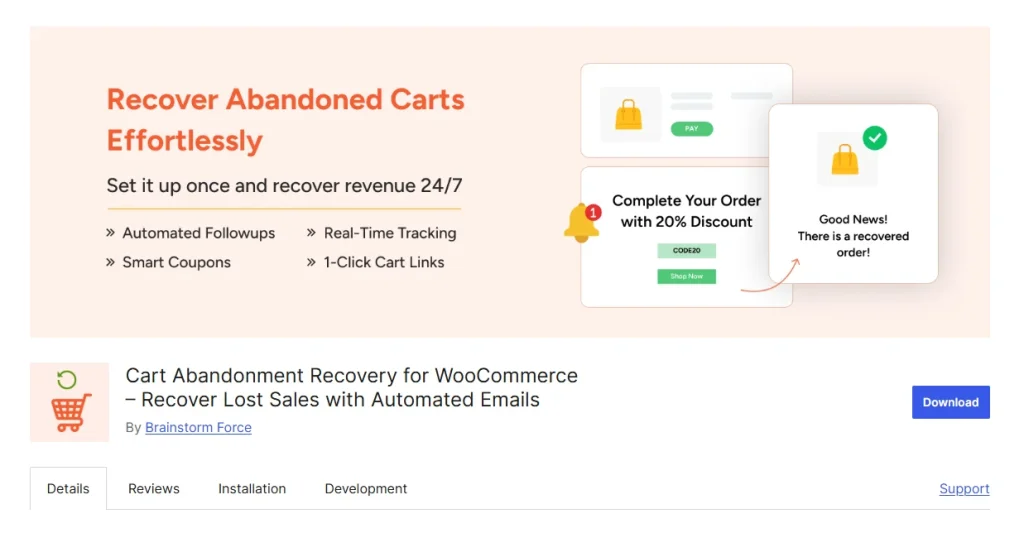
Cart Abandonment Recovery plugin captures carts at checkout. The moment someone enters their email on the checkout page, the plugin locks it in. That means even if they bail without completing the purchase, you still have their email and cart contents. You can then set up automated follow-up emails at different intervals, like one hour after abandonment, then 24 hours, then three days. Each email includes a one-click link that takes the customer back to their cart, already filled in.
The free version also generates unique coupon codes you can include in your recovery emails. That’s a feature most other free plugins lock behind a paywall. You get a dashboard with reports on abandoned carts, recovery rates, and revenue recovered. It handles guest carts and logged-in users. It’s GDPR-ready.
The Pro version adds product-specific reports and advanced email analytics like open rates, click rates, and unsubscribe tracking. Useful, but not essential for most small stores.
Key features (free version):
- Automated recovery emails at multiple time intervals
- 1-click cart recovery links
- Unique coupon codes in reminder emails
- Guest cart capture at checkout
- Abandoned cart reports and dashboard
- GDPR compliant
- Dynamic shortcodes for email personalization
- Tax and VAT details included in emails
Pricing: Free version includes core recovery features. Pro is available for advanced email tracking and product-specific reports.
2. CartBounty – Save and Recover Abandoned Carts (by Streamline)
CartBounty takes a straightforward approach. It monitors every shopping cart on your store in real time, the moment a product gets added. You can see what’s in each cart, who it belongs to, and where they are in the world. It feels a bit like watching a live feed of your store.
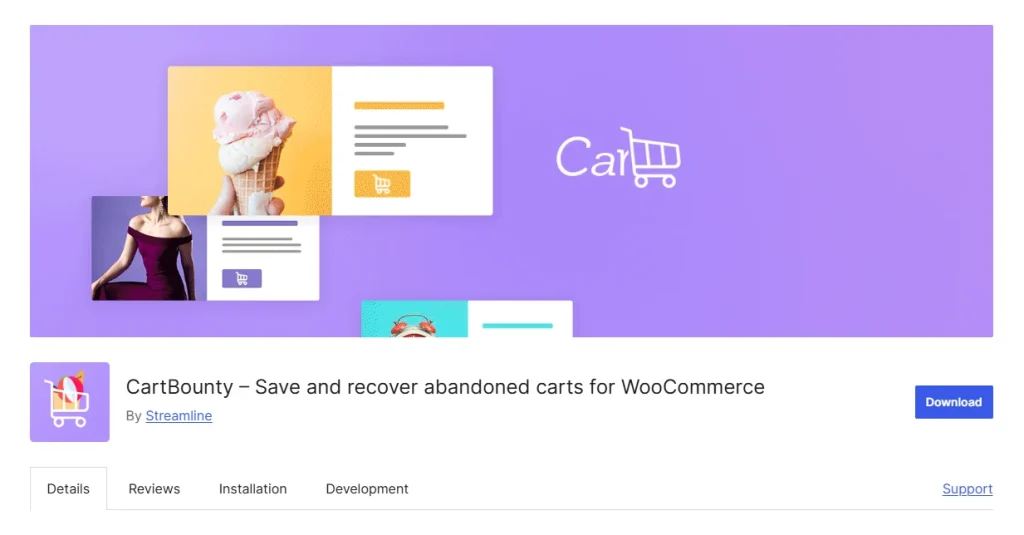
On the free plan, CartBounty can send automated recovery emails through your WordPress mail server. That part works. You set the delay, write the email, and it fires off reminders on schedule. It also tracks anonymous carts, which is handy because a lot of abandonments come from people who never log in or share an email.
The catch is that the free version is intentionally limited compared to Pro. You can’t generate coupon codes for recovery emails. You can’t send reminders through MailChimp, ActiveCampaign, or GetResponse. There’s no WhatsApp, no SMS, no web push notifications. And you don’t get open-rate or click-rate tracking, which means you’re flying a bit blind on whether your emails actually work.
Still, if you just want to send reminder emails from your own server without paying anything, CartBounty does that reliably. Ten thousand stores use it, and the 4.8-star rating suggests most of them are happy with it.
Key features (free version):
- Real-time shopping cart monitoring
- Automated recovery emails via WordPress mail server
- Anonymous cart tracking
- Abandoned cart reports
- Notification when a cart is abandoned
- Abandonment data by country
- Most abandoned products report
- GDPR compliant
Pricing: Free version includes email recovery via WP mail server. Pro is $108/year per site and adds coupon codes, third-party email integrations (MailChimp, ActiveCampaign, GetResponse), WhatsApp, SMS, web push, and email analytics.
3. Abandoned Cart Lite for WooCommerce (by Tyche Softwares)
Tyche Softwares has been building WooCommerce plugins for a long time, and it shows. Abandoned Cart Lite has over 20,000 active installs and gets updated regularly. It’s one of the more established free options in this space.
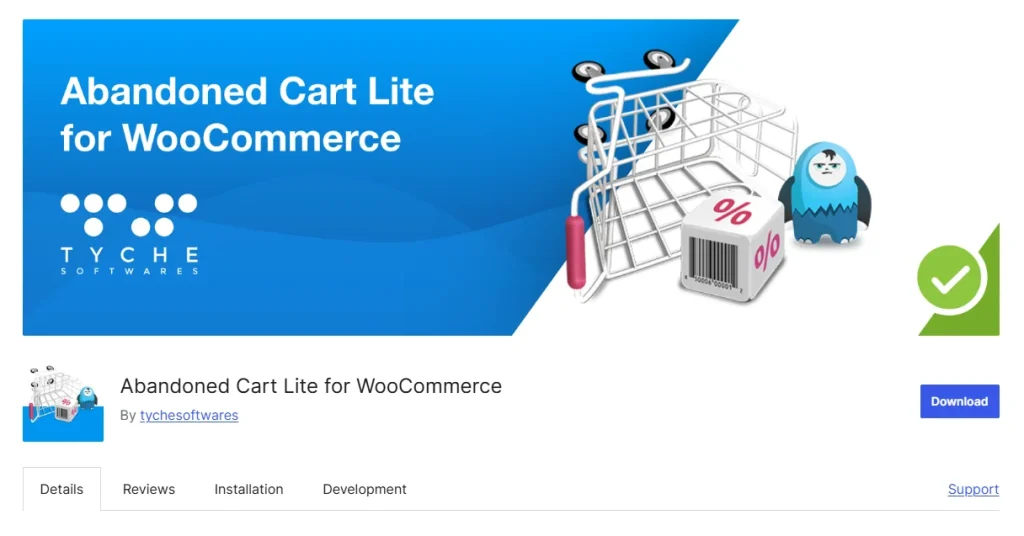
The plugin captures abandoned carts from both guest and registered users. On the free plan, it sends automated reminder emails. You choose how long to wait after abandonment before the email goes out. It includes seven merge codes for personalizing emails, so you can address customers by name and include their cart contents in the message.
One thing we like: it gives you recovery percentage tracking right in the free version. You can see what percentage of abandoned carts get recovered after a reminder is sent. That’s basic but useful feedback that some other free plugins don’t provide.
What you don’t get on free are coupon codes in reminder emails, exit-intent popups to capture emails before someone leaves, and the ability to send reminders through Facebook Messenger or SMS. The Pro version also lets you capture an email address the moment someone clicks “Add to Cart,” which is earlier in the funnel than most plugins manage.
The free version also lets you exclude carts by IP address, email, domain, or country. Useful if you’re getting a lot of bot traffic or spam carts.
Key features (free version):
- Automated reminder emails for guest and logged-in users
- Recovery percentage tracking
- 7 merge codes for email personalization
- Rich text editor for email templates
- Abandoned cart templates for quick setup
- Product abandonment reports (most abandoned and most recovered)
- Exclude carts by IP, email, domain, or country
- Admin notification when a cart is abandoned
Pricing: Free Lite version includes cart recovery emails with tracking. Pro version starts at $1 (introductory offer) and adds coupon codes, exit-intent popups, Facebook Messenger/SMS reminders, and early email capture on “Add to Cart” click.
4. Booster for WooCommerce (by Pluggabl)
Booster is not a cart recovery plugin. It’s a WooCommerce Swiss Army knife with over 100 modules, and one of those modules happens to handle abandoned carts. Thirty thousand stores use it, and it carries a solid 4.5-star rating from over 500 reviews.
The Cart Abandonment module on the free plan is simple. It sends a single recovery email. You can set the delay, customize the email content, and include a link back to the customer’s cart. It works for both guest and registered users. But that’s it. One email. No sequence, no follow-up at different intervals.
If you just want a basic “hey, you left something behind” email and you already have Booster installed for its other features (PDF invoicing, product swatches, price formatting, and the rest), then this is convenient. No need to install another plugin just for cart recovery.
If you want more sophisticated abandoned cart handling, Booster’s Elite version unlocks multi-email sequences. Or you could pair the free Booster cart module with another free plugin from this list for a layered approach.
One thing worth noting: because Booster does so many things, the settings page can feel overwhelming at first. The cart abandonment settings are tucked inside a long list of modules. It’s not hard to find, but it’s not front and center either.
Key features (free version — cart abandonment module):
- Single automated recovery email
- Adjustable send delay after abandonment
- Cart recovery link in email
- Works for guest and registered users
- Email customization with merge tags
- Part of a 100+ module WooCommerce toolkit
Pricing: Free version includes single recovery email plus all other free Booster modules. Booster Elite (paid) unlocks multi-email cart abandonment sequences and advanced features across all modules.
5. Abandoned Cart Recovery for WooCommerce (by VillaTheme)
VillaTheme’s plugin Abandoned Cart Recovery has been around for a while and gets updated frequently. Four thousand active installs isn’t huge compared to Brainstorm Force’s plugin, but the 4.5-star rating and consistent updates suggest a reliable product.
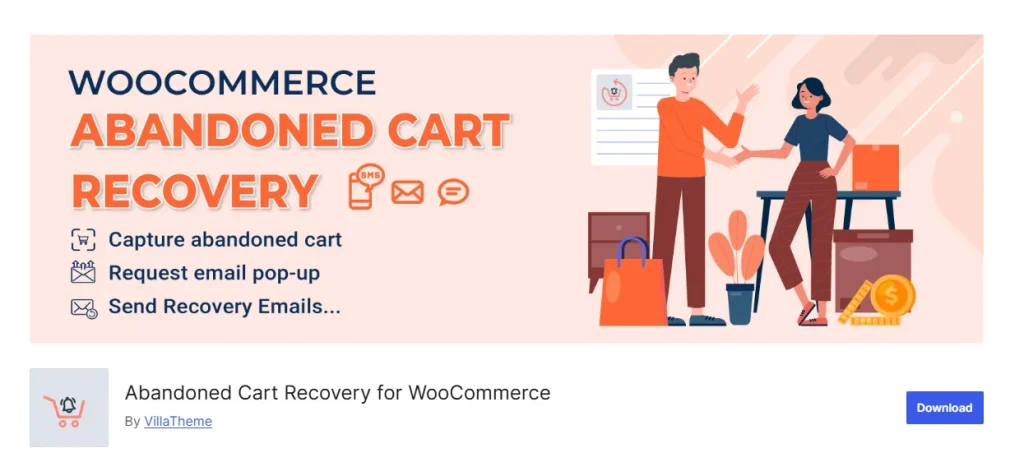
The free version tracks abandoned carts from both registered customers and guests. It sends recovery emails on a schedule you configure. It also supports sending recovery messages through Facebook Messenger, which is unusual for a free plugin. If your customers skew younger or you sell in markets where Messenger is more common than email, that’s worth knowing about.
The plugin includes a recovery log so you can see which emails were sent and which carts got recovered. There’s a basic reporting dashboard with recovery stats.
VillaTheme builds a lot of WooCommerce plugins, and Abandoned Cart Recovery integrates with some of their other tools if you happen to use them. That’s either convenient or a mild form of lock-in, depending on how you look at it.
The main limitation on free is that you don’t get advanced analytics or some of the more sophisticated automation features. But for a straightforward “capture cart, send email, track recovery” workflow, it does the job without complaints.
Key features (free version):
- Automated cart recovery emails
- Facebook Messenger recovery messages
- Guest and registered user cart capture
- Recovery log and reports
- Configurable email timing
- Email templates with personalization
- Integration with other VillaTheme plugins
Pricing: Free version includes email and Messenger recovery with basic reporting. Pro version adds advanced automation features and detailed analytics. Pricing available on the VillaTheme website.
6. Retainful (by Retainful)
Retainful is a different kind of tool. It’s not just an abandoned cart plugin. It’s a full email marketing platform for WooCommerce with a free plan that happens to include cart recovery. Think of it as a lightweight alternative to Klaviyo or Omnisend, except the free tier is genuinely useful.
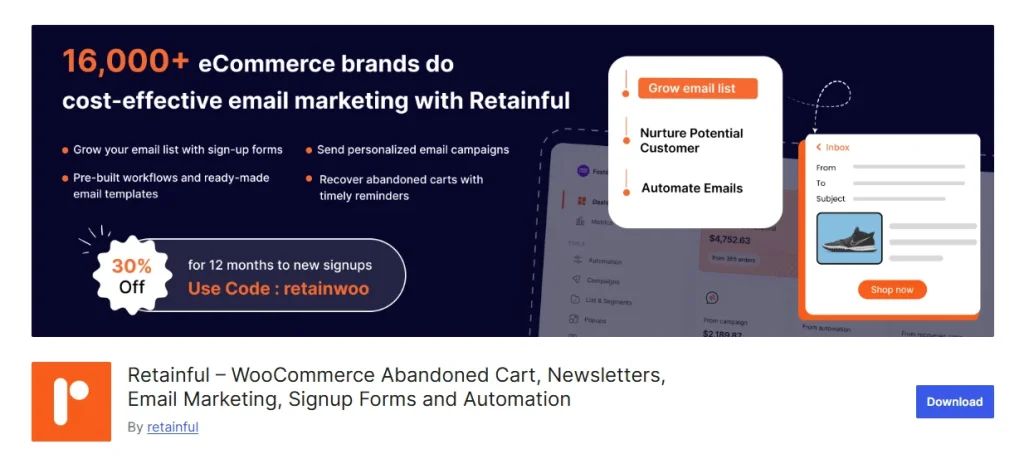
The free plan gives you 500 emails per month. That includes everything. Abandoned cart recovery automation, browse abandonment flows, welcome email series, winback campaigns, post-purchase emails. All of it.
You also get exit-intent popups, signup forms, a drag-and-drop email editor with 200+ templates, and segmentation. There’s even SMS marketing for US and Canada, and WhatsApp marketing through Twilio and Meta.
Five hundred emails a month might sound limiting, and it is if you have high traffic. But for a store doing 50 to 100 orders a month, it’s probably enough for your abandoned cart sequence and a couple of other campaigns. If you outgrow it, the paid plan is $14/month for 10,000 emails, and it includes every feature. You’re only paying for volume, not feature gates.
The catch is that Retainful is newer than the other plugins on this list. Only 500 active installs and 28 reviews. That’s a small community. The plugin works, the company seems responsive, but there’s less of a track record than CartBounty or Tyche Softwares have built up over the years.
If you want cart recovery plus a proper email marketing setup without paying Klaviyo prices, Retainful is worth a serious look.
Key features (free plan):
- Full abandoned cart recovery automation
- Browse abandonment, welcome series, winback, and post-purchase flows
- 500 emails per month
- 200+ email templates with drag-and-drop editor
- 100+ signup form and popup designs
- Exit-intent popups
- SMS marketing (US and Canada)
- WhatsApp marketing (via Twilio/Meta)
- Segmentation and contact management
- Dedicated success manager
Pricing: Free plan includes all features with a 500 emails/month limit. Pro is $14/month (10,000 emails/month). All features are included on both plans. You only pay for email volume.
How to choose between them
If you just want the best free cart recovery with the least hassle, go with Cart Abandonment Recovery by Brainstorm Force. Three hundred thousand installs and a perfect rating for a reason. The free version is remarkably full-featured, including coupon codes and multi-email sequences.
If you want something simple and established, Abandoned Cart Lite by Tyche Softwares is a safe bet. It’s been around a long time, it works, and the free version includes the essentials plus recovery tracking.
If you already use Booster for WooCommerce for other things, its built-in cart abandonment module is convenient even though it only sends one email on the free plan.
If you want cart recovery plus real email marketing without paying Klaviyo, Retainful is the standout. Five hundred free emails a month with full automation is hard to beat.
CartBounty and VillaTheme’s Abandoned Cart Recovery are both solid middle options. CartBounty gives you live cart monitoring and Facebook Messenger is VillaTheme’s differentiator.
A few things to keep in mind
Your email delivery matters more than which plugin you pick. If your WordPress mail server can’t reliably reach inboxes, recovery emails will land in spam no matter how good the plugin is. Consider using a transactional email service like Mailgun, Postmark, or even a free SMTP relay. Some of these plugins support third-party senders on their free plans.
One email is rarely enough. A single reminder catches some people. A sequence (one hour, one day, three days) catches more. If your plugin only sends one email on the free plan, think about whether that’s sufficient for your store’s traffic.
Cart abandonment rates vary by industry. If you sell luxury goods with long consideration cycles, your abandonment rate will be higher and recovery takes longer. If you sell impulse purchases, a quick first email might recover a lot.
Free today doesn’t mean free forever. Plugin developers change pricing. Before you build your entire recovery workflow around a free plugin, check how the developer treats their free users over time. The ones with large install bases and consistent update histories tend to be more stable.
Summing Up
You don’t need to spend $99 a month to start recovering abandoned carts. The free tools exist, they work, and several of them include features that used to be premium-only.
Start with one, measure your recovery rate, and upgrade only when the free version’s limitations actually cost you more in lost sales than the paid version would cost in dollars.
That’s the honest approach. And it’s probably what you should do.


1 thought on “Recovering Lost Sales: 6 Free Cart Abandonment Plugins”