Black Friday can bring a welcome rush of customers to your WooCommerce store. But more visitors don’t automatically mean more sales. If your product pages are confusing, your discounts are difficult to apply, or shoppers leave without completing their purchases, you could miss out on a big chunk of that opportunity.
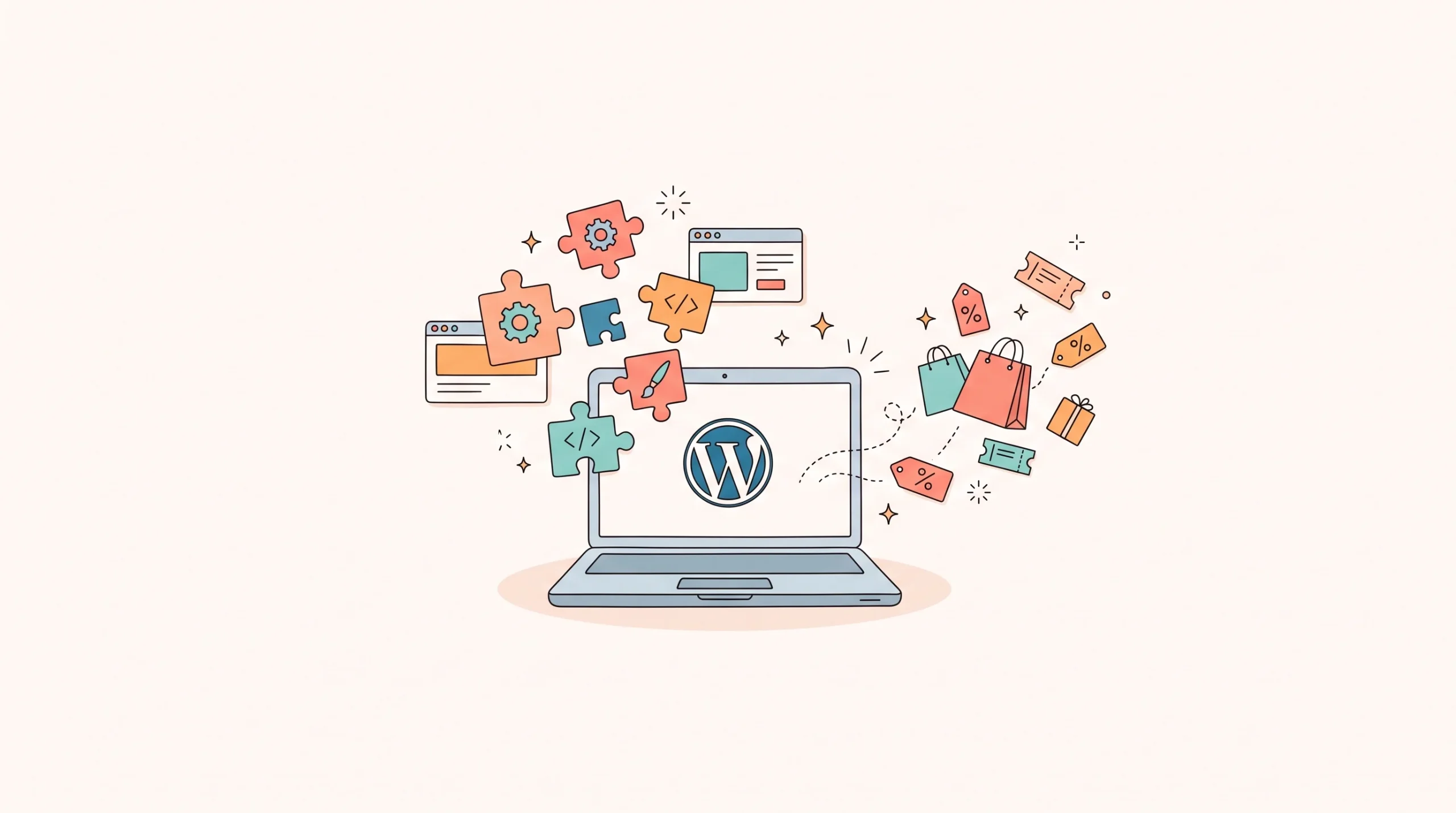
The good news? You don’t have to rebuild your entire store to prepare for the biggest shopping season of the year. The right WordPress plugins can help you improve your storefront, create attractive offers, recover abandoned carts, capture leads, and turn first-time buyers into returning customers.
We’ve rounded up the best WordPress plugins that can make your Black Friday 2026 successful. They cover six essential areas: store building, product bundles, discounts, cart abandonment, popups, and email marketing.
Let’s look at what each plugin does, which features can help your campaign, and what you should consider before installing it.
1. WowStore — Best for Building a Conversion-Focused WooCommerce Store
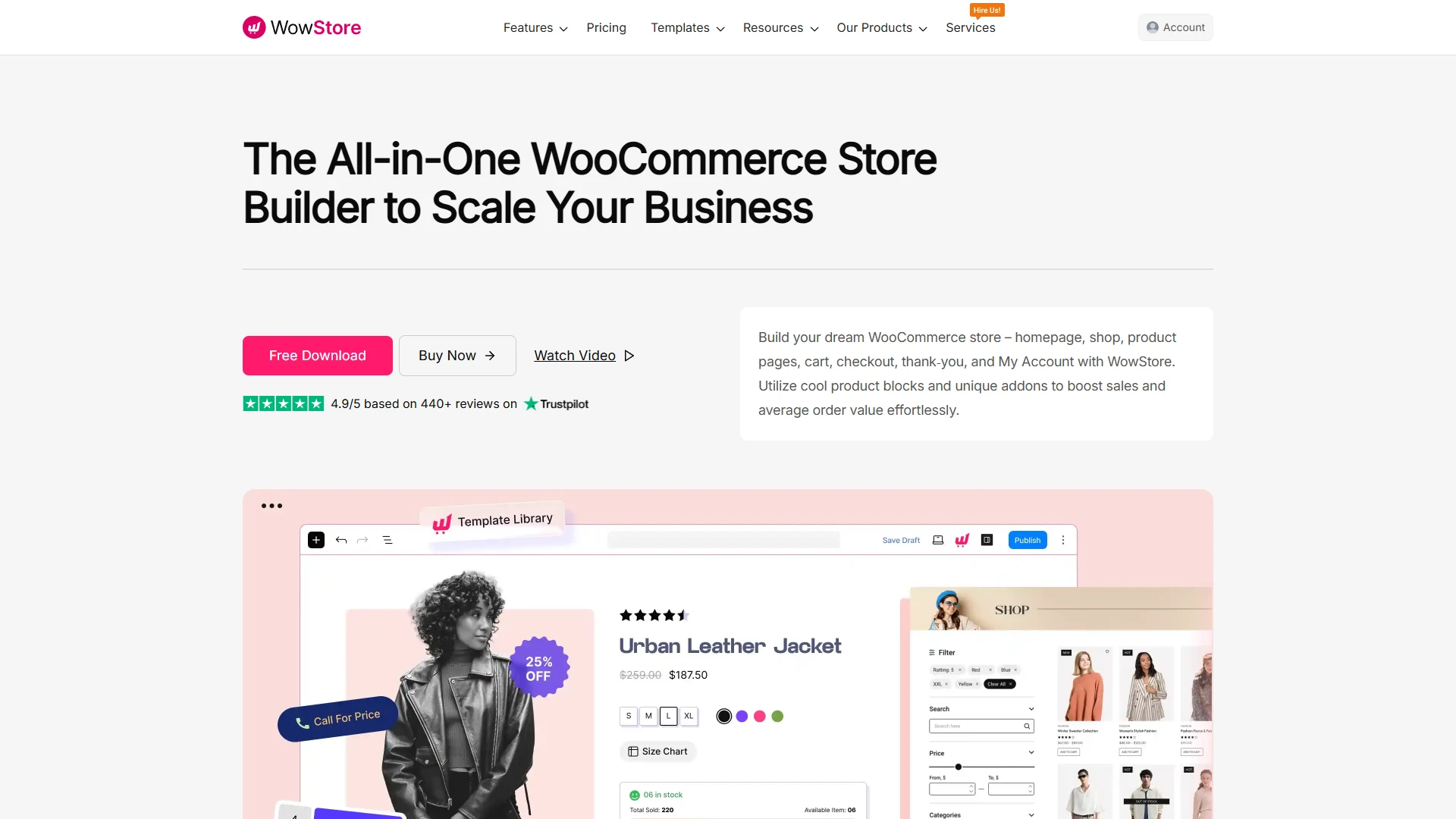
Your storefront is where the Black Friday shopping experience begins.
If customers struggle to find products, compare options, or add items to their carts, even a generous discount might not save the sale.
WowStore is a WooCommerce store builder that helps you customize your shopping experience using Gutenberg blocks. Instead of relying on a collection of unrelated design elements, you can create product layouts and shopping pages that fit your brand.
It’s worth considering if you want to improve your storefront before traffic picks up during Black Friday.
Key features
- Gutenberg-based builder for creating custom WooCommerce product pages and layouts.
- Ready-made templates and patterns to speed up store design.
- Product grids and customizable product displays for highlighting sale items.
- Product filters that help shoppers narrow down their options.
- WooCommerce-compatible blocks for building a more tailored shopping experience.
- Flexible page layouts for creating campaign-specific product collections.
What can be improved?
- New users may need time to understand the available blocks and configure their preferred layouts.
- Store owners should test custom product pages across mobile devices and screen sizes before launching a campaign.
Black Friday tip: Create a dedicated Black Friday collection and make your best deals easy to find from the homepage. A clear shopping journey is more useful than a homepage packed with competing banners.
2. Elementor — Best for Visual Store Design and Landing Pages
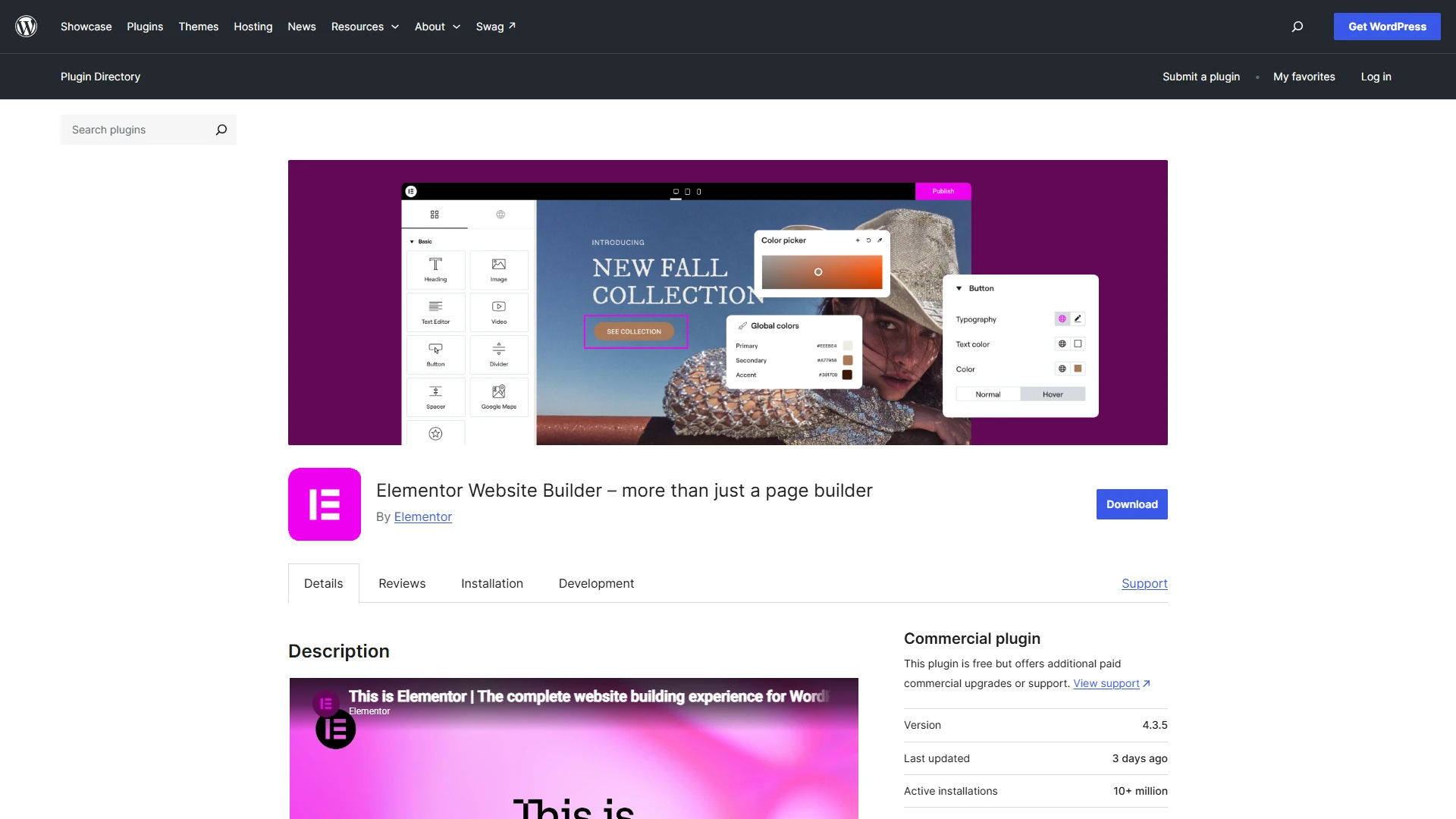
Sometimes, your existing store works perfectly well but needs a visual refresh for the holiday shopping season.
Elementor lets you design WordPress pages using a drag-and-drop editor, making it easier to build campaign landing pages without writing code.
With its WooCommerce design capabilities, you can also customize product pages, shop archives, and other parts of the shopping experience.
It’s particularly useful if you want a dedicated Black Friday landing page that brings together featured products, promotional messaging, and clear calls to action.
Key features
- Drag-and-drop visual editor for building campaign landing pages.
- WooCommerce widgets for customizing product displays.
- Theme Builder for designing headers, footers, and product templates.
- Pre-designed website kits to speed up page creation.
- Popup Builder for creating promotional overlays and lead capture forms.
- Responsive design controls for adjusting layouts on different devices.
What can be improved?
- Some advanced WooCommerce design and popup capabilities require a paid plan.
- Heavy layouts, animations, and third-party widgets can affect page performance if they’re not optimized.
- Store owners should test custom templates carefully to avoid design inconsistencies with their theme and other plugins.
Black Friday tip: Build one focused landing page for your biggest promotions. Group deals by category or customer need instead of sending every visitor to a crowded shop page.
3. WowRevenue — Best for Upselling, Bundles, and Revenue-Boosting Offers
Black Friday brings shoppers looking for deals, but that doesn’t mean every order needs to be a low-value purchase.
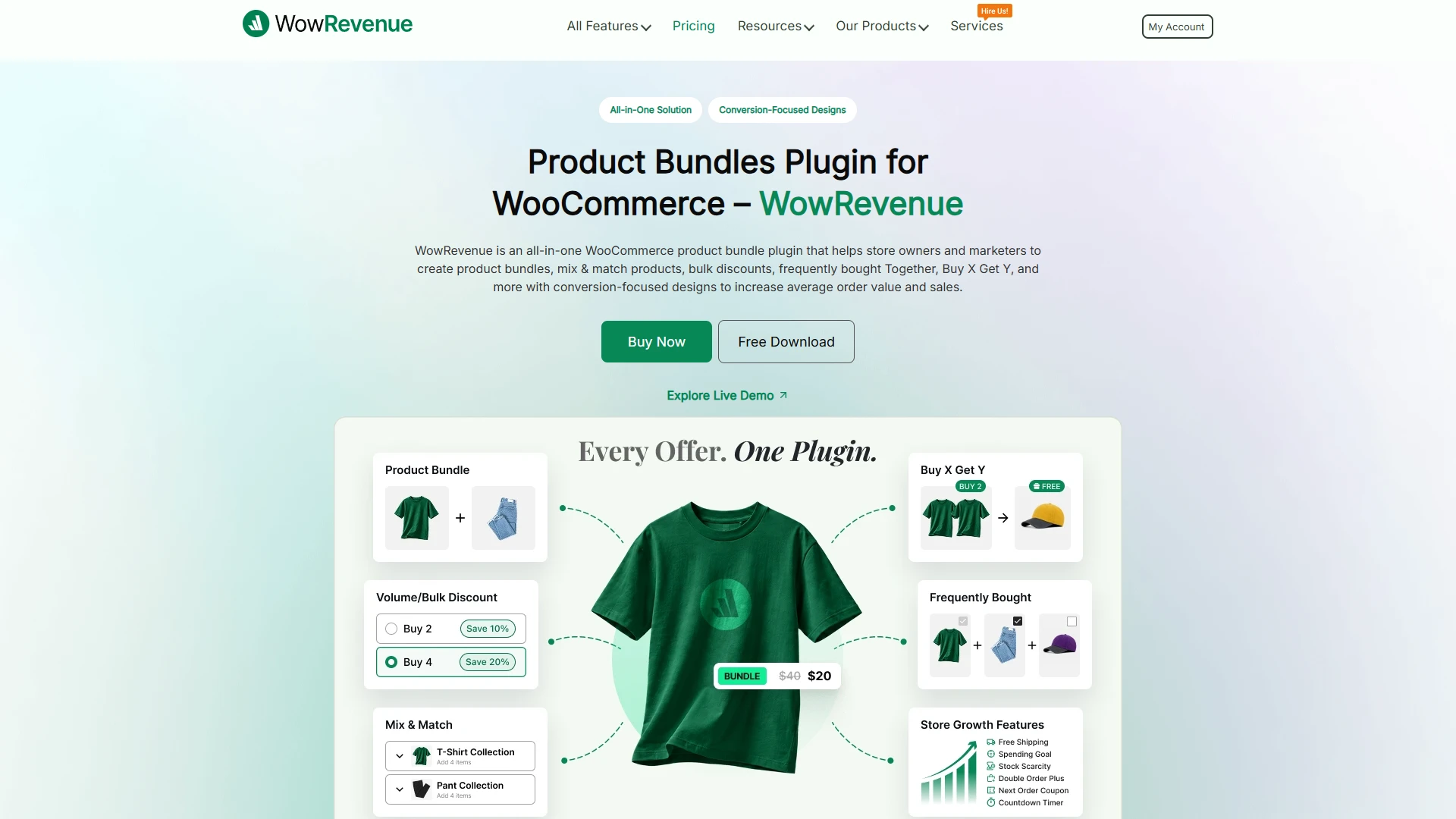
WowRevenue helps WooCommerce stores create promotional campaigns designed to encourage customers to add more products to their carts.
You can build offers such as product bundles, mix-and-match discounts, volume discounts, and Buy X Get Y promotions.
The plugin also supports different campaign placements, allowing you to display relevant offers around the shopping experience. It’s a useful option when you want to combine attractive discounts with strategies for increasing average order value.
Key features
- Create bundle discounts for complementary products.
- Offer mix-and-match promotions that let shoppers choose eligible items.
- Set up volume discounts to encourage larger purchases.
- Configure Buy X Get Y offers for selected products.
- Display campaigns using on-page, popup, or floating placements.
- Use countdown timers and stock-scarcity messaging for time-sensitive promotions.
What can be improved?
- Campaign rules and placements need careful testing to prevent overlapping or confusing offers.
- Too many simultaneous promotions can overwhelm shoppers and make the final price harder to understand.
- Store owners should measure order value and profit margins, not just the number of products sold.
Black Friday tip: Try a tiered offer such as “Buy two and save 10%, or buy four and save 20%.” Make sure the discount still leaves enough margin to make the campaign worthwhile.
4. Advanced Coupons — Best for Flexible WooCommerce Coupon Campaigns
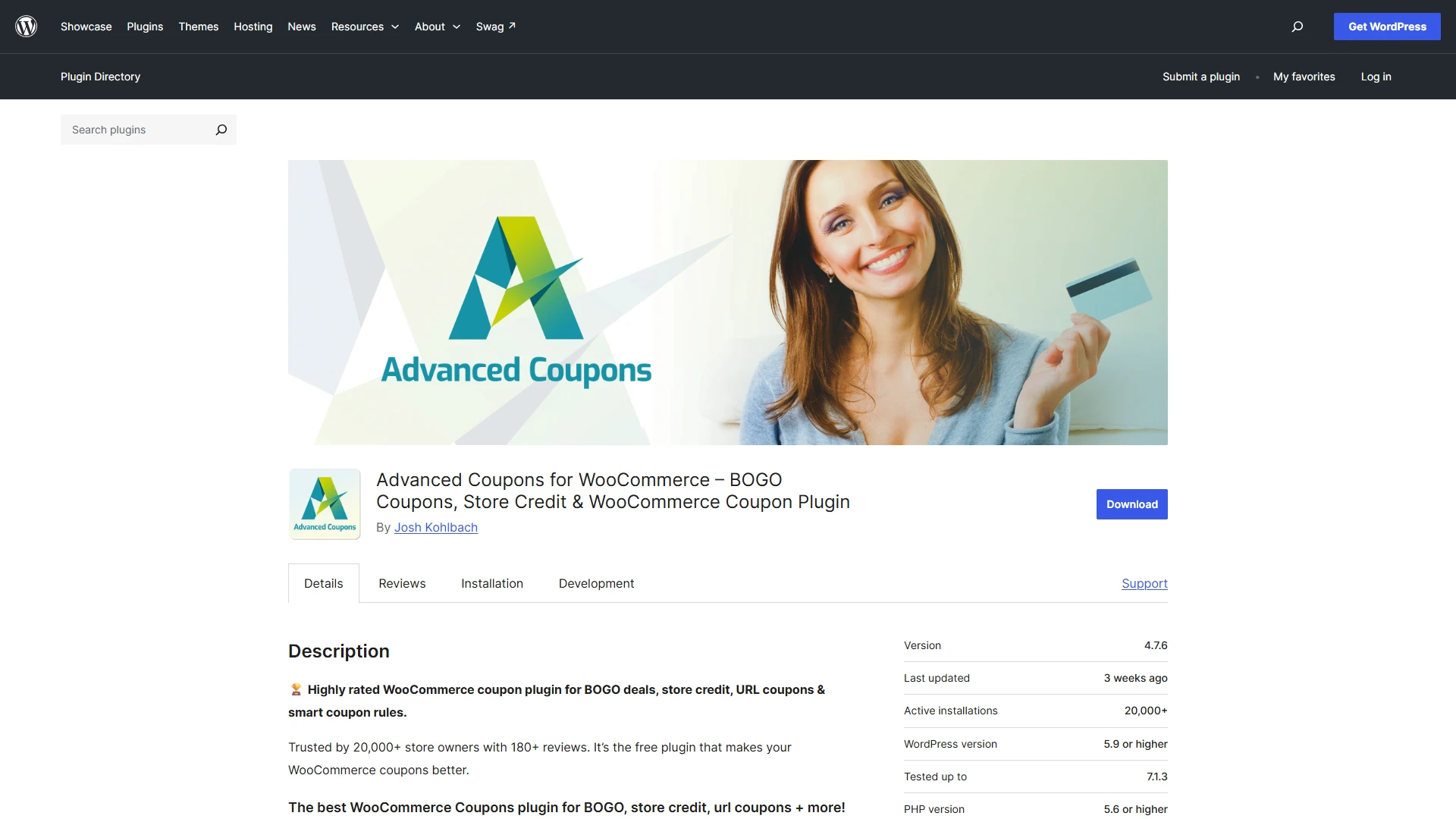
WooCommerce’s standard coupon functionality is useful, but more elaborate Black Friday campaigns can require additional control. Advanced Coupons extends coupon-based promotions with options for conditional discounts and other marketing incentives.
Depending on the plan and features enabled, you can build offers around cart conditions, customer eligibility, and specific purchase requirements.
This is useful when you want to reward larger orders, offer targeted incentives, or create promotions that go beyond a simple percentage-off code. Before choosing a plan, check which campaign types are included in the version you intend to use.
Key features
- Create advanced coupon rules for targeted promotions.
- Set cart conditions that determine when a coupon can be used.
- Configure Buy One Get One-style offers with supported features.
- Apply coupons automatically when eligible conditions are met.
- Create store-credit or loyalty-style incentives with the appropriate extensions.
- Combine eligible coupon features to support different promotional strategies.
What can be improved?
- Some advanced campaign types require paid features or additional extensions.
- Complex coupon conditions can become difficult to manage without a documented promotion plan.
- Coupon stacking and compatibility should be tested to avoid unexpected discounts at checkout.
Black Friday tip: Offer an automatic discount when a cart reaches a minimum spend. Customers can see the savings without searching for a coupon code or wondering why a code isn’t working.
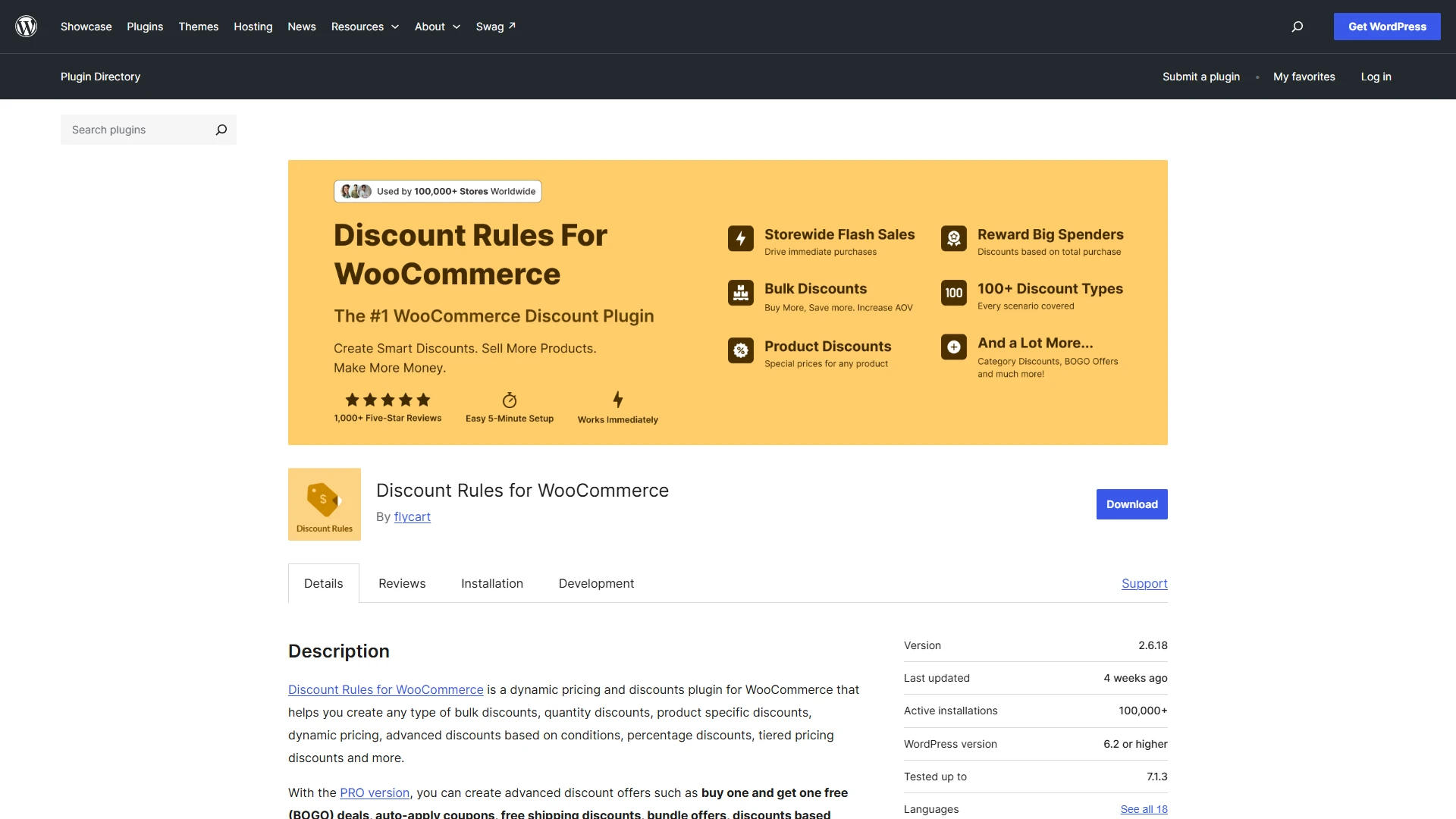
5. Discount Rules for WooCommerce — Best for Dynamic Pricing and Bulk Discounts
Not every Black Friday promotion works well with a traditional coupon code.
Sometimes, you want discounts to appear automatically based on the products customers select, how many items they buy, or how much they spend.
Discount Rules for WooCommerce helps store owners configure these kinds of pricing rules. It’s particularly useful for stores selling products in multiple quantities, running category-wide promotions, or offering different discounts to encourage larger purchases.
Rather than manually changing individual product prices, you can define rules for eligible products and let the plugin apply the appropriate discount.
Key features
- Set percentage-based and fixed-amount discounts.
- Configure quantity-based pricing and bulk discounts.
- Create Buy X Get Y promotions with supported rule types.
- Apply discounts to selected products or categories.
- Set cart-based discounts according to eligible conditions.
- Schedule promotional rules where supported by the selected version.
What can be improved?
- Complicated rule combinations may require careful planning to avoid conflicting discounts.
- Some advanced conditions and campaign options may be limited to premium plans.
- Final cart totals should be tested with sale prices, coupons, and variable products before launch.
Black Friday tip: Use quantity-based discounts for products customers regularly buy in multiples. Keep the saving easy to understand, and clearly explain whether discounts apply automatically or require a code.
6. FunnelKit — Best for Checkout Optimization and Cart Recovery
Getting a customer to add a product to their cart is only half the job. If checkout feels slow, confusing, or unnecessarily complicated, they may leave before completing their purchase.
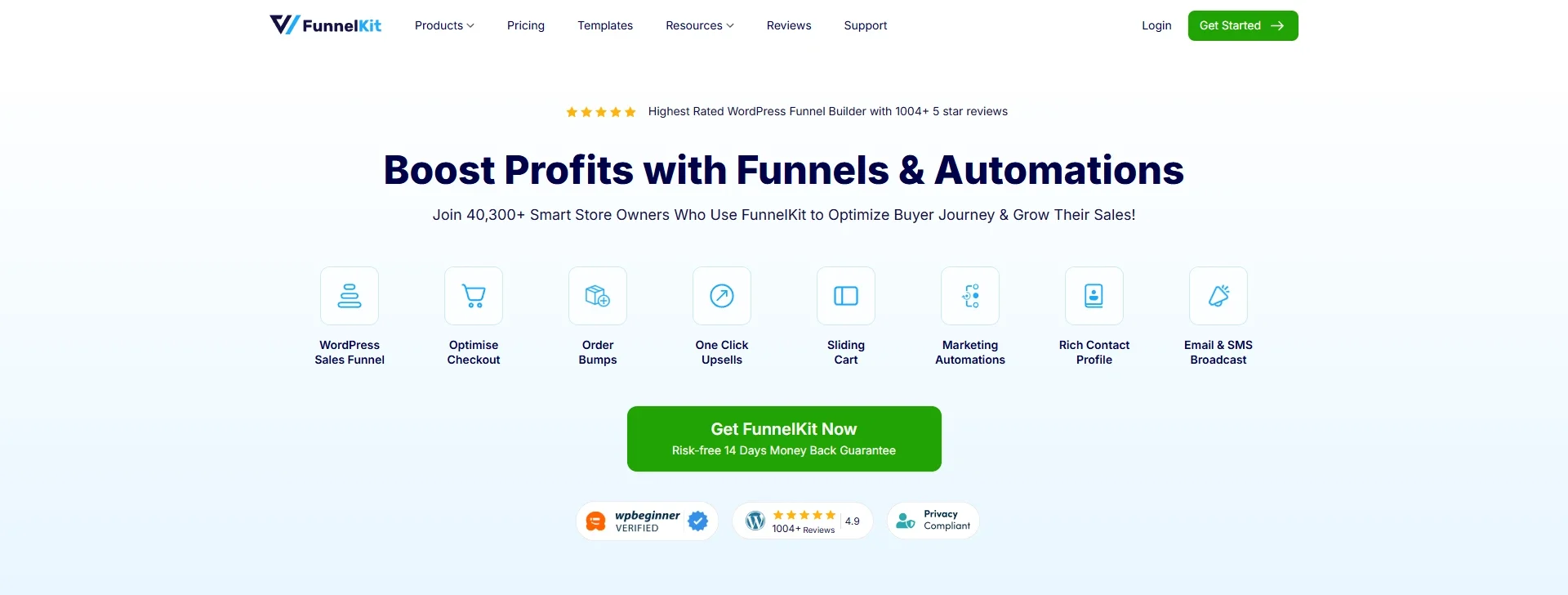
FunnelKit provides tools for building WooCommerce sales funnels and optimizing checkout experiences. Depending on the products and plan you choose, it can support custom checkout pages, order bumps, one-click upsells, and abandoned-cart recovery workflows.
That makes it useful for stores looking to improve the buying journey while giving customers relevant opportunities to add complementary products.
Key features
- Build customized WooCommerce checkout pages.
- Add relevant order bumps during checkout.
- Create one-click post-purchase upsell and downsell offers.
- Track abandoned carts and recovered revenue with supported recovery features.
- Set up automated email sequences for abandoned carts.
- Monitor funnel performance using available analytics and reporting.
What can be improved?
- The full feature set may require paid plans or companion products.
- Checkout customization should be tested with payment gateways, shipping methods, and other WooCommerce extensions.
- Upsells need to remain relevant and optional so they don’t distract customers from completing their original purchases.
Black Friday tip: Test your checkout on mobile and run a complete test order before the campaign starts. A working discount is only useful if customers can successfully pay for it.
7. Retainful — Best for Email-Based Cart Recovery
Shoppers often leave a store without completing checkout. They might get distracted, compare prices elsewhere, or decide to think about the purchase later.
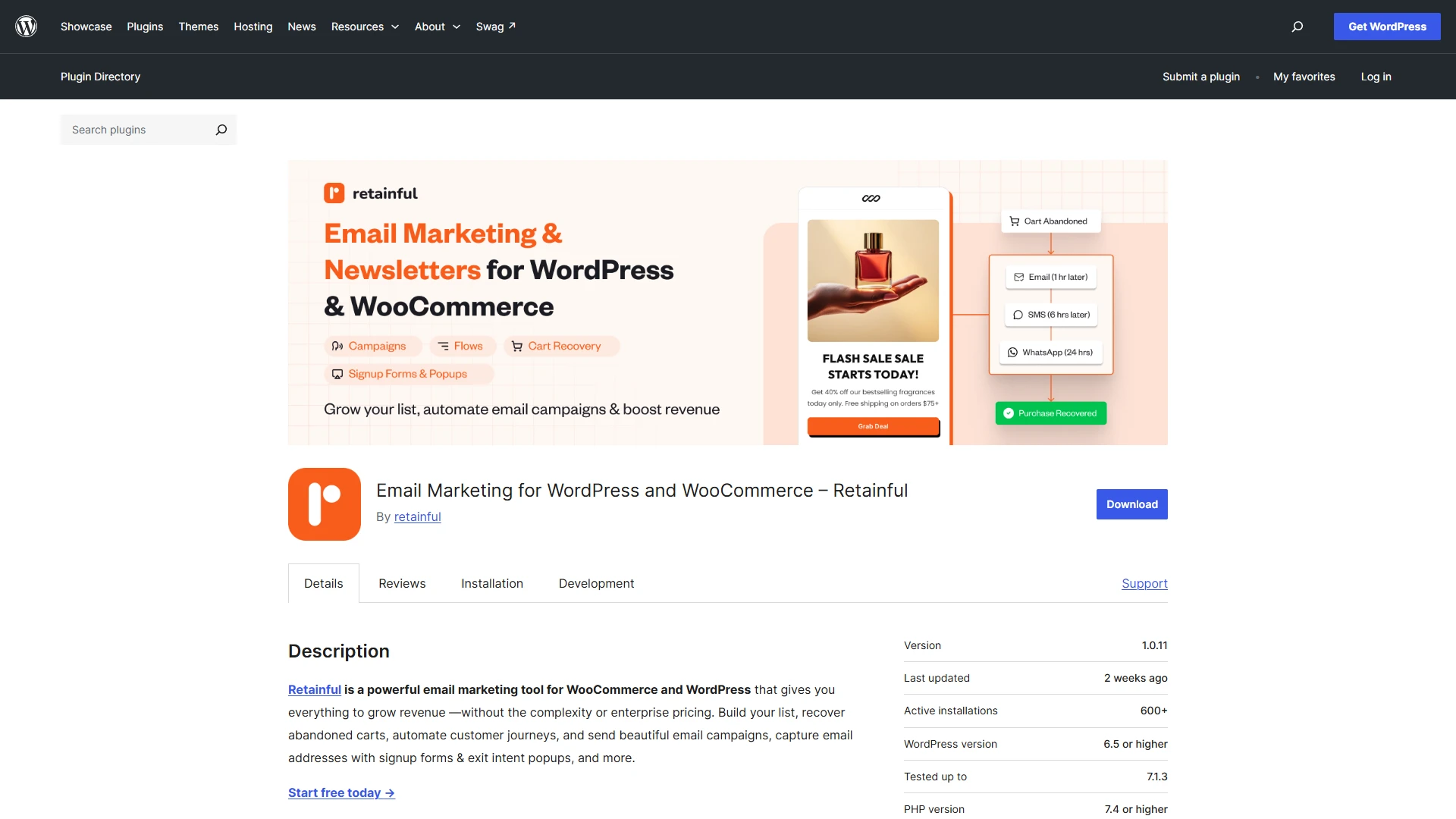
Retainful helps WooCommerce stores follow up with these shoppers through abandoned-cart recovery and automated marketing.
It also supports email campaigns, signup forms, and customer journey workflows, with SMS and WhatsApp capabilities available through its platform.
This makes it worth considering if you want to bring shoppers back after they leave while also building relationships beyond a single Black Friday transaction.
Key features
- Send automated abandoned-cart recovery emails.
- Use recovery links to help shoppers return to their carts.
- Build email campaigns for promotions and customer updates.
- Create signup forms and targeted popups to collect subscribers.
- Set up automated customer journeys for welcome and post-purchase messages.
- Use supported SMS and WhatsApp marketing capabilities.
What can be improved?
- Recovery performance depends on identifying shoppers and having a usable contact method.
- Email, SMS, and WhatsApp campaigns require appropriate consent and careful audience management.
- Stores should review automation limits and plan features before choosing a subscription.
Black Friday tip: Set up your recovery sequence before traffic increases. Start with a helpful reminder, then consider a second message that answers common questions or explains the offer’s expiry.
8. WowOptin — Best for Targeted Popups and Lead Generation
Many visitors won’t buy on their first visit, even when they’re interested in your products. A well-timed popup can give them a reason to stay connected by offering a discount, collecting an email address, or highlighting a relevant promotion.
WowOptin helps WordPress users create opt-in campaigns and target them based on different conditions. Its WooCommerce targeting capabilities can show offers according to cart value, cart contents, or selected store pages.
That makes it useful for creating more relevant Black Friday campaigns instead of displaying the same popup to every visitor.
Key features
- Choose from 700+ templates for different popup campaign types.
- Create opt-in forms to collect email subscribers.
- Design promotional popups for Black Friday deals and special offers.
- Use supported targeting rules to display relevant campaigns.
- Customize popup designs to match your store’s branding.
- Create targeted campaigns for different pages and shopping scenarios.
What can be improved?
- Store owners may need time to choose suitable templates and configure targeting rules effectively.
- Too many popups can interrupt the shopping experience, especially on mobile devices.
Black Friday tip: Launch an early-access signup popup before your sale begins. Give subscribers a clear reason to join your list, then email them when your best deals go live.
9. Popup Maker — Best for Flexible WordPress Popups
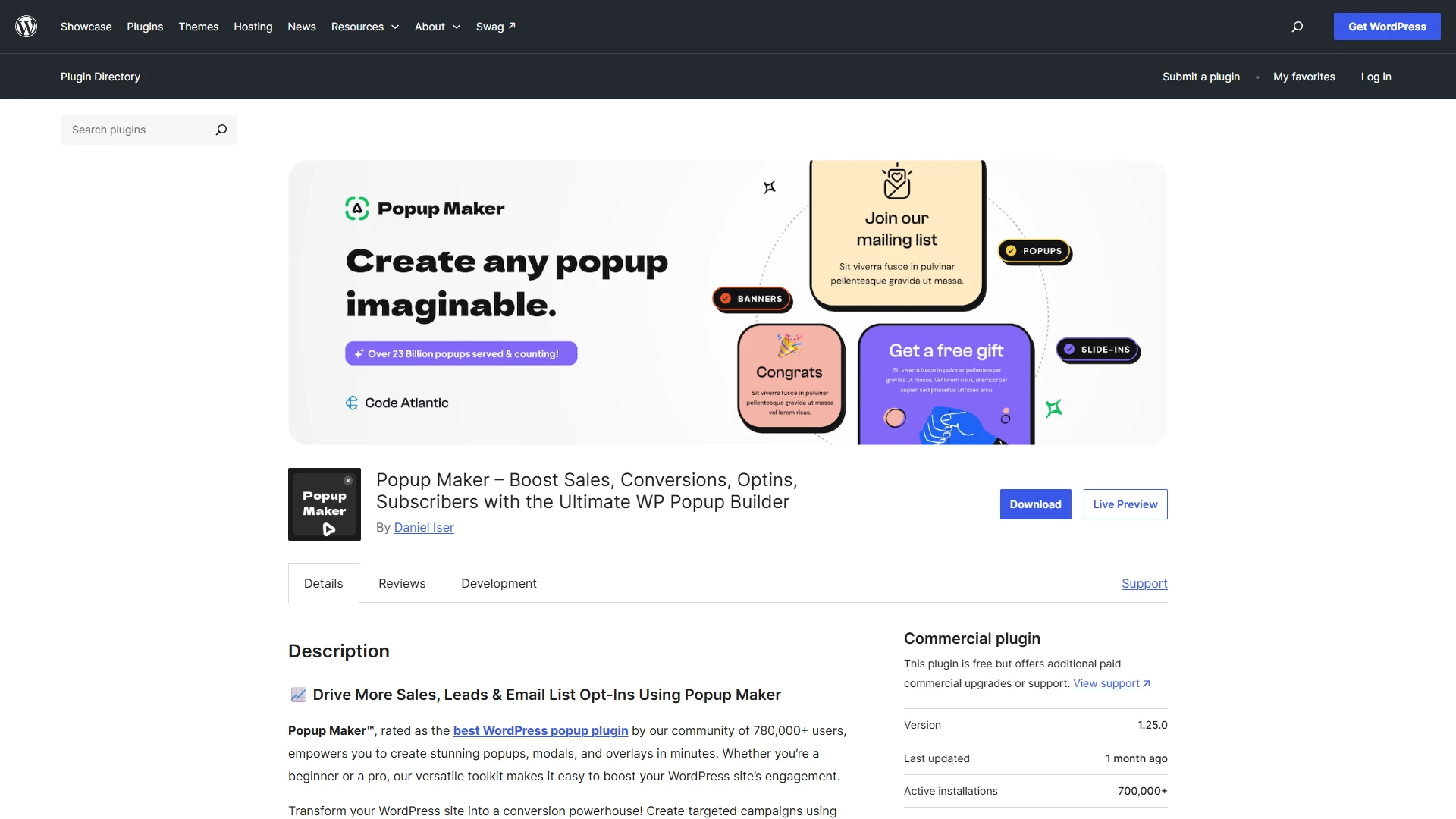
If you want another option for building promotional popups, Popup Maker gives WordPress site owners tools to create and control popup campaigns. You can use popups for email signup forms, announcements, coupon offers, and other campaign messages.
Display and trigger settings help you decide when a popup appears, while integrations can connect forms to other marketing tools.
For Black Friday, it’s a practical option for stores that want to promote a sale or collect subscribers without rebuilding their whole site. Check which advanced triggers and integrations are included in your chosen setup.
Key features
- Create popups for promotions, announcements, and signup forms.
- Configure triggers to control when popups appear.
- Set display conditions for specific pages or content.
- Customize popup appearance to fit your site’s design.
- Connect supported form and email marketing integrations.
- Use available analytics and extensions to refine campaigns.
What can be improved?
- Some advanced triggers and integrations may require paid extensions.
- Complex targeting can take extra setup and testing.
- Store owners should keep popups accessible and avoid interrupting checkout unnecessarily.
Black Friday tip: Use one focused popup to promote your main offer or capture email signups. Test its timing on mobile and make sure it never blocks customers from completing checkout.
10. MailPoet — Best for WordPress-Native Email Marketing
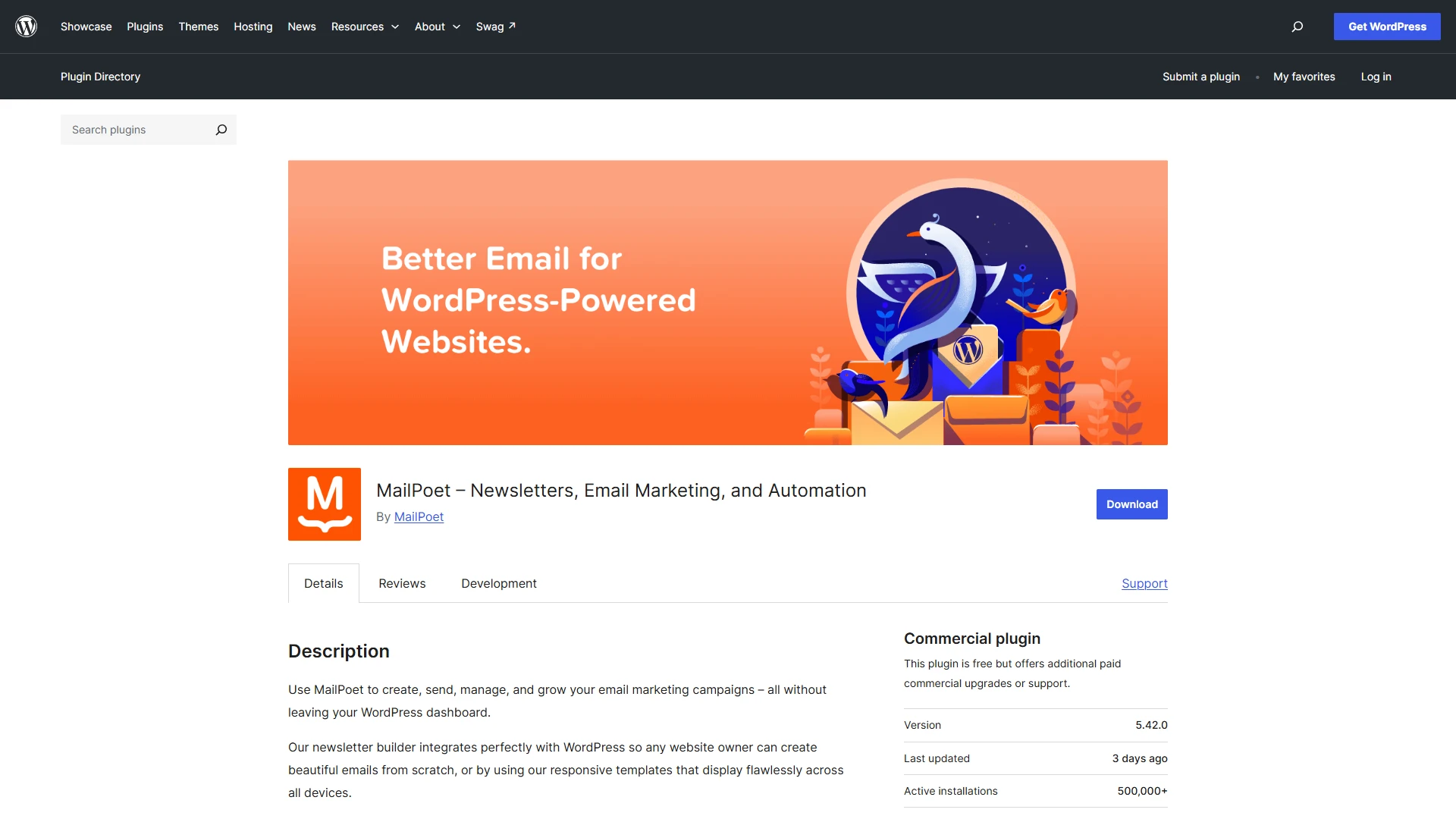
Email remains a practical way to announce Black Friday deals, remind subscribers about expiring offers, and bring previous customers back to your store.
MailPoet lets you manage email marketing from within WordPress, which can be convenient if you prefer working in your existing dashboard. It supports newsletters, subscriber management, and WooCommerce-related email marketing features.
Rather than treating email as an afterthought during the sale, you can use it to plan a series of messages before, during, and after Black Friday. Check the current plan limits before choosing it for a large campaign.
Key features
- Create and send email newsletters from WordPress.
- Design messages using a visual email editor.
- Manage subscribers and signup forms.
- Use supported WooCommerce features to communicate with customers.
- Customize WooCommerce transactional email designs with available functionality.
- Schedule campaigns to coordinate with your Black Friday calendar.
What can be improved?
- Subscriber and sending limits vary by plan and should be reviewed before a large campaign.
- More advanced automation requirements may call for a higher plan or another marketing platform.
- Email deliverability depends on sender configuration, list quality, consent, and campaign practices—not just the plugin.
Black Friday tip: Prepare your email sequence in advance. Consider an early-access announcement, a launch-day email, a reminder before the offer expires, and a post-sale follow-up for customers who purchased.
11. Omnisend — Best for Multichannel Ecommerce Marketing
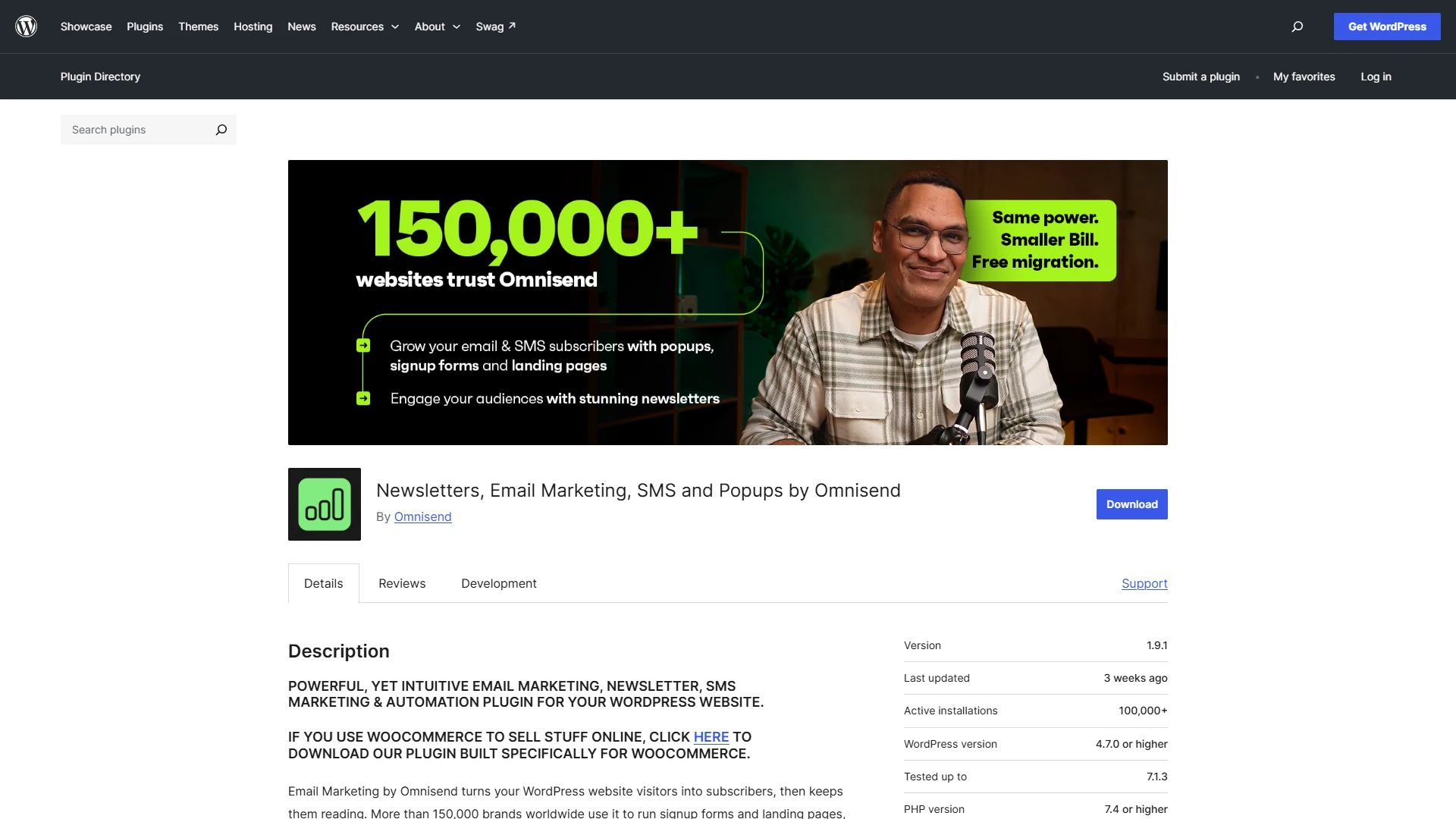
Black Friday shoppers don’t all respond to the same message or use the same channel. Some prefer email, while others are more likely to engage with a text message or an on-site signup form.
Omnisend connects with WooCommerce to support ecommerce email marketing, SMS campaigns, signup forms, and automated customer journeys. It can help you coordinate welcome messages, abandoned-cart reminders, and promotional campaigns using customer and shopping activity.
If you want more than a newsletter tool, Omnisend is worth considering—but check channel availability, contact limits, and pricing against your campaign requirements.
Key features
- Sync supported WooCommerce customer and shopping data.
- Create email campaigns using a drag-and-drop editor.
- Build automated workflows for welcome messages and cart recovery.
- Create signup forms and popups to capture subscribers.
- Combine email and SMS in supported marketing workflows.
- Segment audiences and review campaign performance using available reporting.
What can be improved?
- Costs can increase as your contact list and messaging needs grow.
- SMS availability, pricing, and consent requirements vary by destination and plan.
- Stores already using several marketing platforms should assess integration overlap before adding another service.
Black Friday tip: Segment your audience before sending the first campaign. New subscribers, previous customers, and shoppers who abandoned their carts may need different messages rather than one promotion sent to everyone.
Underrated WordPress Plugins That Can Boost Black Friday Sales
The 12 plugins above cover the big pieces of your Black Friday strategy. But a few less obvious tools can help you capture missed sales, build trust, and encourage customers to add more products to their carts. Here are four worth considering.
1. TrustPulse — For Building Real-Time Social Proof
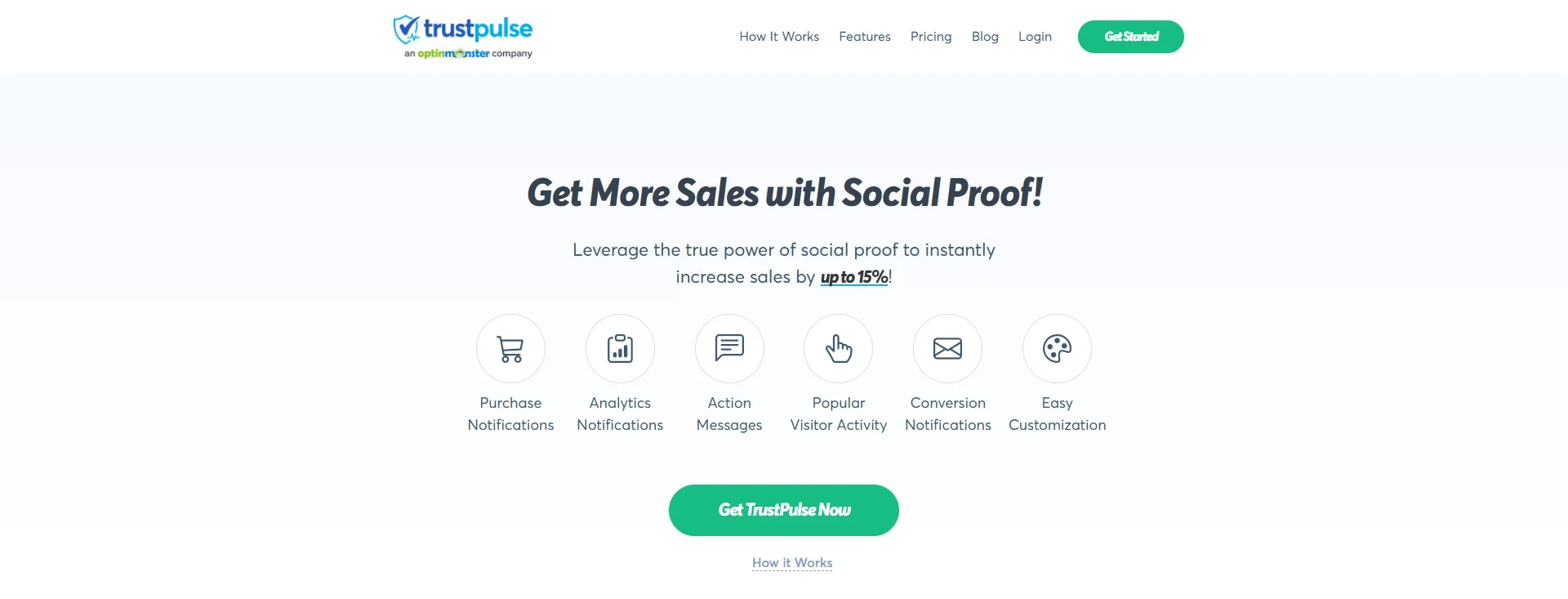
Ever noticed how seeing other people buy a product can make an offer feel more reassuring? TrustPulse displays social proof notifications, such as recent purchases and newsletter signups, to help build visitor confidence. You can customize when and where these notifications appear.
Black Friday tip: Display genuine purchase activity on relevant product and campaign pages. Never use fabricated activity or misleading scarcity messages.
2. WowRecommend — For AI-Powered Product Recommendations
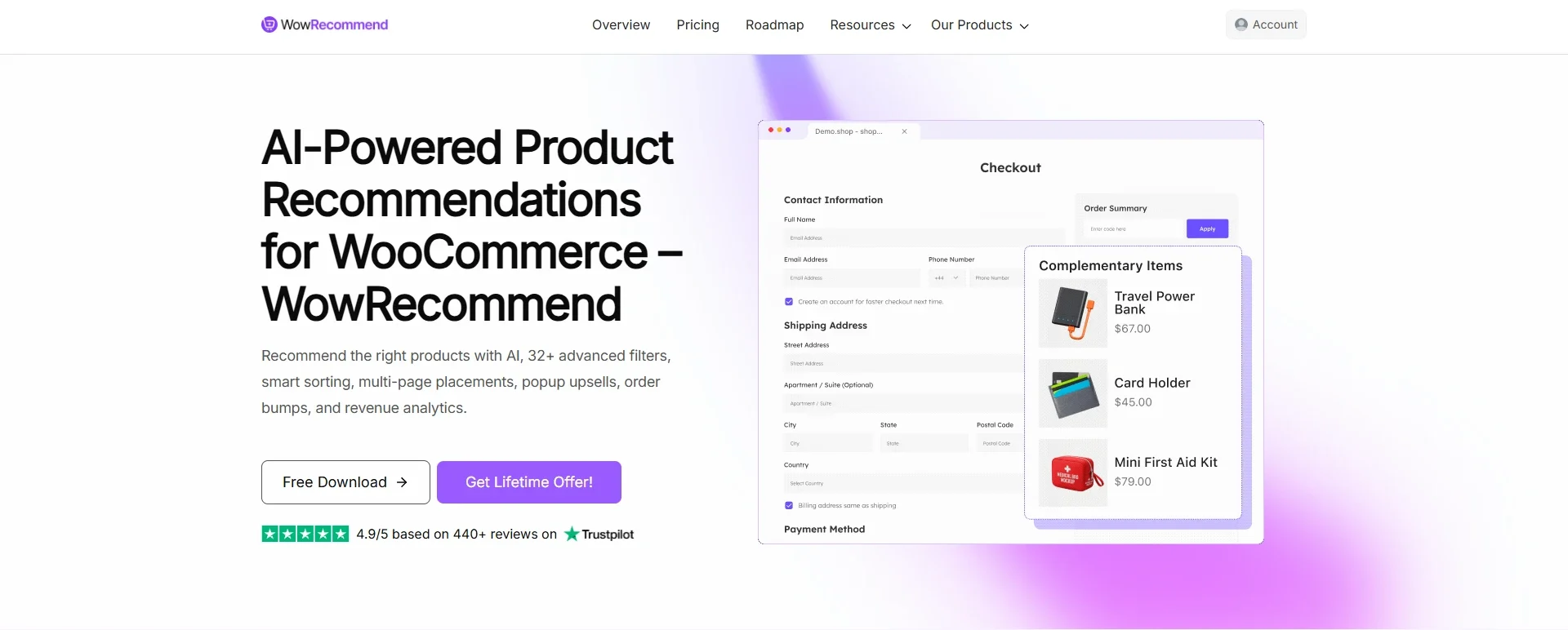
Customers browsing Black Friday deals may not always know which products complement their choices. WowRecommend helps WooCommerce stores display relevant product recommendations using customizable rules and filters.
You can tailor recommendations to shopping behavior and product attributes, helping shoppers discover items that fit their needs. With features such as popup upsells and checkout order bumps, it can also help stores present relevant offers throughout the buying journey.
Black Friday tip: Recommend complementary products on product pages and at checkout. For example, suggest a matching accessory or related item to encourage shoppers to add more to their carts without distracting them from completing their purchase.
3. Waitlist for WooCommerce — For Recovering Lost Sales From Stockouts
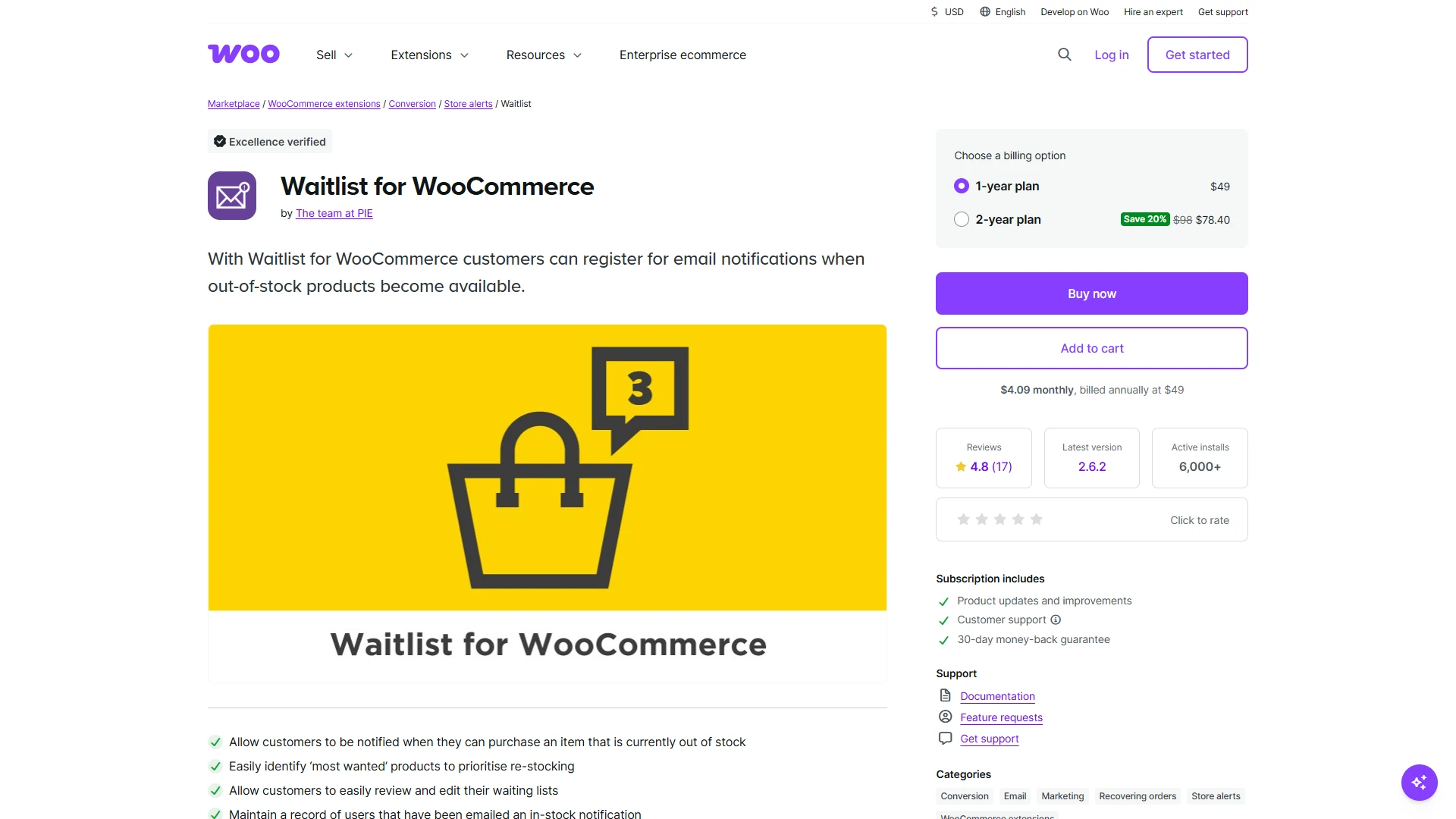
Running out of a popular product during Black Friday can mean losing customers who were ready to buy. Waitlist for WooCommerce lets shoppers sign up for back-in-stock alerts and automatically notifies them when an eligible product becomes available again.
Black Friday tip: Enable waitlists for high-demand products and use signups to understand which items may need restocking.
4. Photo Reviews for WooCommerce — For Stronger Customer Trust
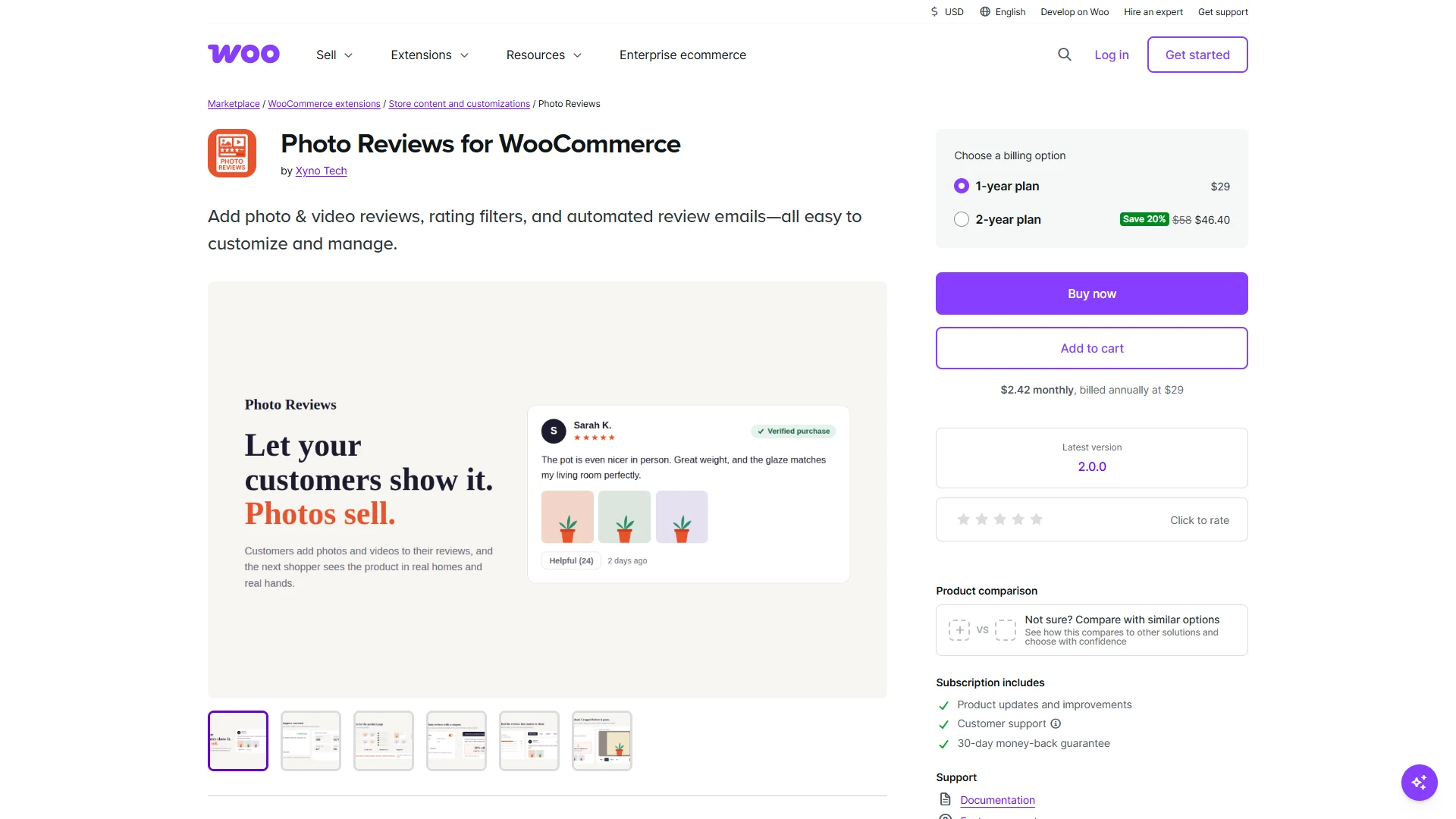
Shoppers often want to see what a product looks like in real life before spending their money. Photo Reviews for WooCommerce lets customers add photos and videos to reviews, while automated review-request emails help you collect more customer feedback.
Black Friday tip: Feature authentic customer photos on your most important product pages so shoppers can see real-world examples before purchasing.
You don’t need to install every plugin on this list. Choose the tools that solve an actual problem in your store, test them before Black Friday, and track whether they contribute to more completed orders or higher average order value.
How to Choose the Right WordPress Plugins for Black Friday
You don’t need all 12 plugins to run a successful campaign. The right combination depends on where your store needs the most help.
| Your goal | Plugins to consider |
|---|---|
| Improve storefront design | WowStore or Elementor |
| Create product packages | WooCommerce Product Bundles or WowRevenue |
| Run advanced discounts | Advanced Coupons or Discount Rules for WooCommerce |
| Optimize checkout and recover carts | FunnelKit |
| Recover abandoned carts and automate follow-ups | Retainful |
| Capture more leads with popups | WowOptin or Popup Maker |
| Send newsletters and automated emails | MailPoet or Omnisend |
These are alternatives in several categories, not a recommendation to install every option together. Some plugins overlap in functionality, so choose the one that best fits your budget, workflow, and technical requirements.
Summing Up
Black Friday success isn’t just about offering the biggest discount. It’s about making the shopping experience easy, presenting the right offers, and following up with customers at the right time.
Start by identifying your biggest bottleneck. If your store is difficult to navigate, improve the storefront. If customers aren’t buying enough per order, experiment with bundles or tiered discounts.
If shoppers leave without checking out, focus on checkout improvements and cart recovery. And if you’re struggling to bring customers back, build an email marketing plan before the sale begins.
Most importantly, test your chosen plugins together before Black Friday traffic arrives. Check mobile layouts, discount calculations, checkout, payment processing, email delivery, and campaign timing. A smaller, well-tested plugin stack is usually a better starting point than installing every tool you can find.
The goal is simple: give customers a smoother shopping experience while making your promotions easier to manage. Get those basics right, and you’ll be in a much stronger position to make the most of Black Friday 2026.